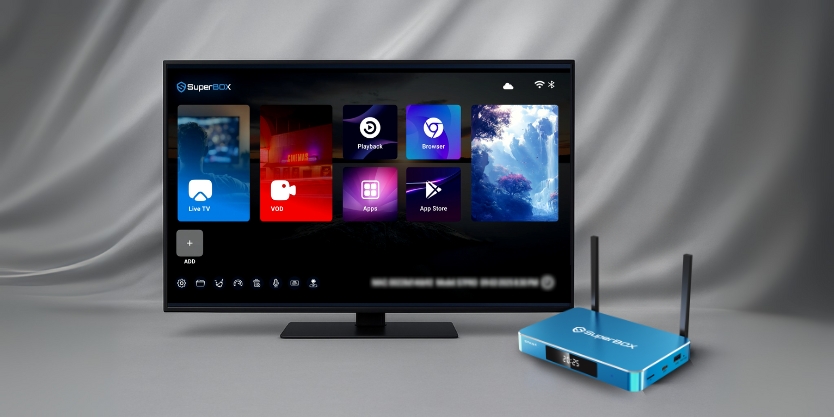
.png?w=2048&h=563)
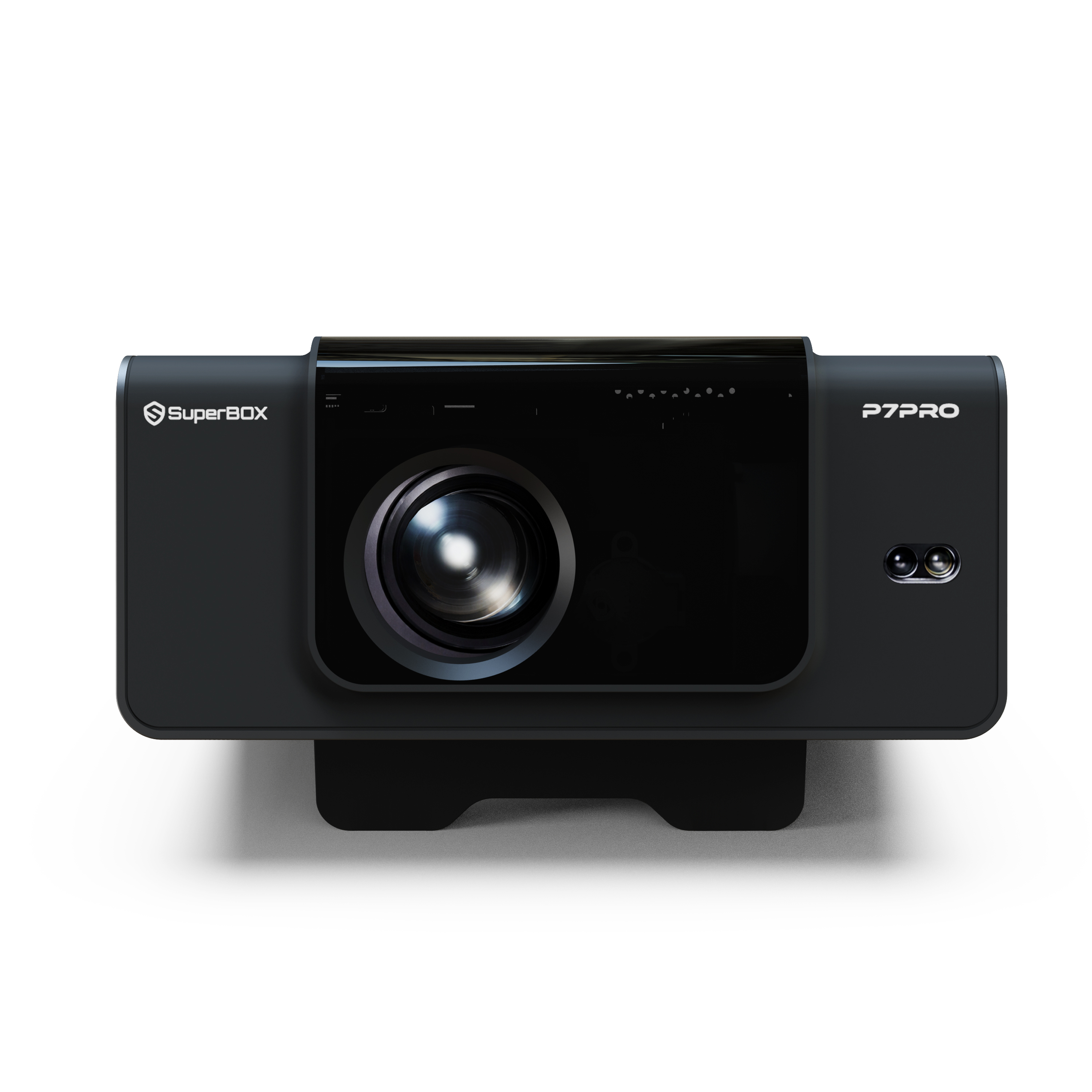
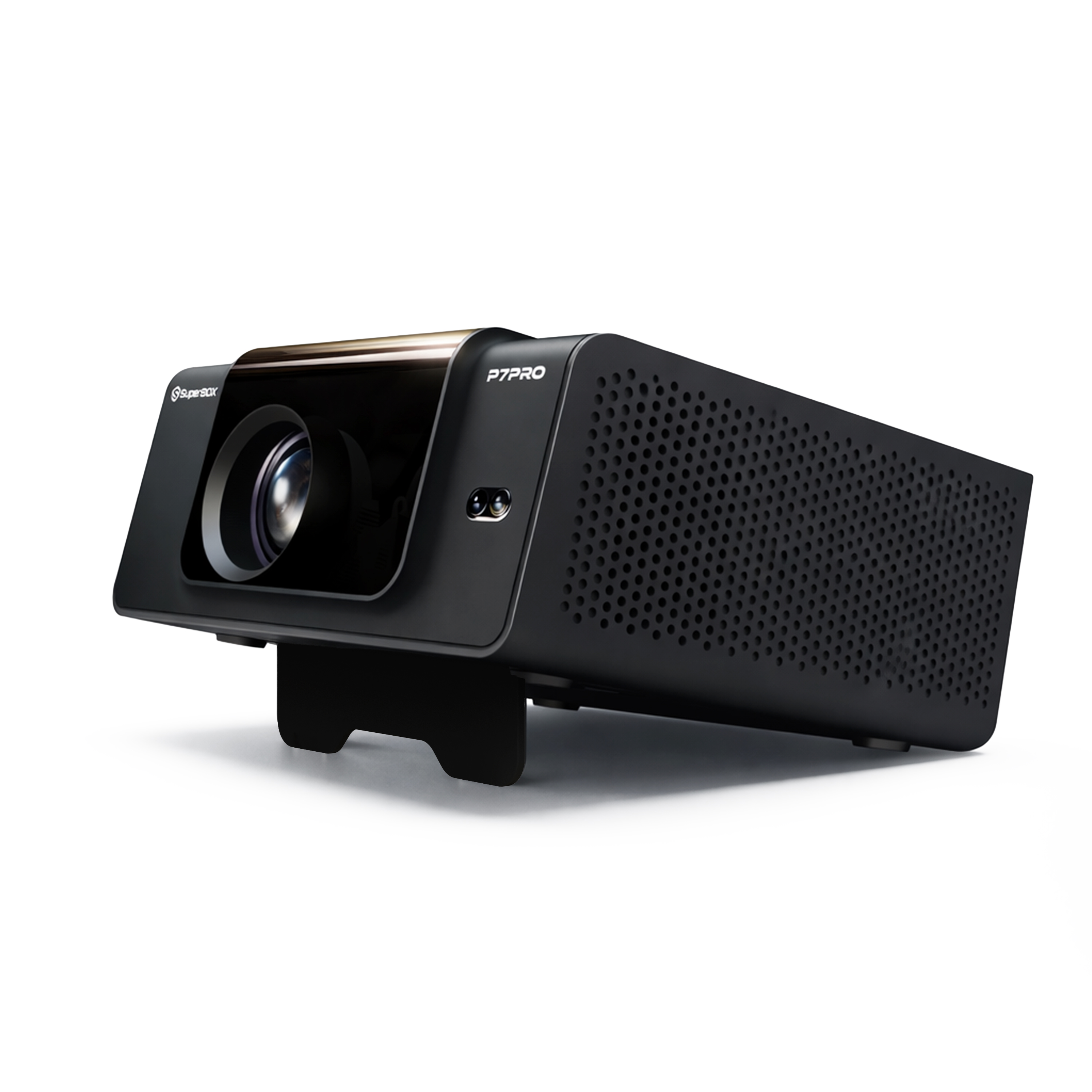
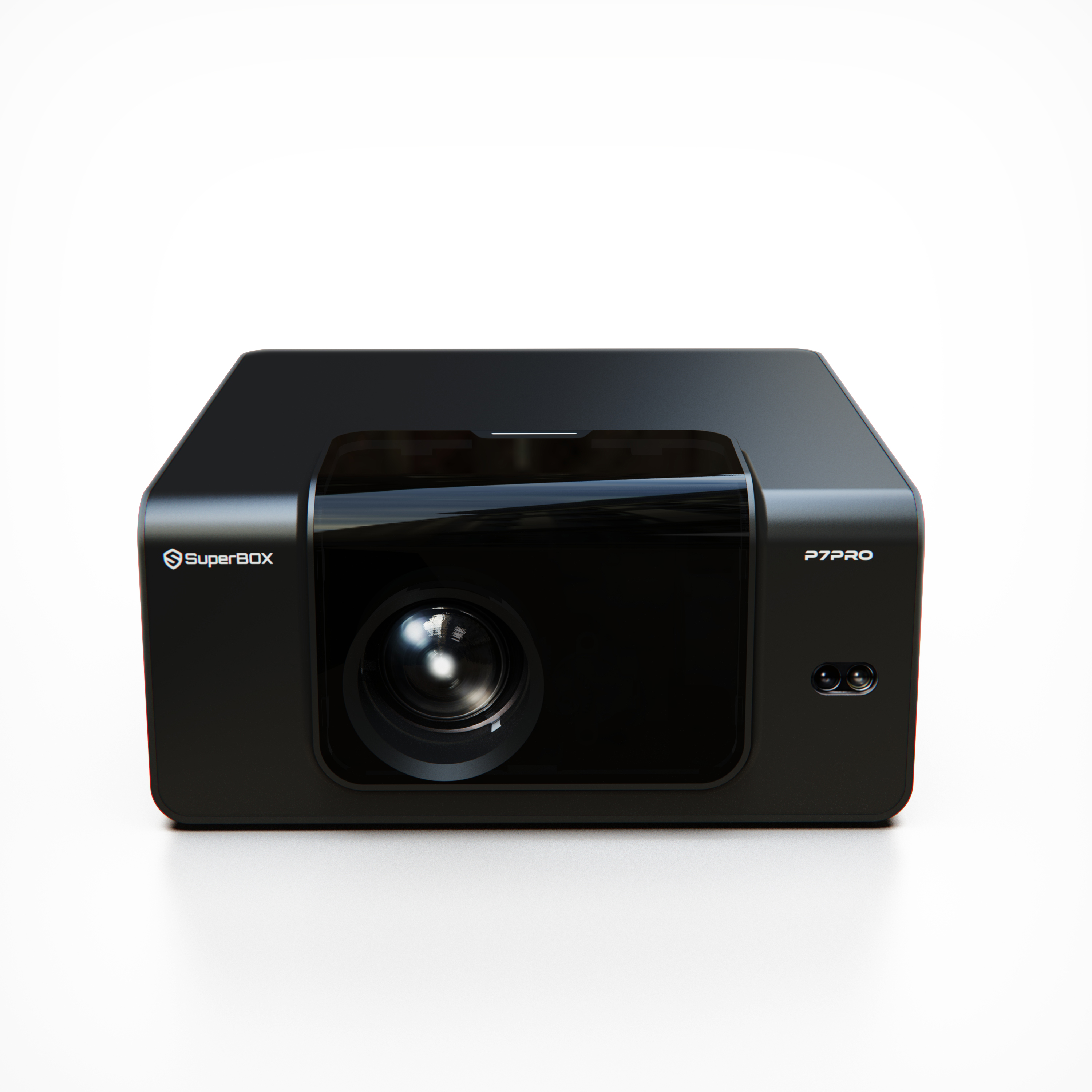
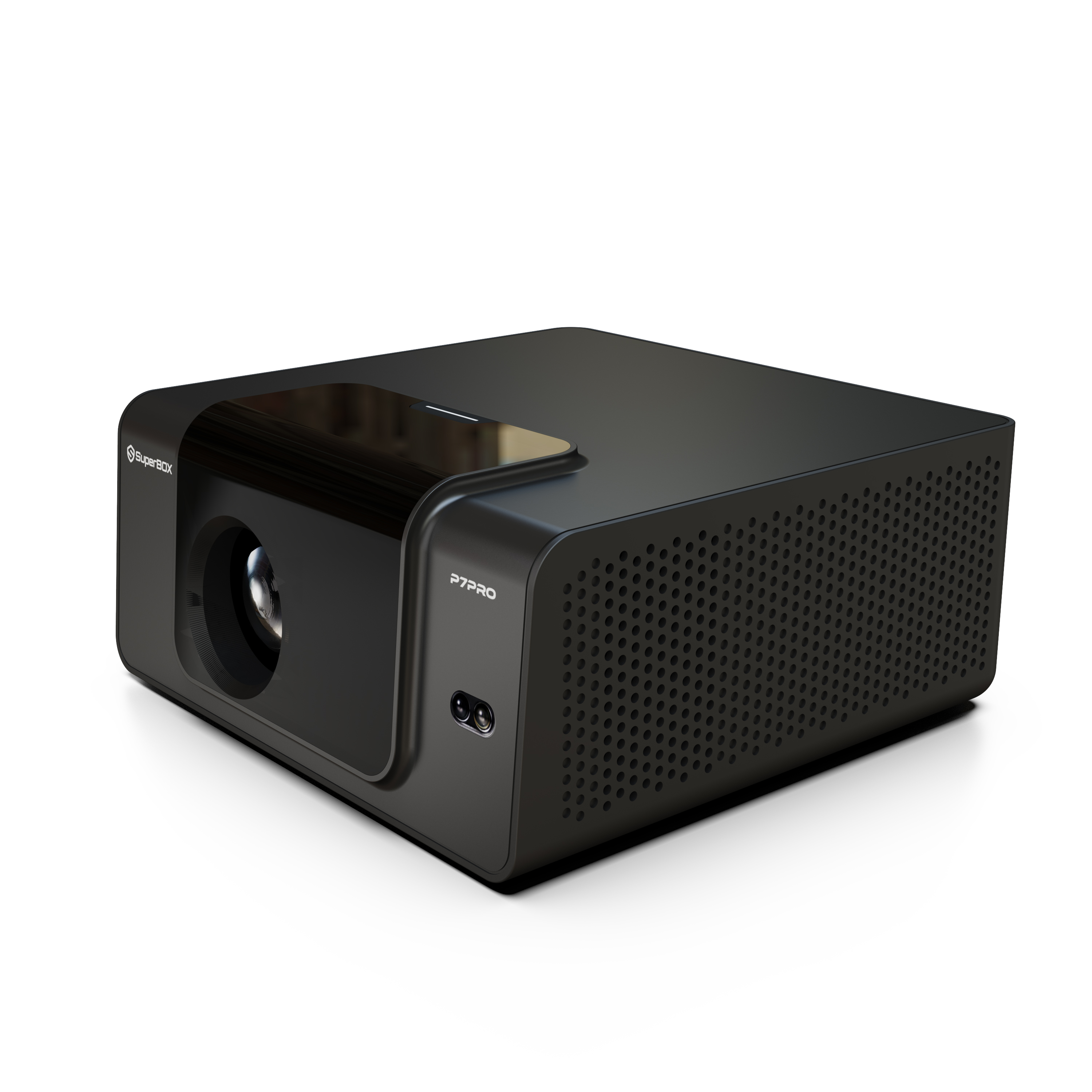
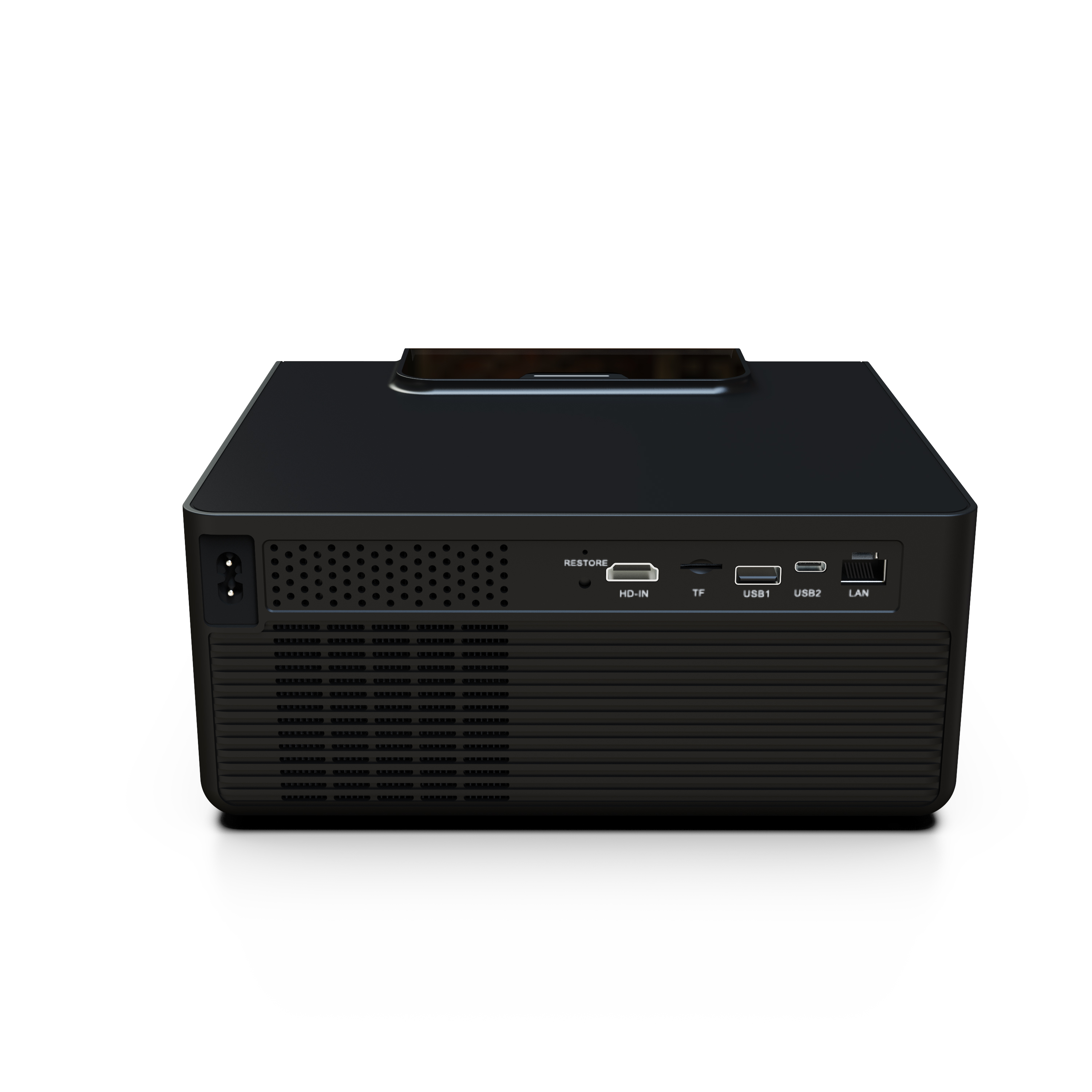
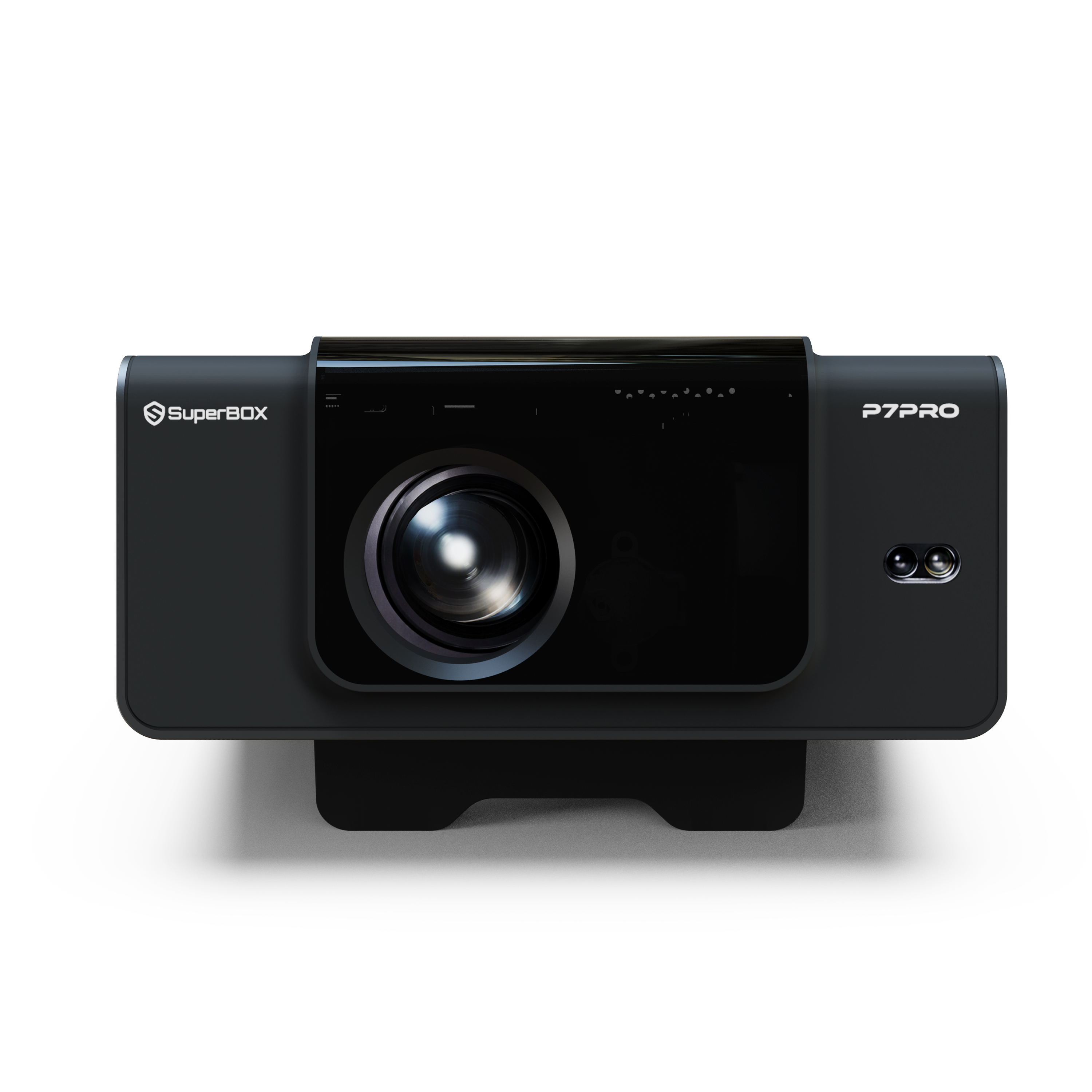
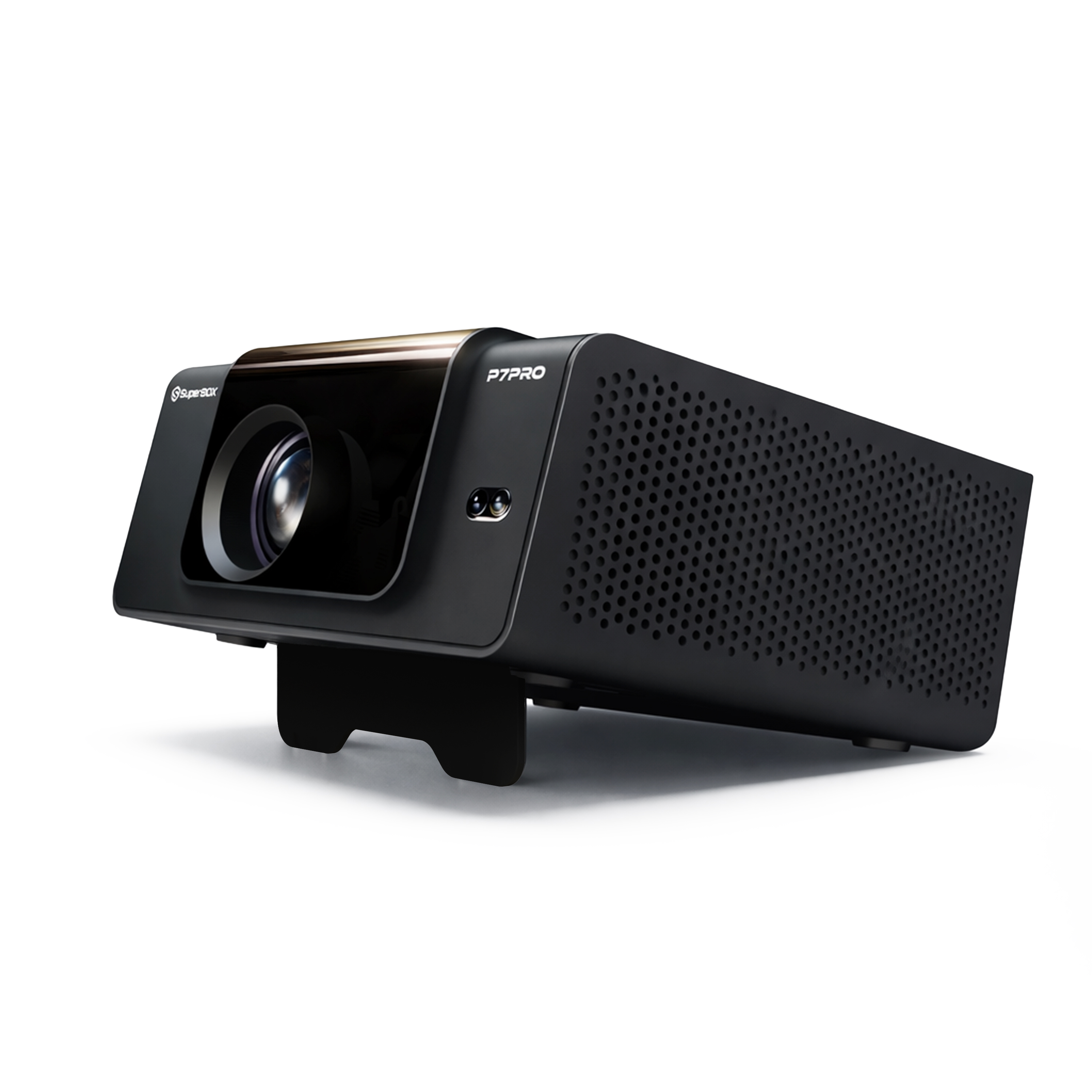
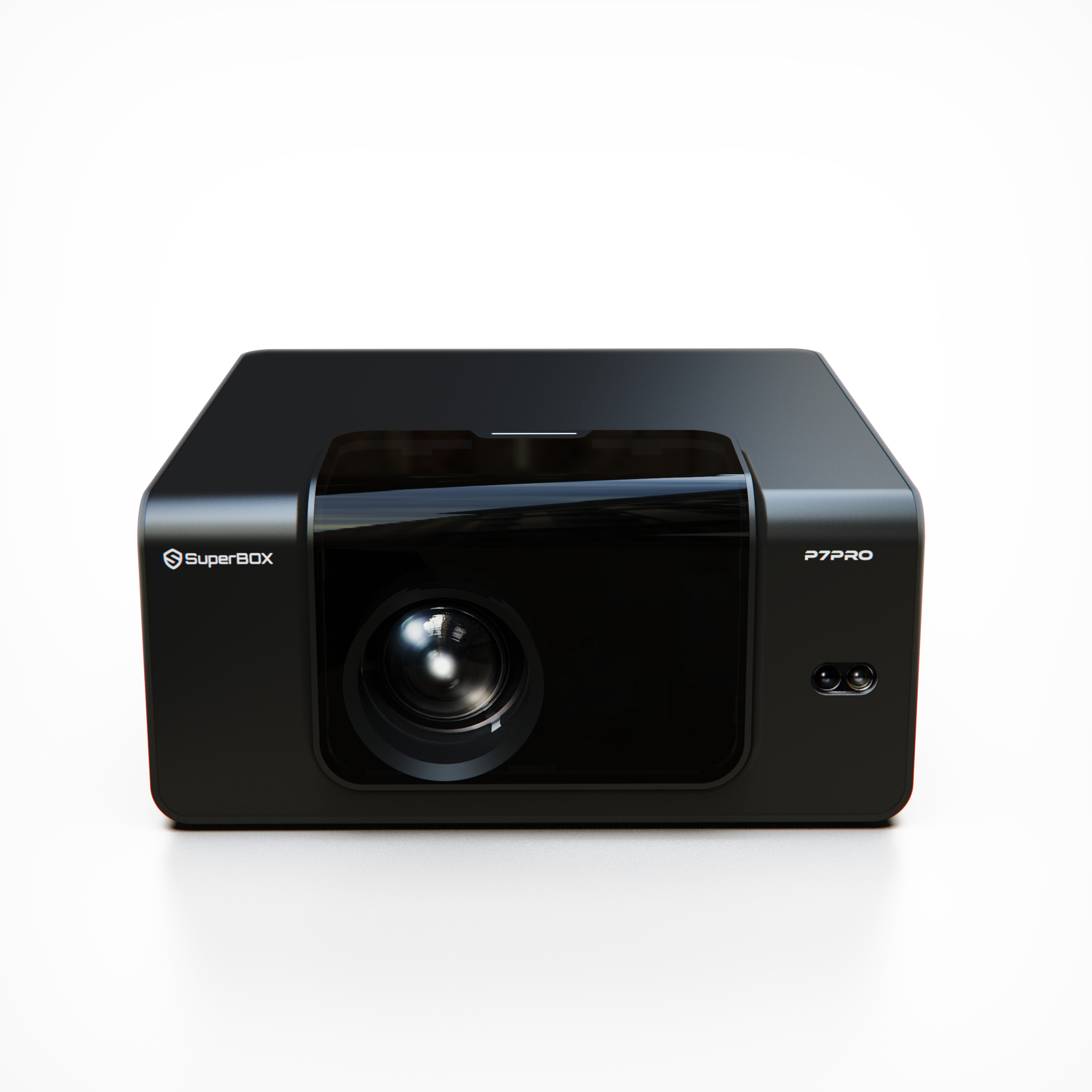
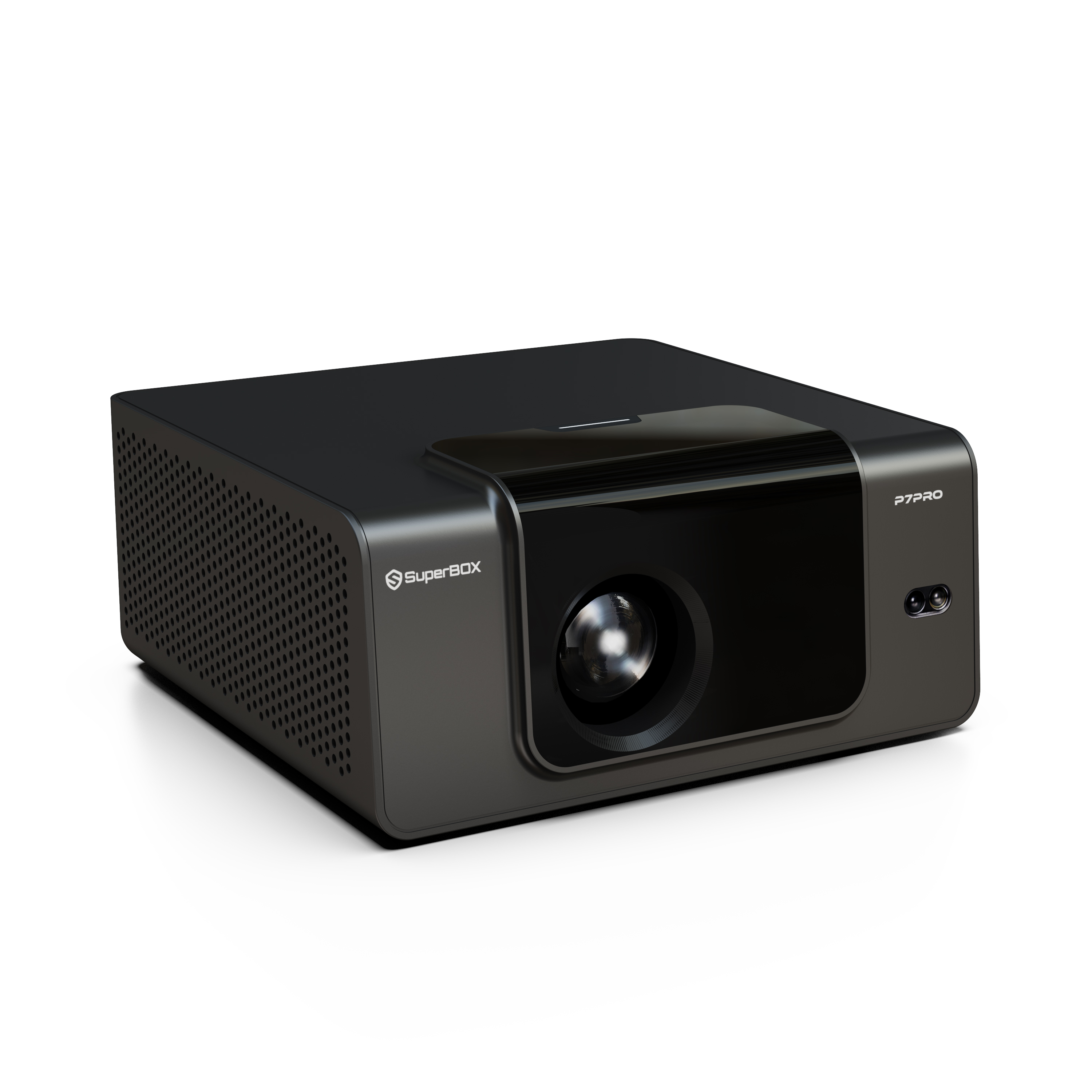
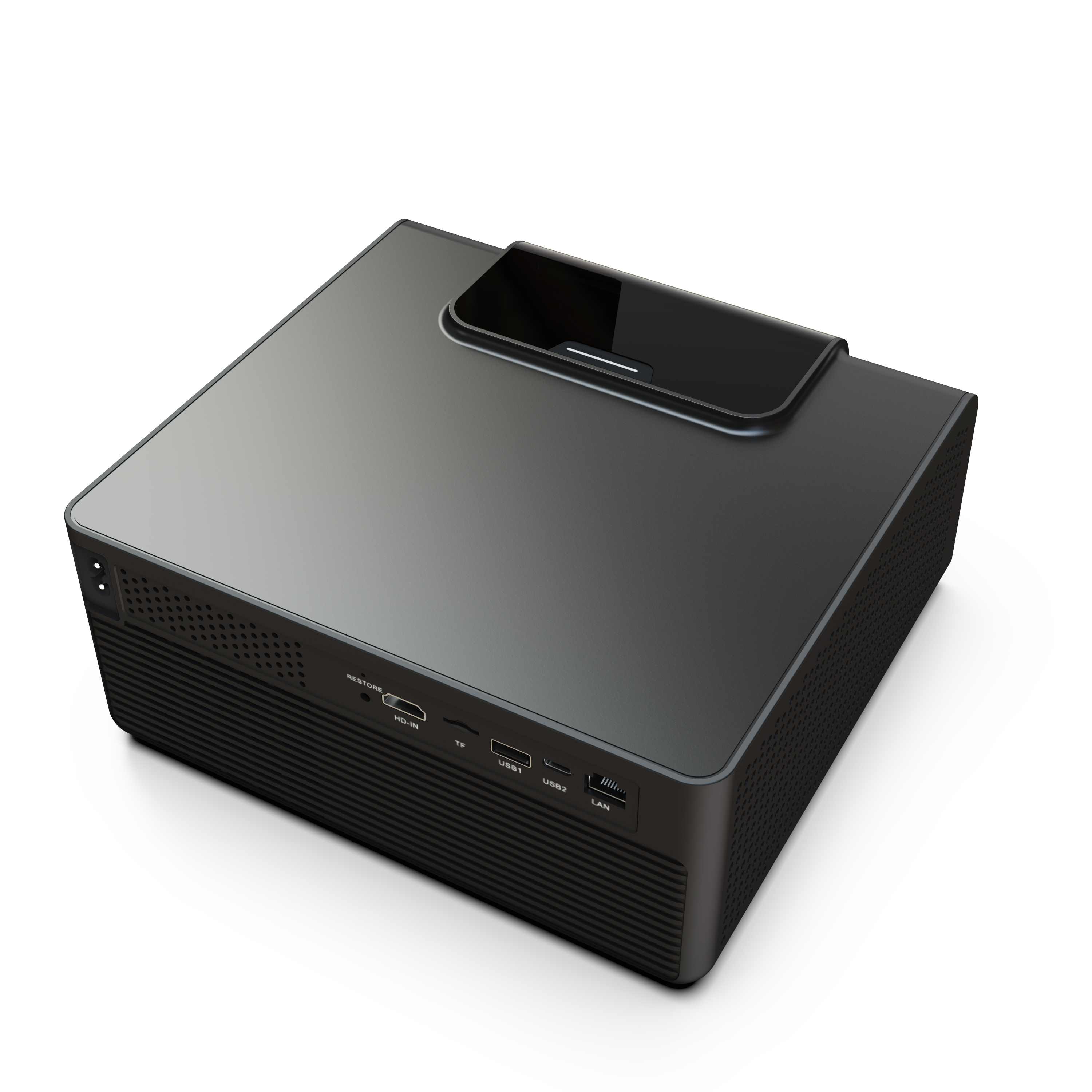
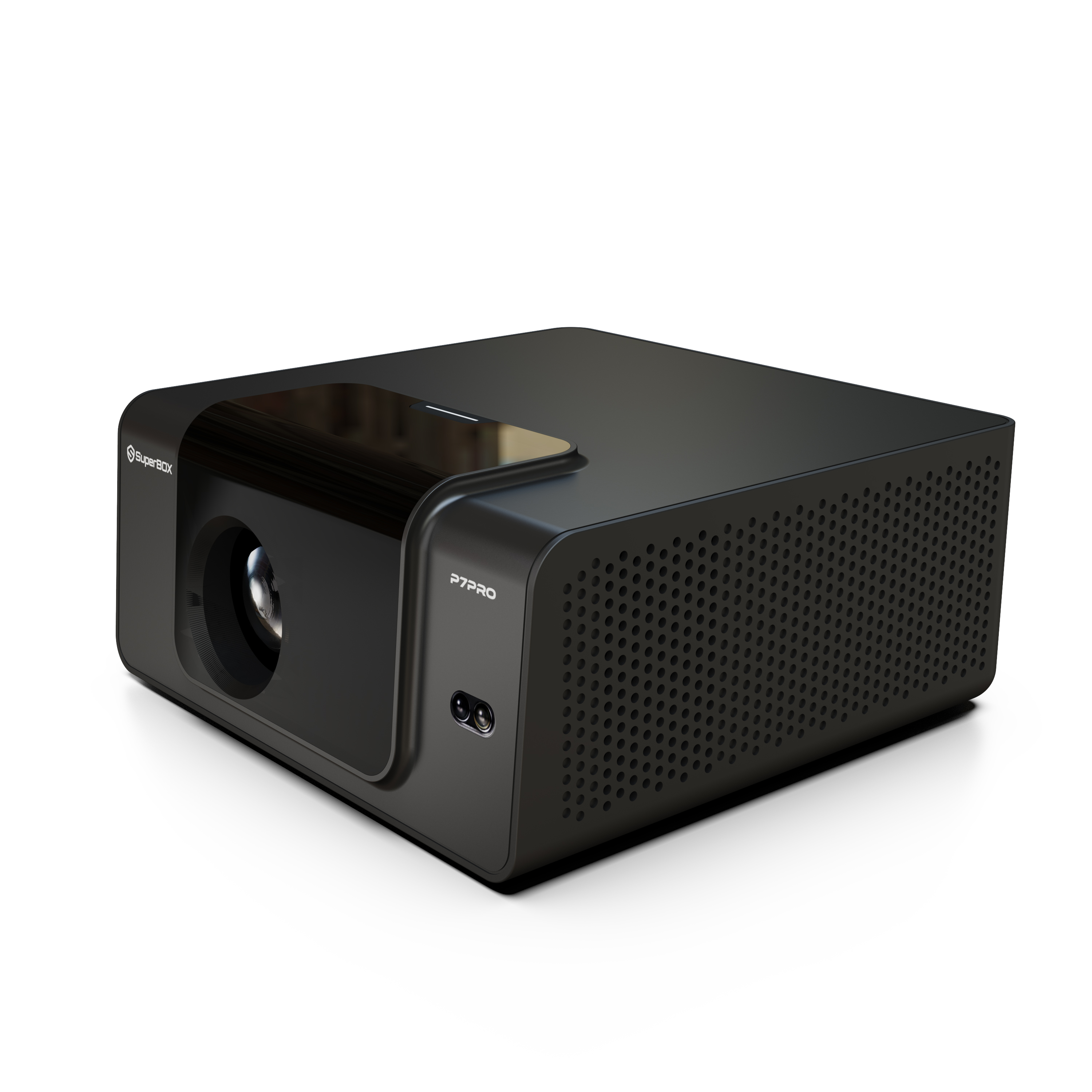
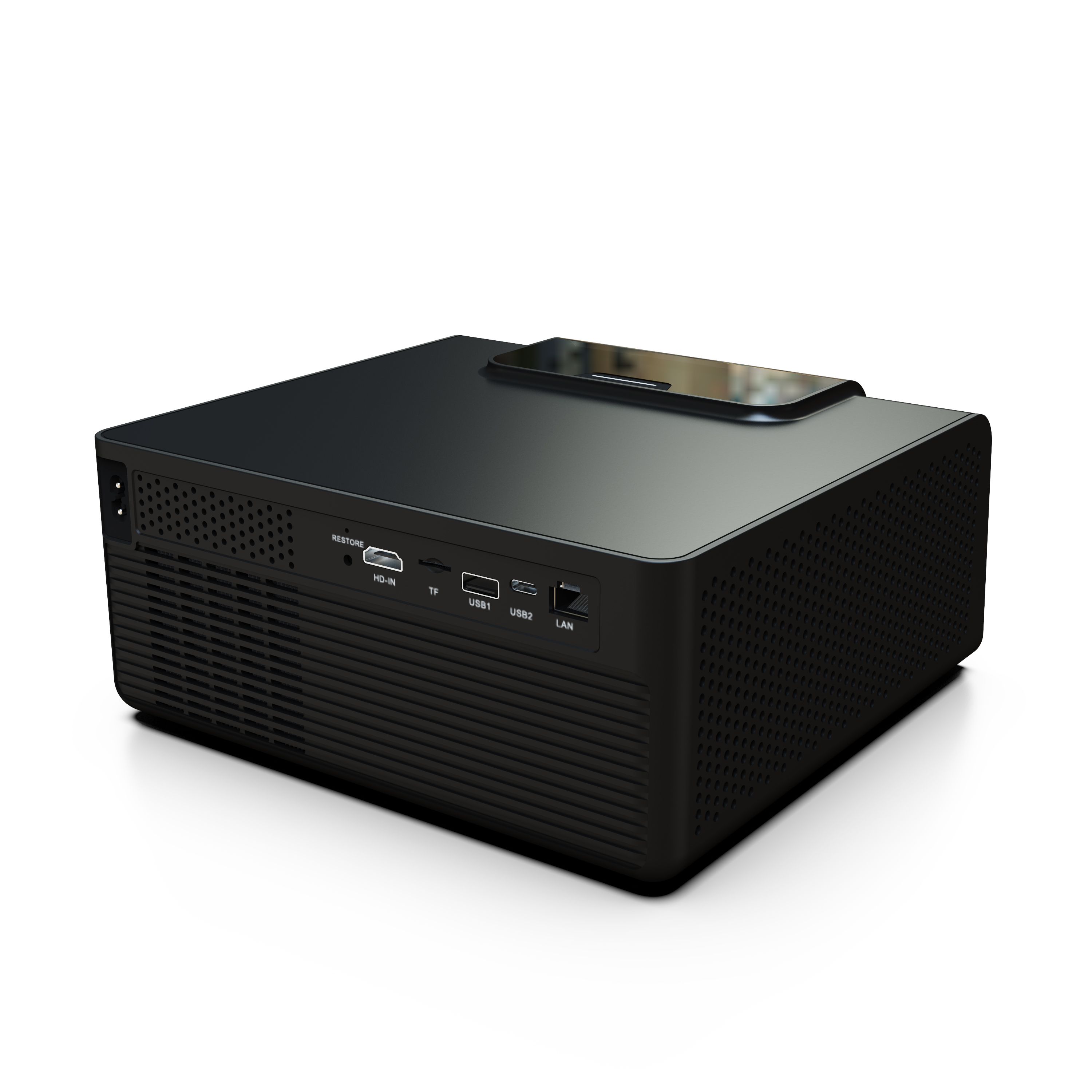
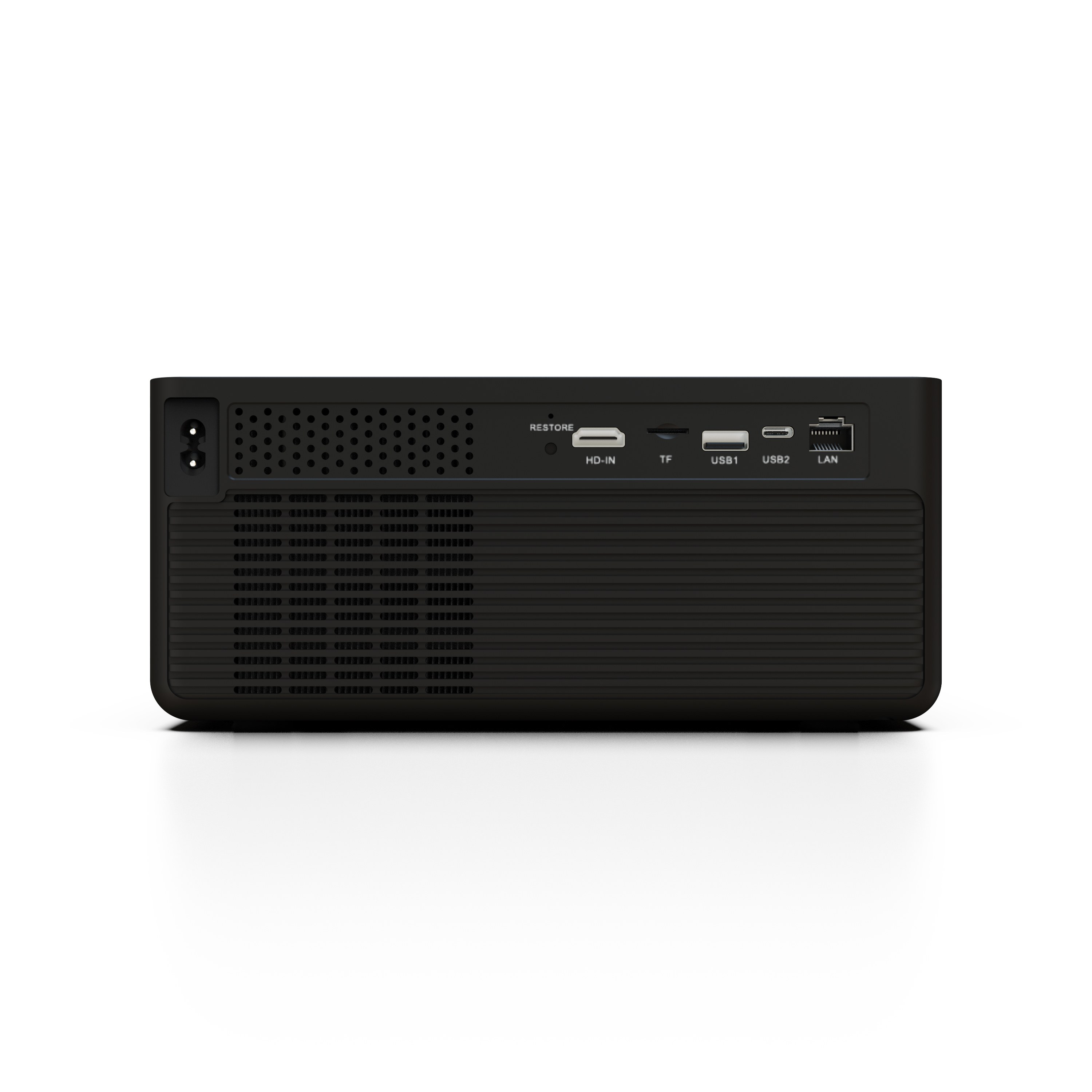
SuperBox P7 Pro Projector
Cinema Anywhere.Control Everything.
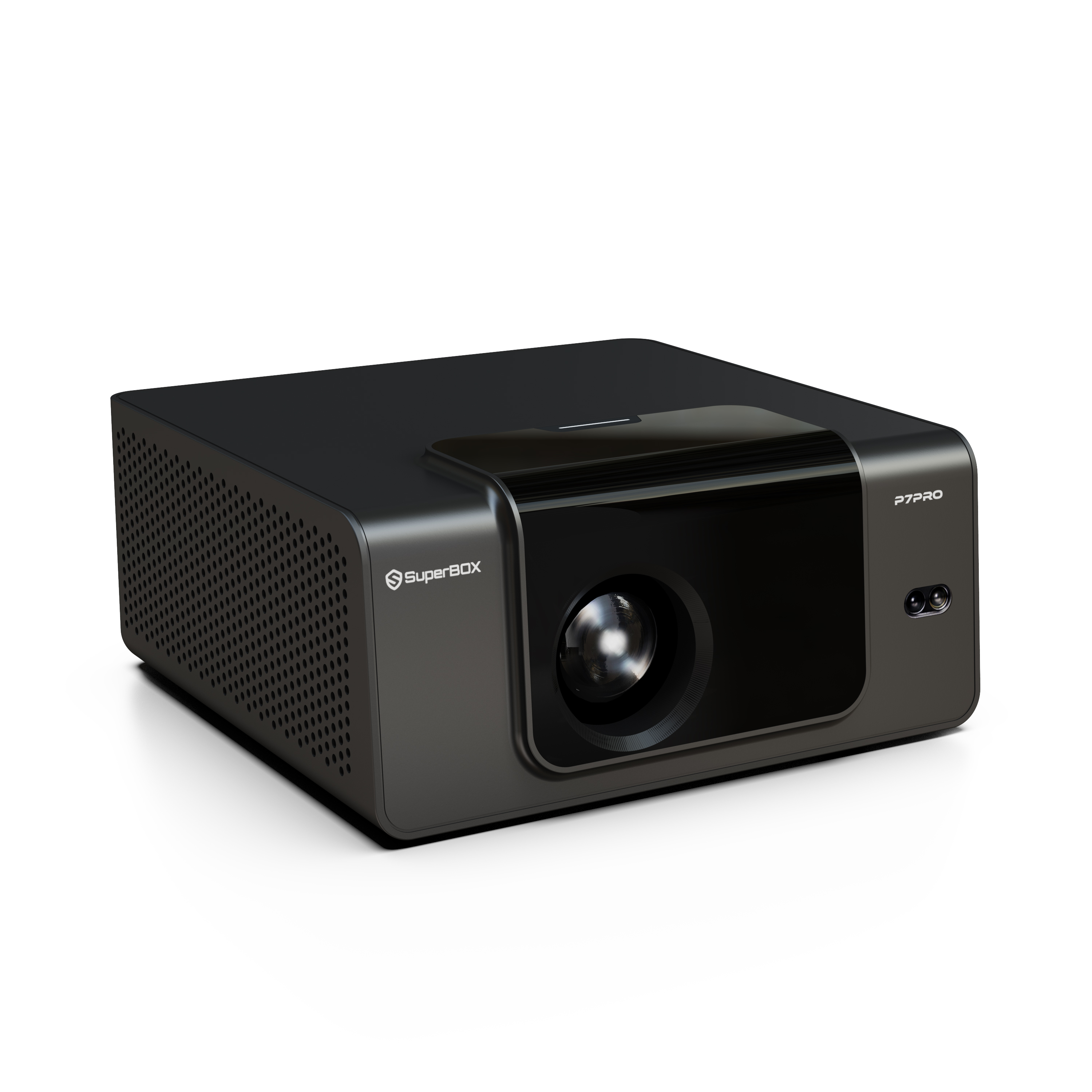
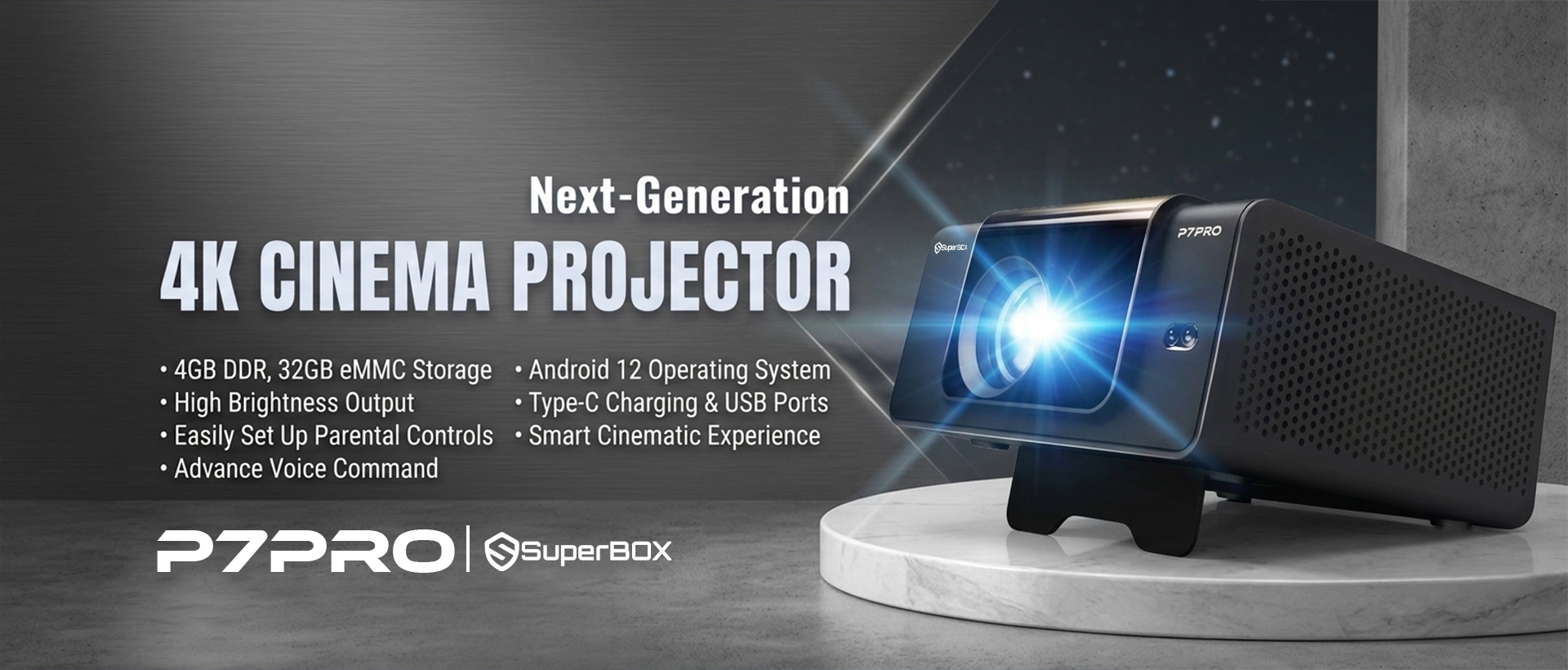
The SuperBox P7 Pro projector delivers a portable 4K entertainment experience—designed for powerful home entertainment, right out of the box.
- 4K Ultra HD
- Smart Controls
- All-in-One Solution
Design in Every Detail
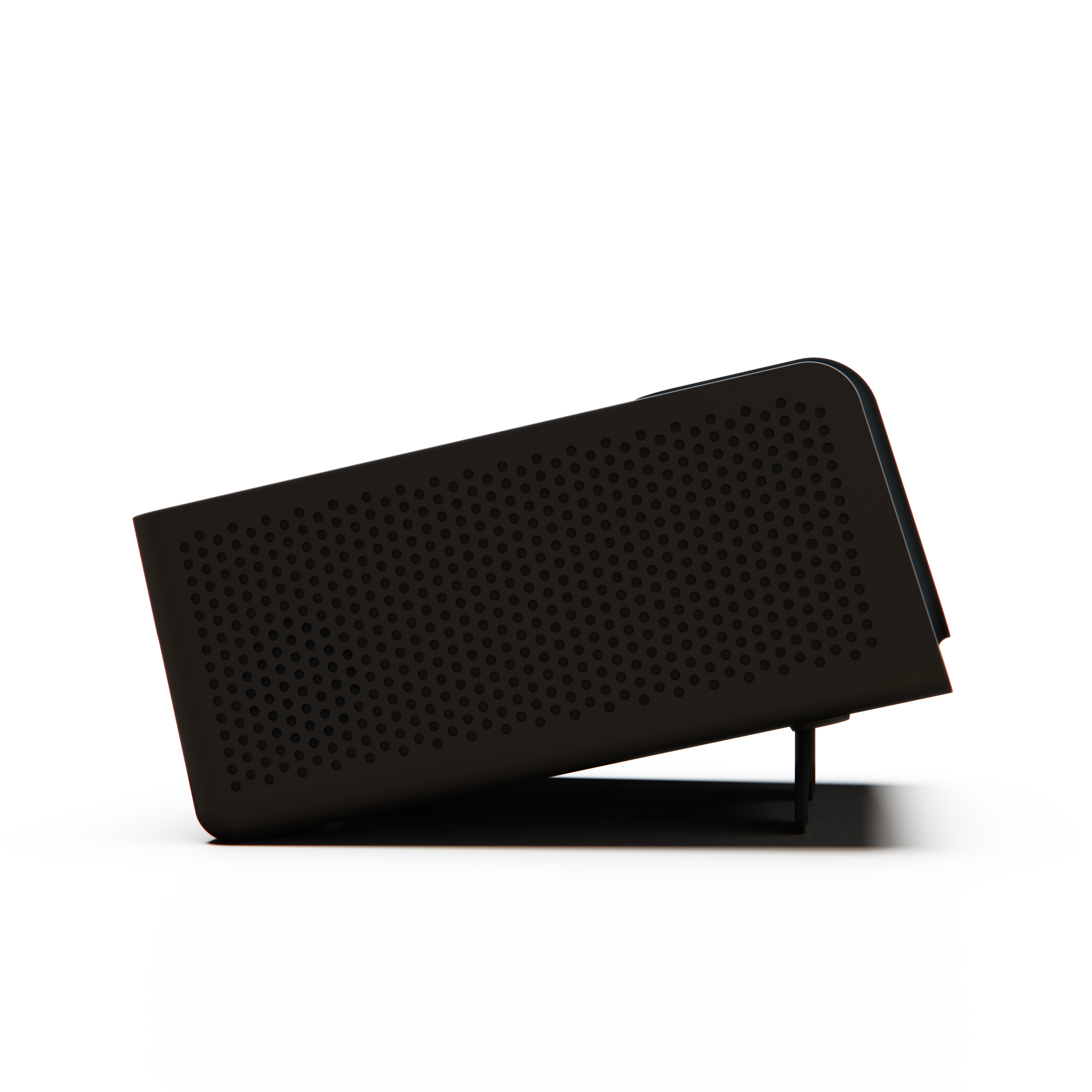
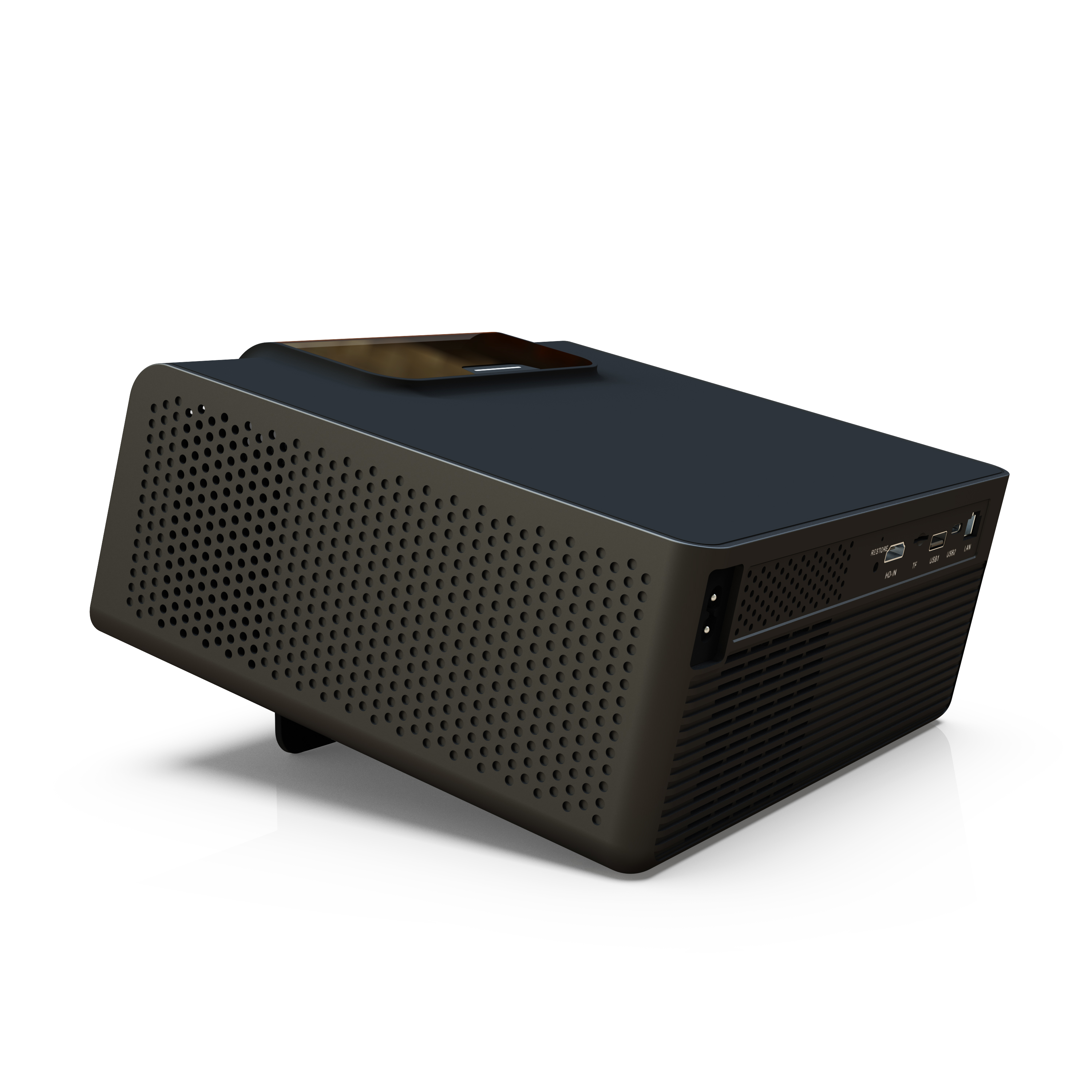
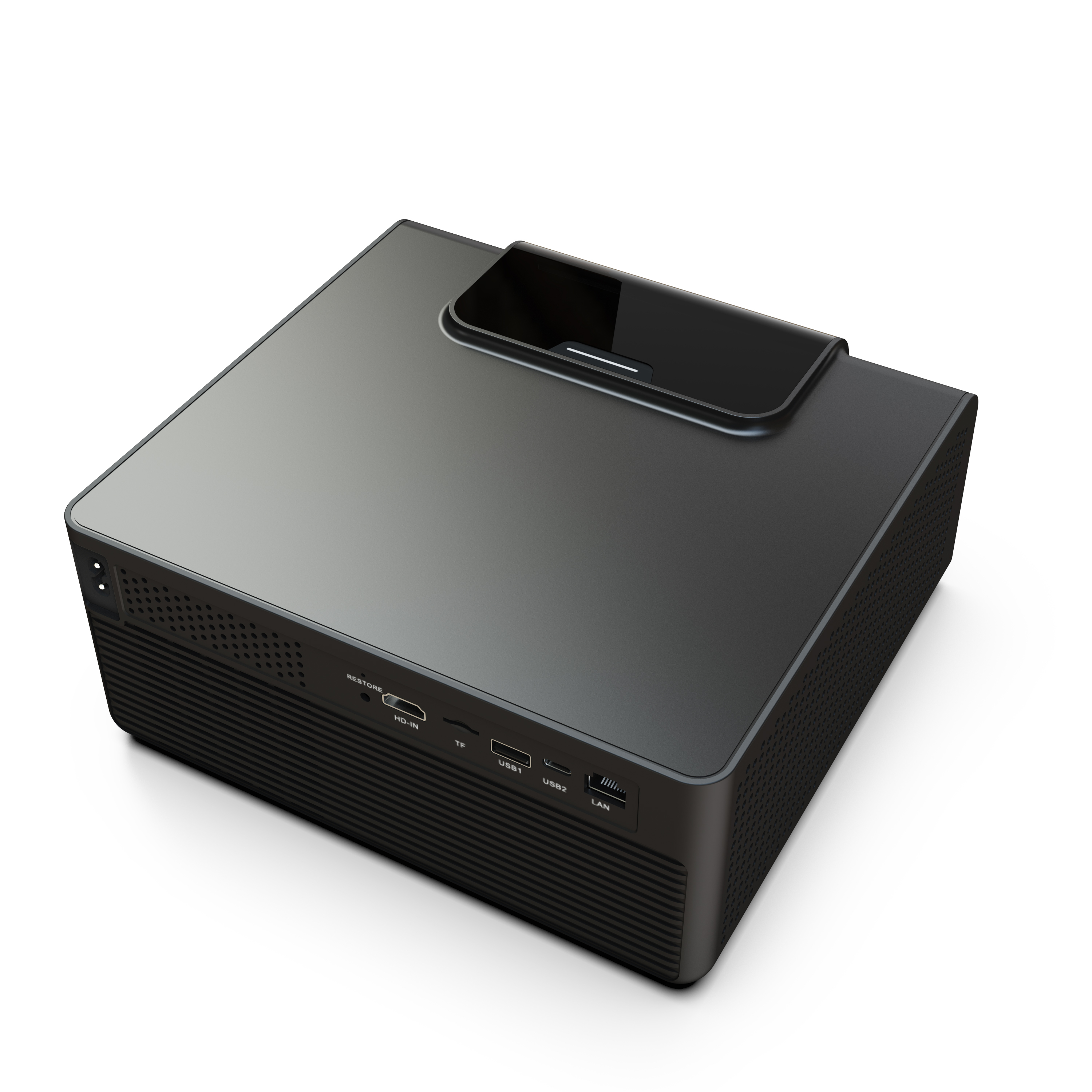
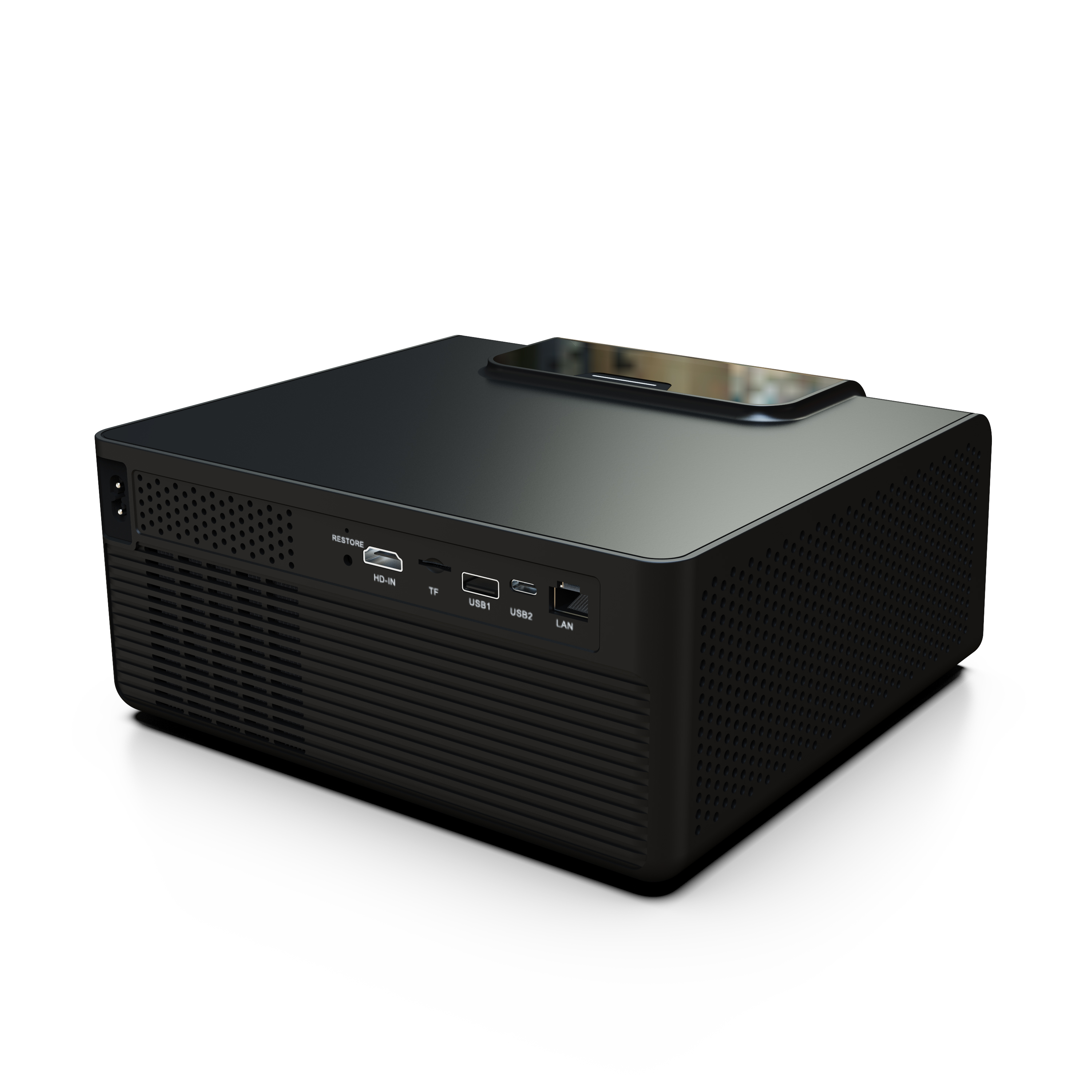
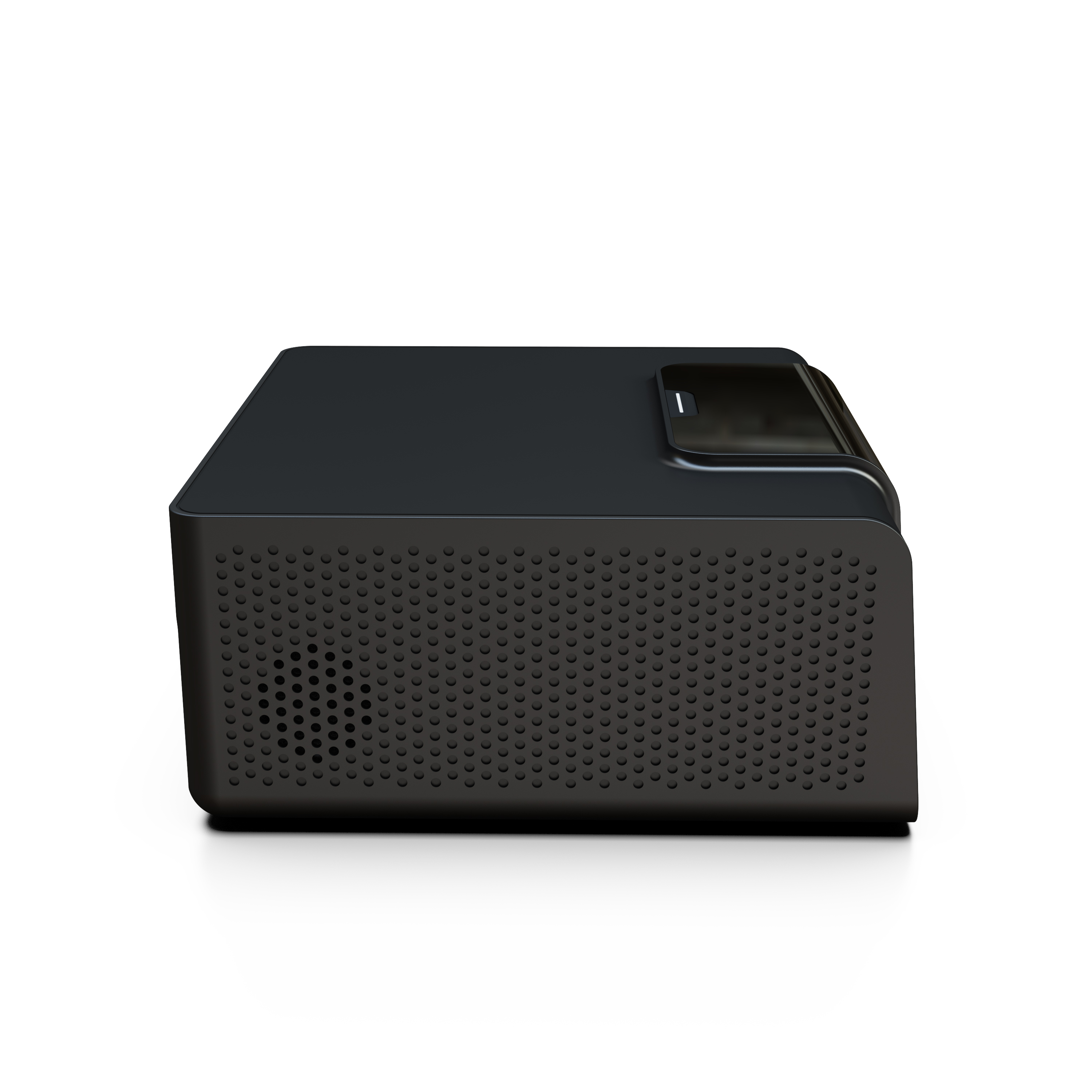
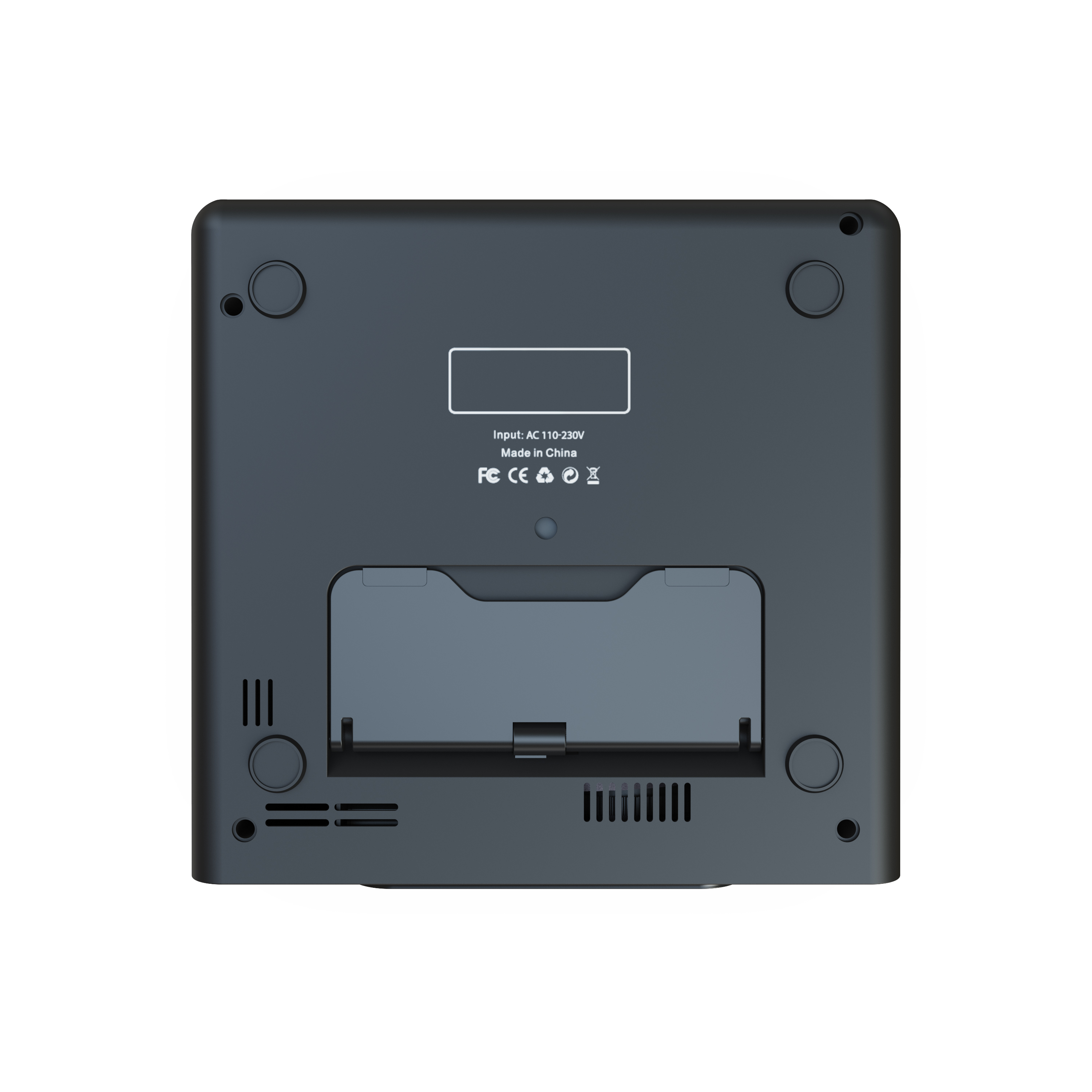
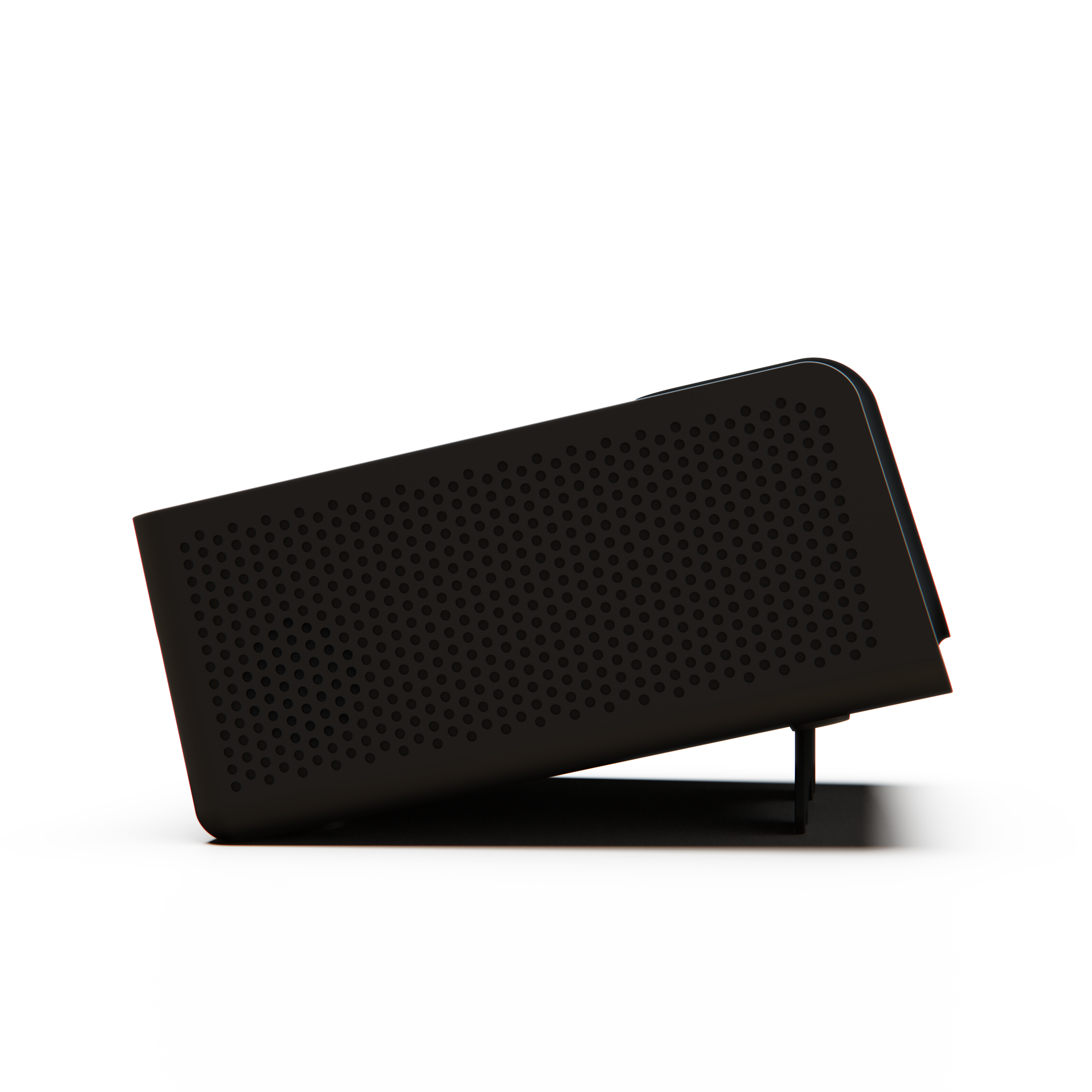
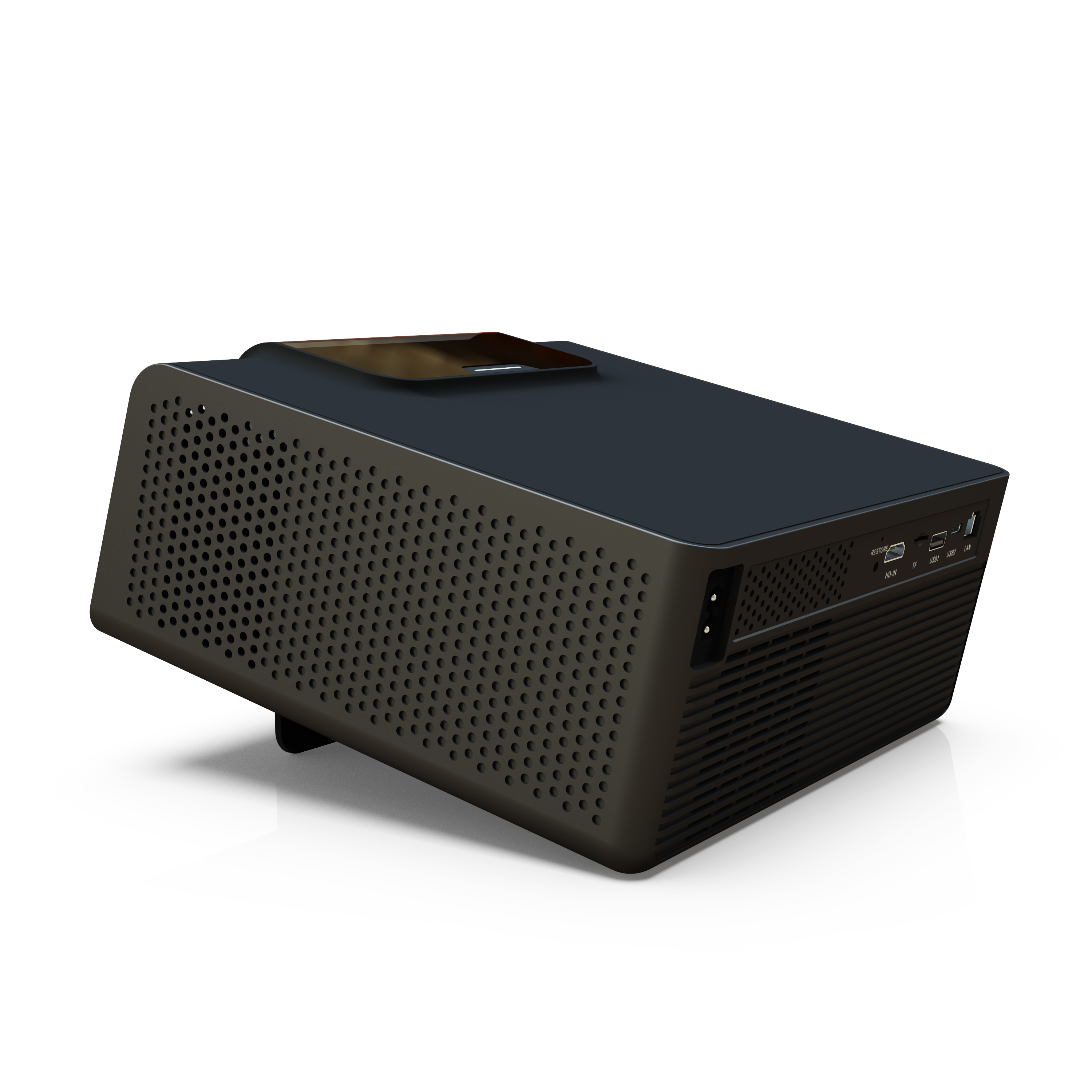
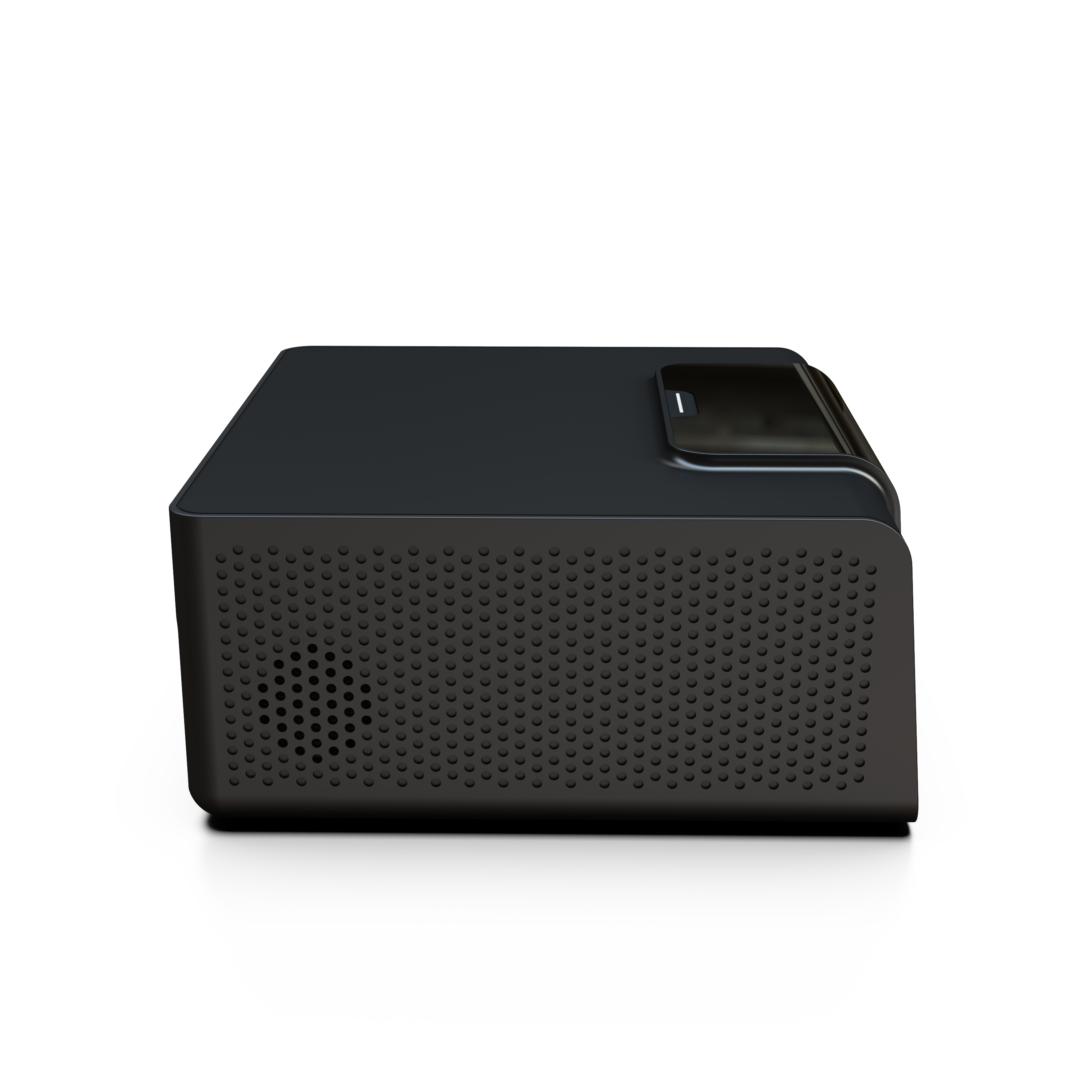
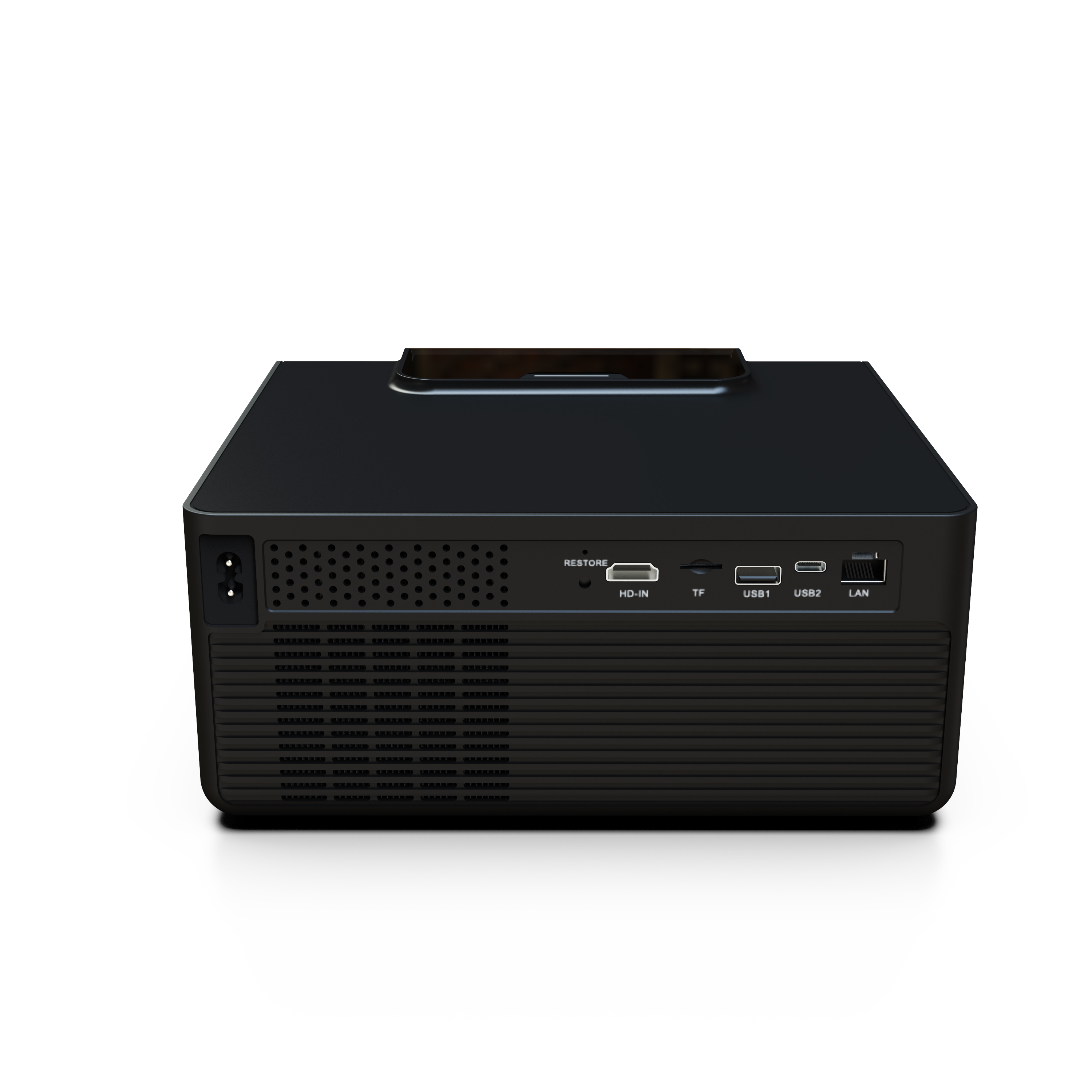
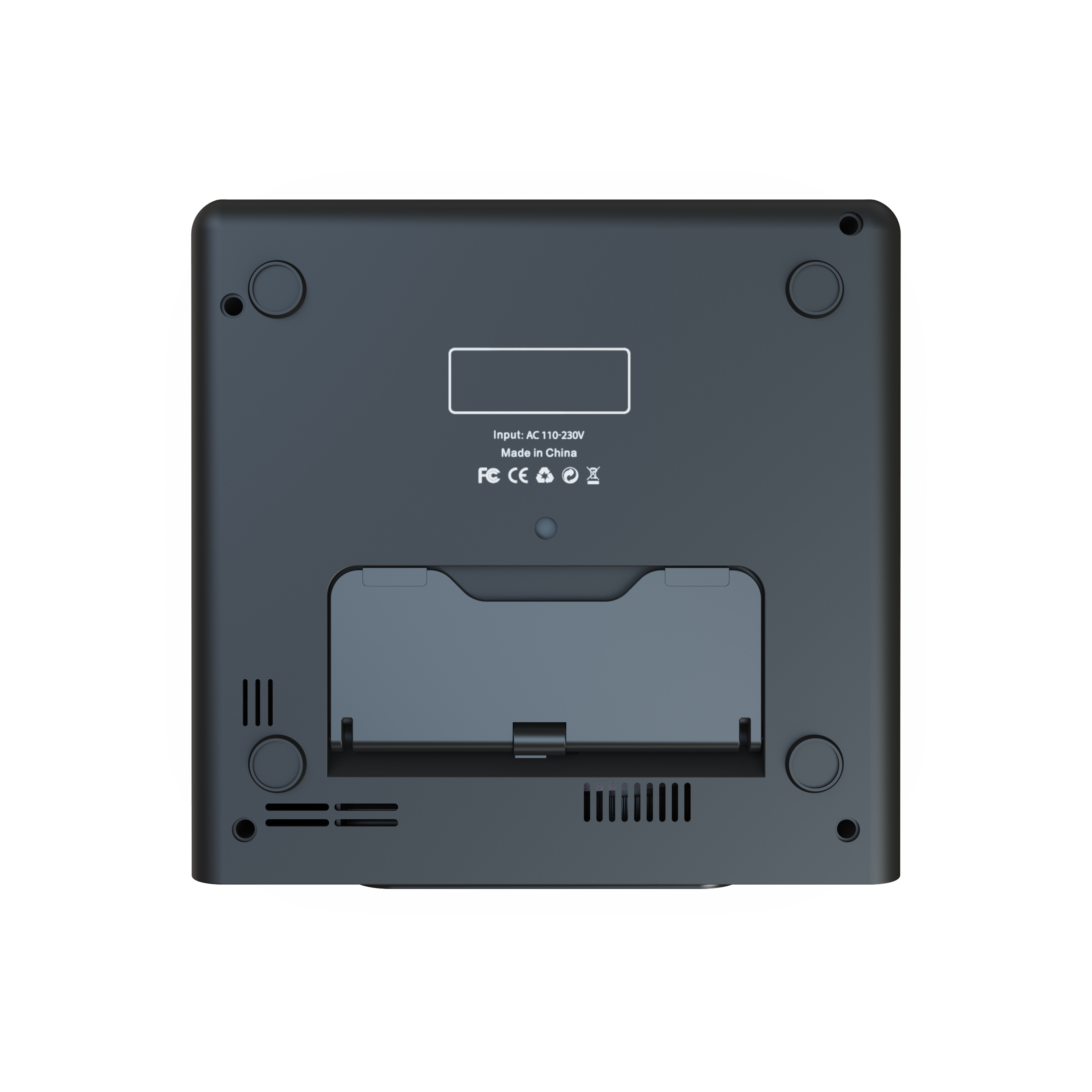
The Superbox P7 Pro projector is engineered for superior performance, featuring a high-quality optical lens that delivers crisp 4K image quality, a robust and durable chassis, and an intelligent ventilation system for reliable heat dissipation—all housed within a stylish, portable design.

EFFORTLESS SET UP
Plug. Connect. Play.
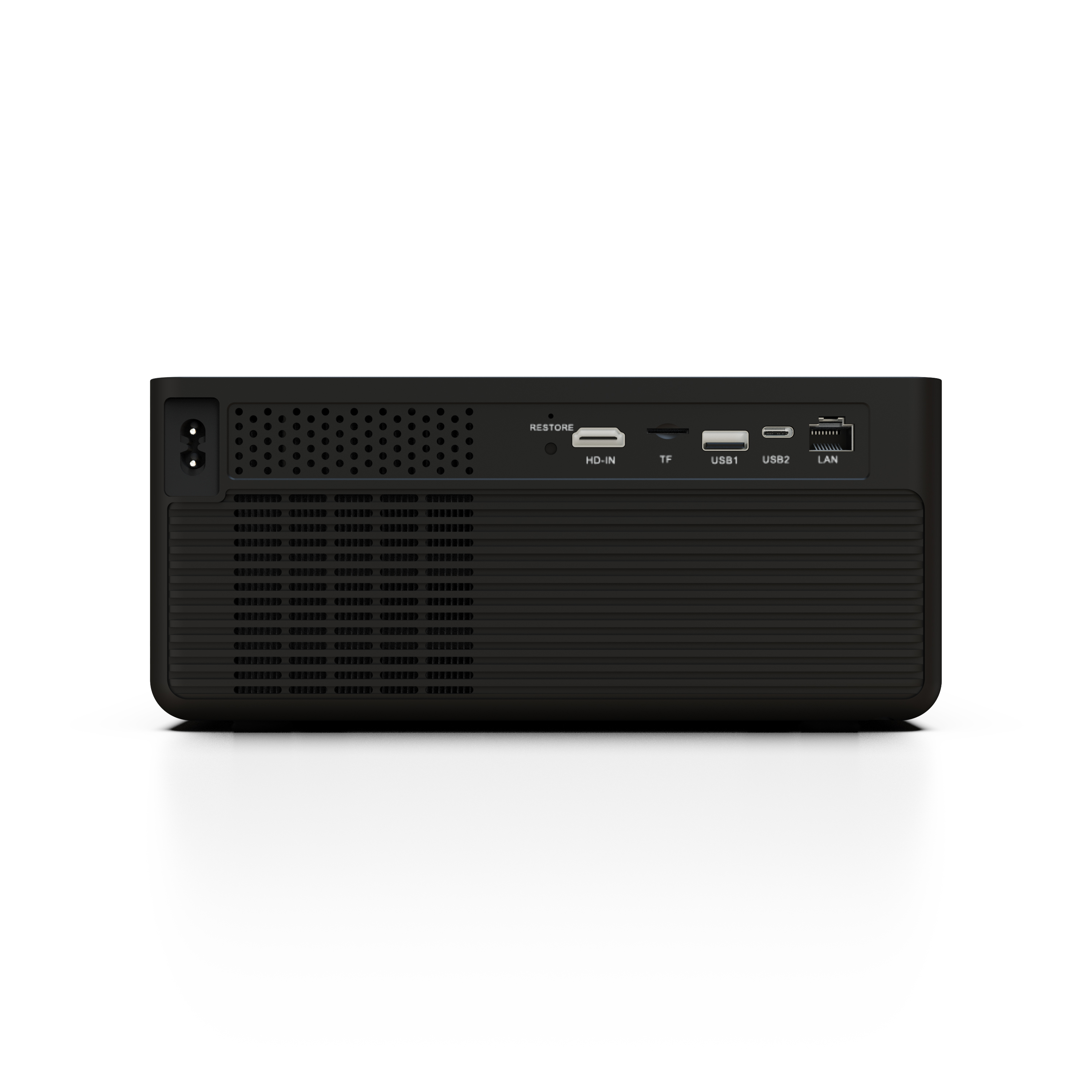
The SuperBox P7 Pro 4K projector is designed for plug-and-play simplicity, eliminating the need for complex setups or additional equipment—simply plug it in and enjoy a complete home entertainment experience.
Control Your Viewing
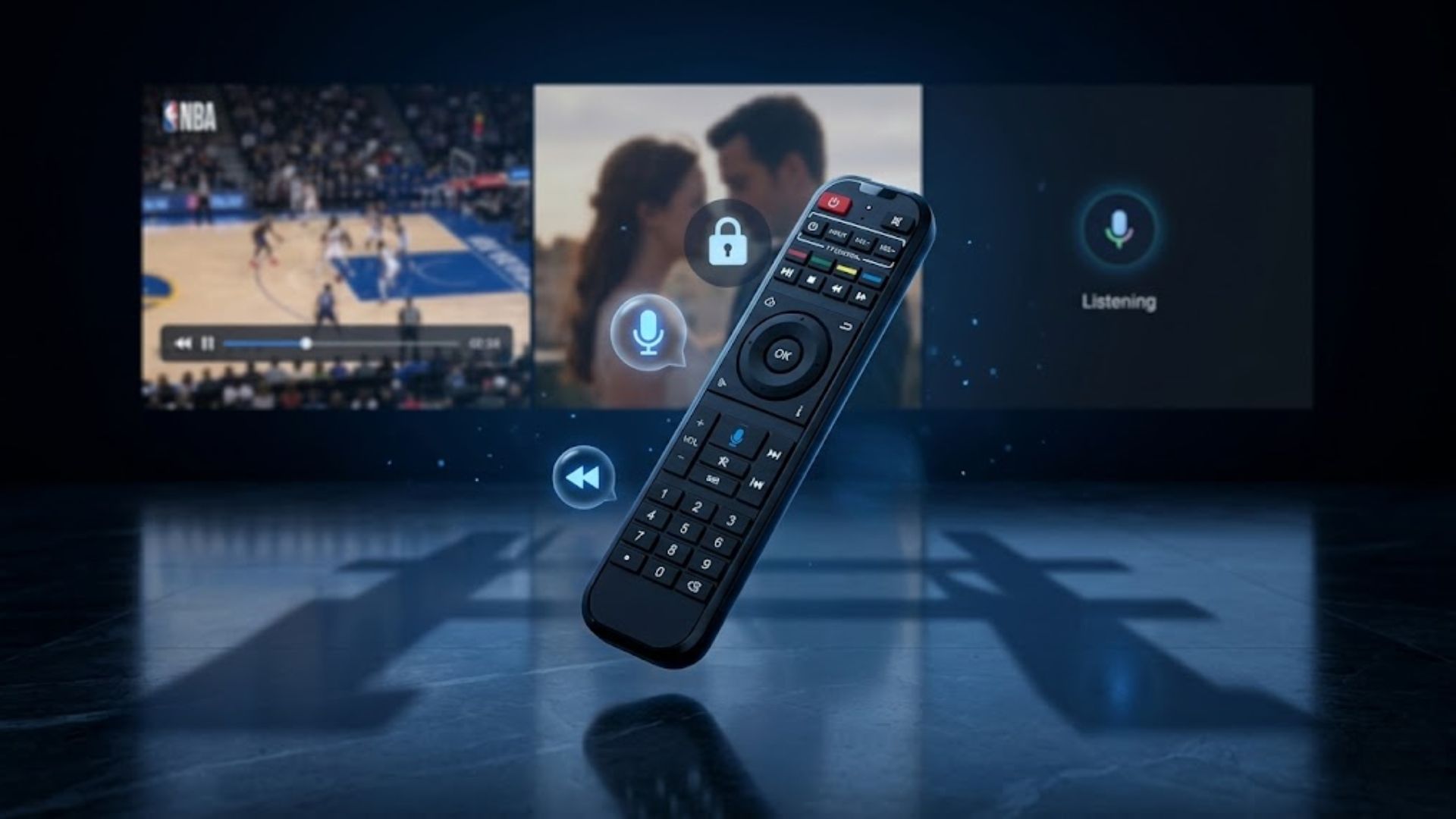
With the SuperBox P7 Pro projector, you can easily take control of your viewing experience: quickly find content using the remote with built-in voice control, pause or replay live TV at any time, and lock specific channels with a password—ensuring a more personalized and secure home entertainment experience.
Take command of every moment without missing a beat.
Keep your content private and under control.
A premium remote with intuitive controls and built-in voice command.
Auto Focus. Auto Align. Ready in Seconds.
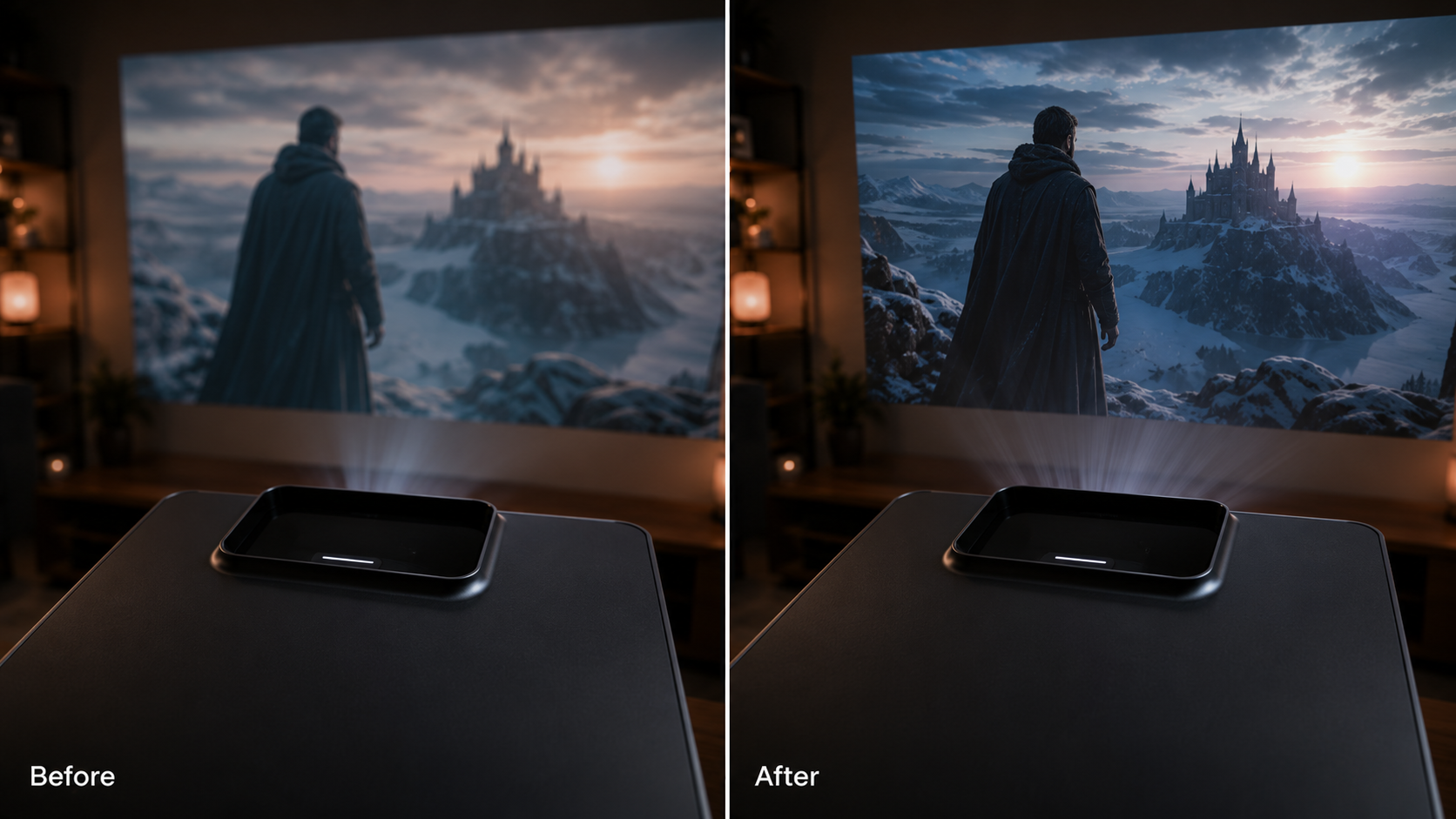
No manual adjustment is required. The SuperBox P7 Pro features autofocus and real-time keystone correction, delivering a clear, perfectly aligned image regardless of where it is placed.
Take It Anywhere
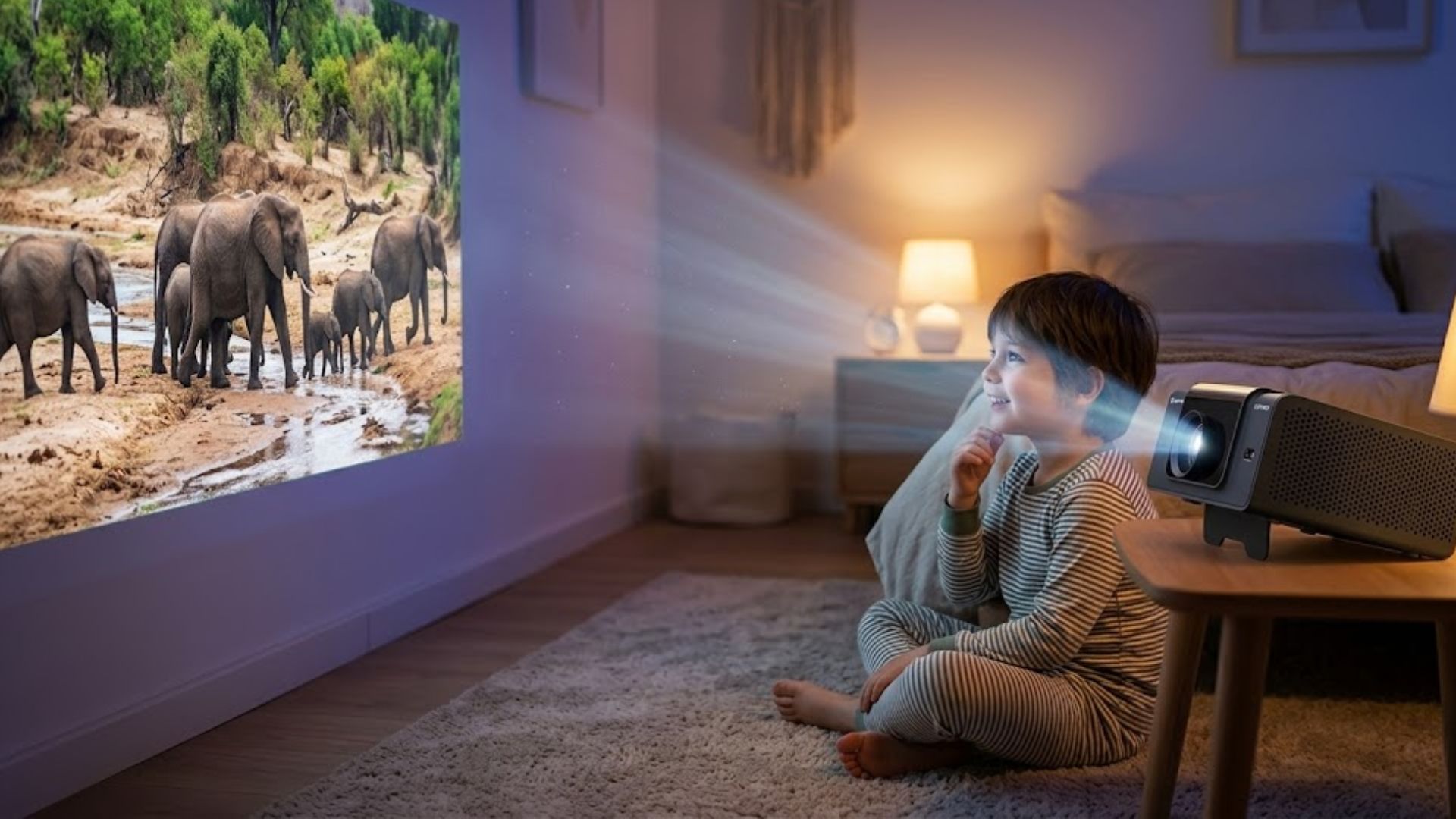
The P7 Pro is designed for home entertainment—whether placed in the living room, bedroom, or a dedicated home theater, it ensures a consistently high-quality viewing experience. It is perfect for indoor movie nights, patio gatherings after sunset, or for taking along to other locations whenever a large-screen projection is needed.
.jpg?w=1900&h=500)
What’s in the Package
.jpg?w=1920&h=1080)
- SuperBox P7 Pro Projector
- Remote Control
- Power Supply Cable
- User Guide
How to Set Up a SuperBox in Minutes
.png?w=1877&h=1688)
.png?w=1347&h=3014)
.png?w=1997&h=1901)