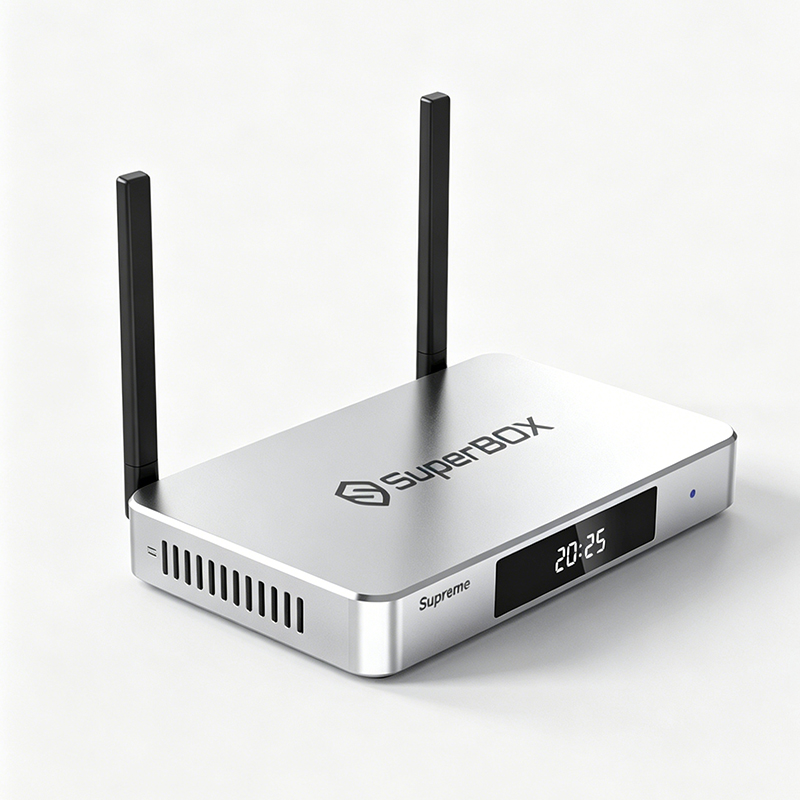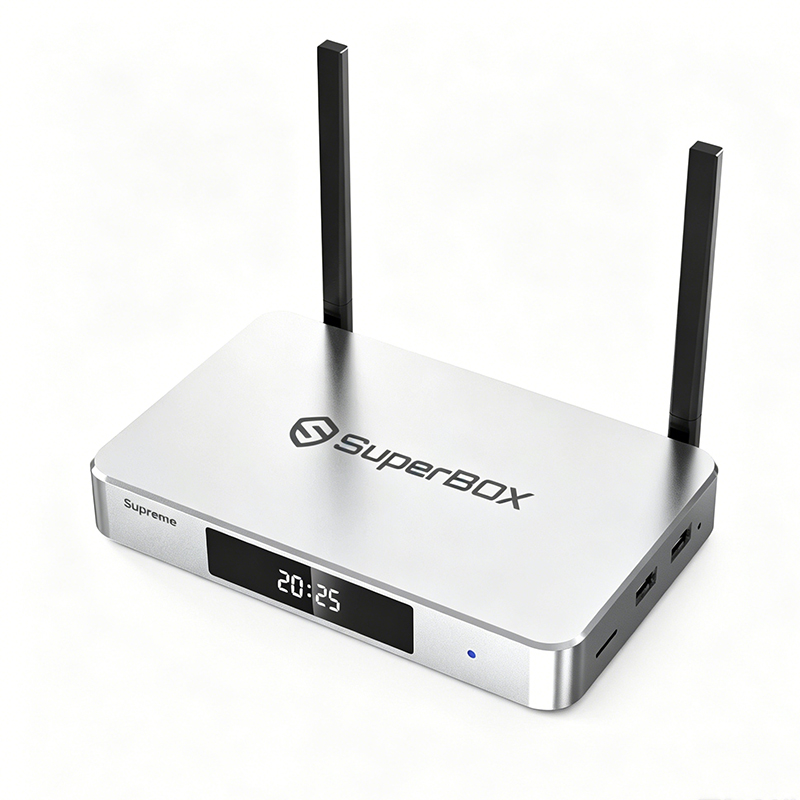
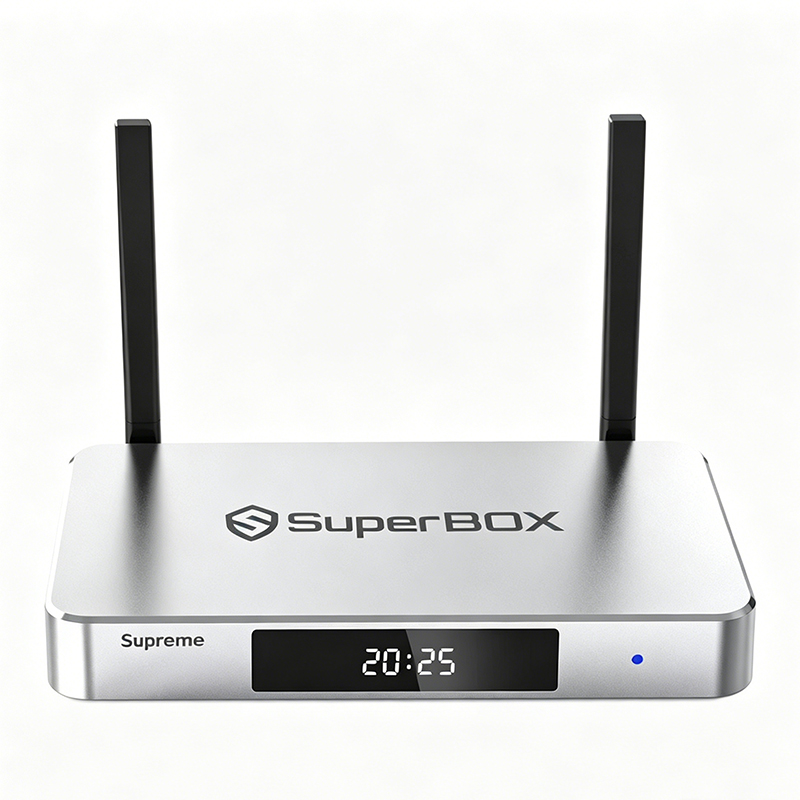
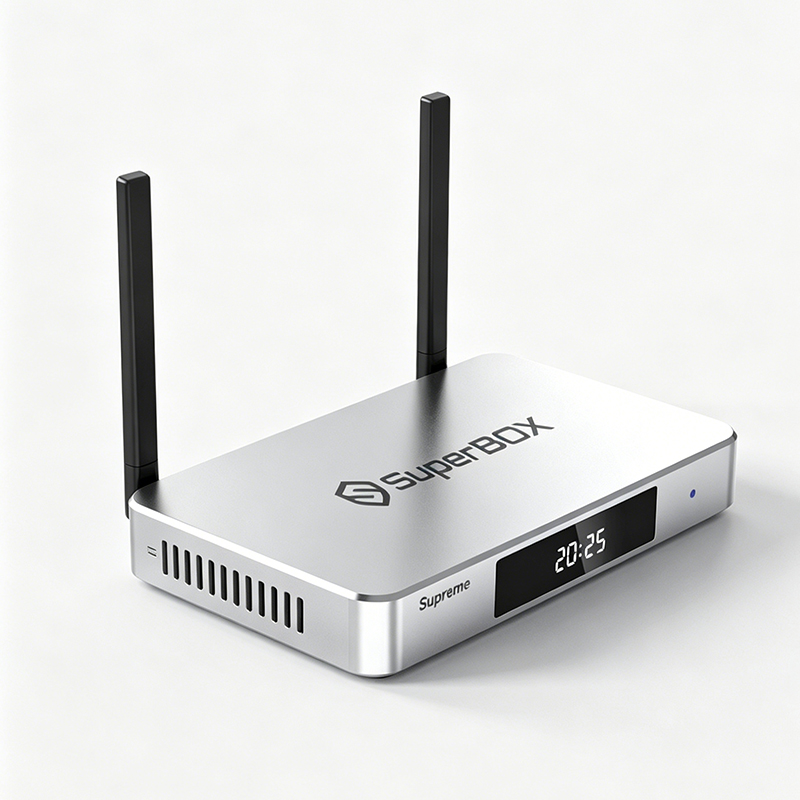
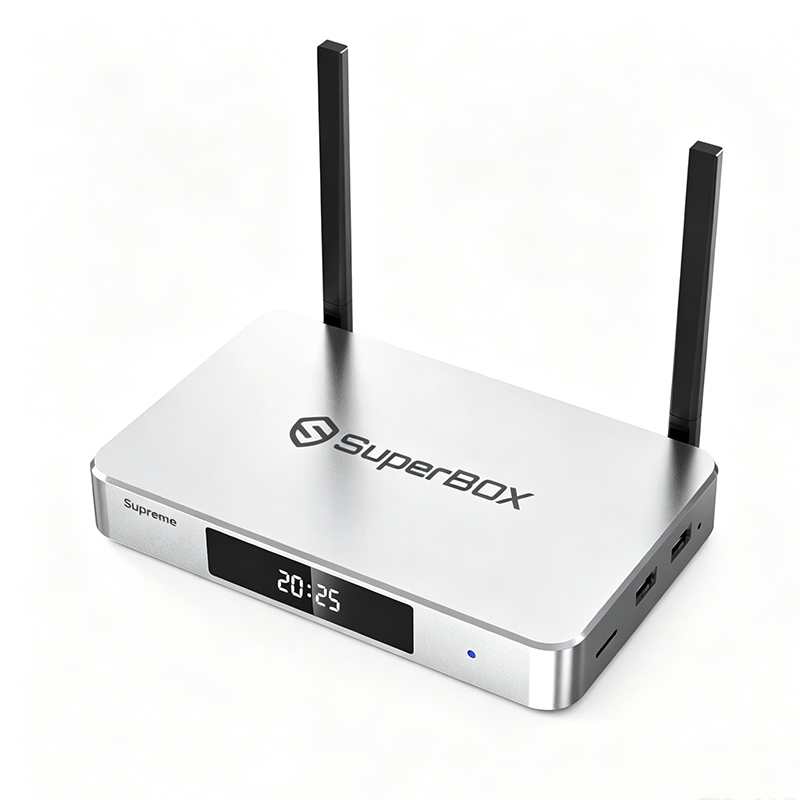
SuperBox Supreme Smart TV Box

$429.00 USD
Shipping fees will be calculated at checkout.
Quantity

📦 Product Specifications at a Glance

project Specifications Details
processor Quad-core ARM Cortex-A53 + Mali-G31 MP2 GPU
Memory / Storage 4GB DDR RAM + 128GB eMMC ROM
system Android 12
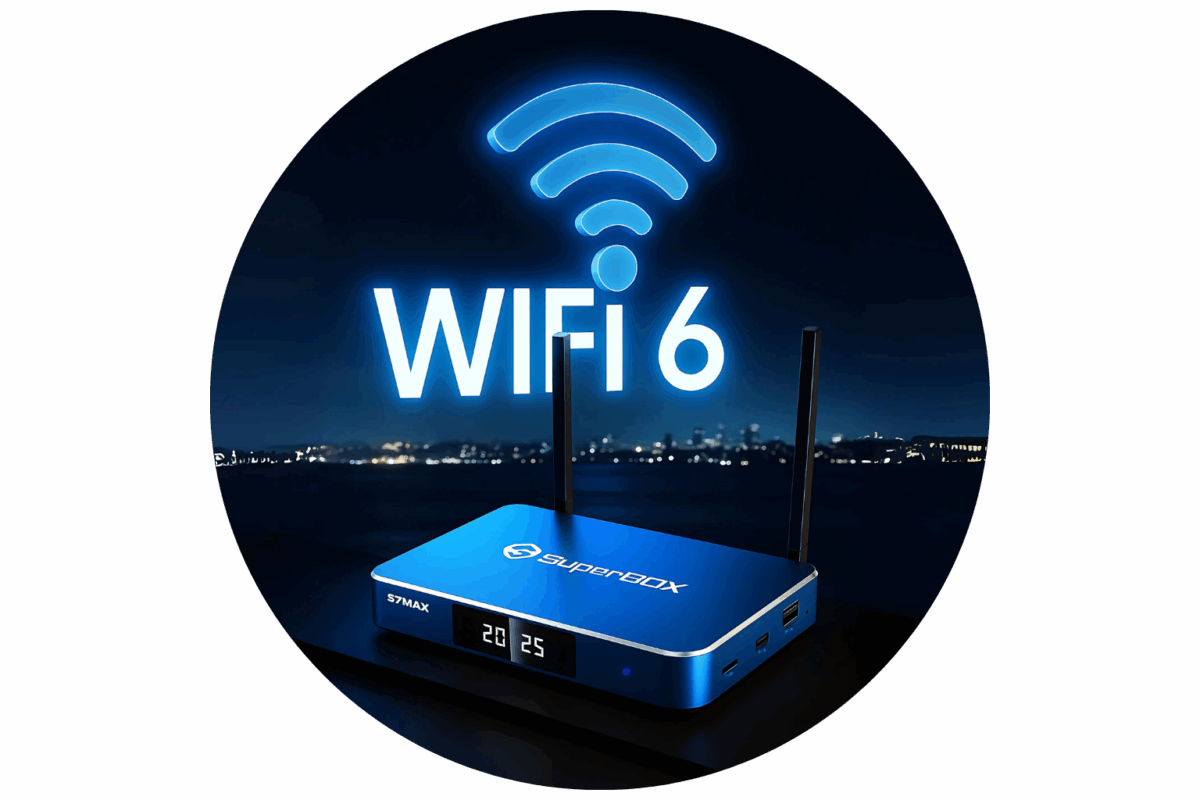
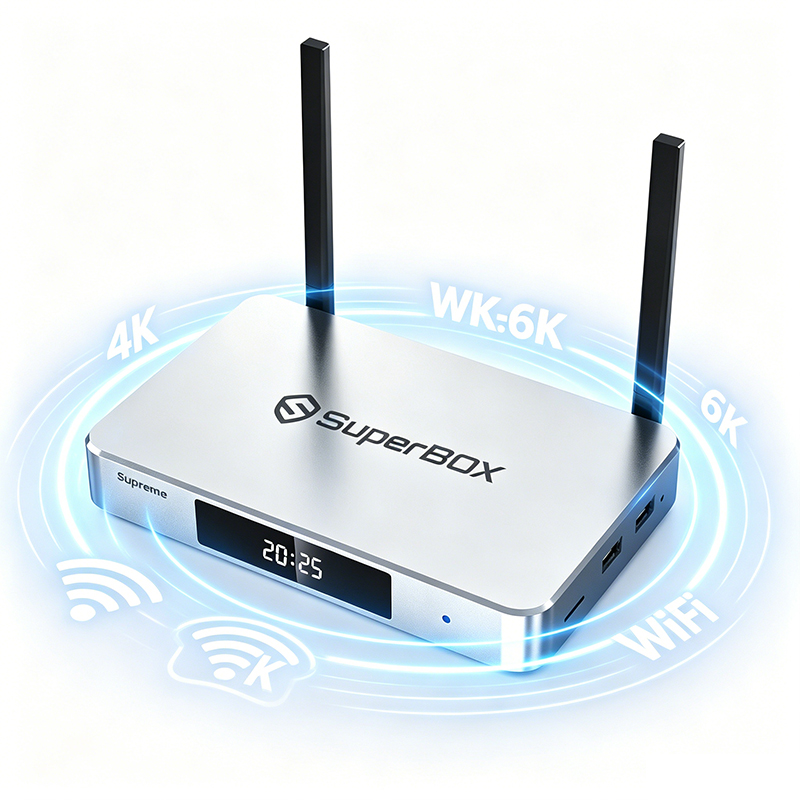
Wireless connection WiFi 6 Dual-Band 2.4G/5G
wired network 1000Mbps Ethernet
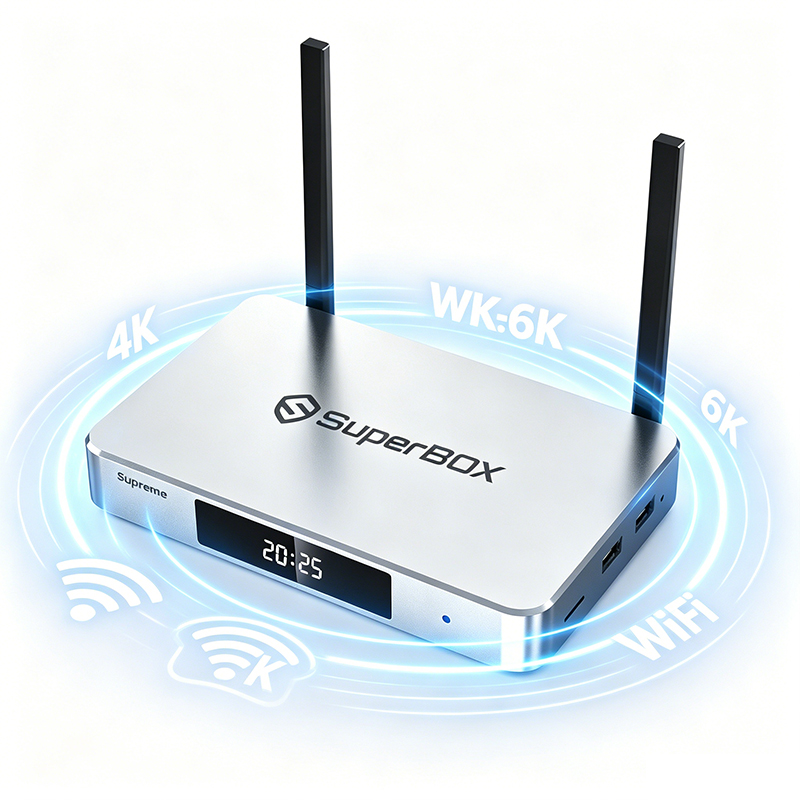
Video output Supports up to 6K Ultra HD
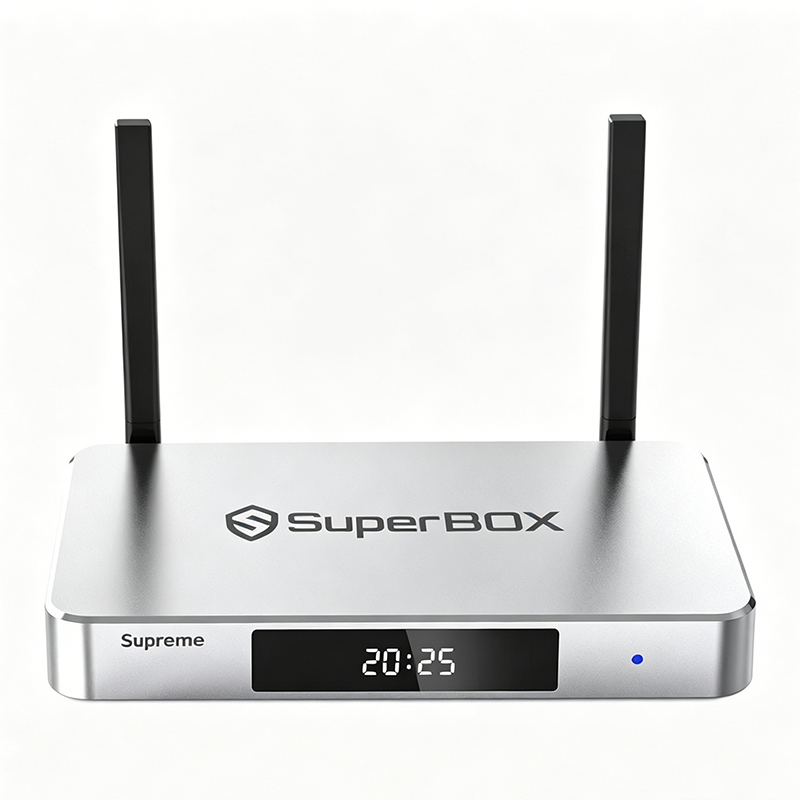
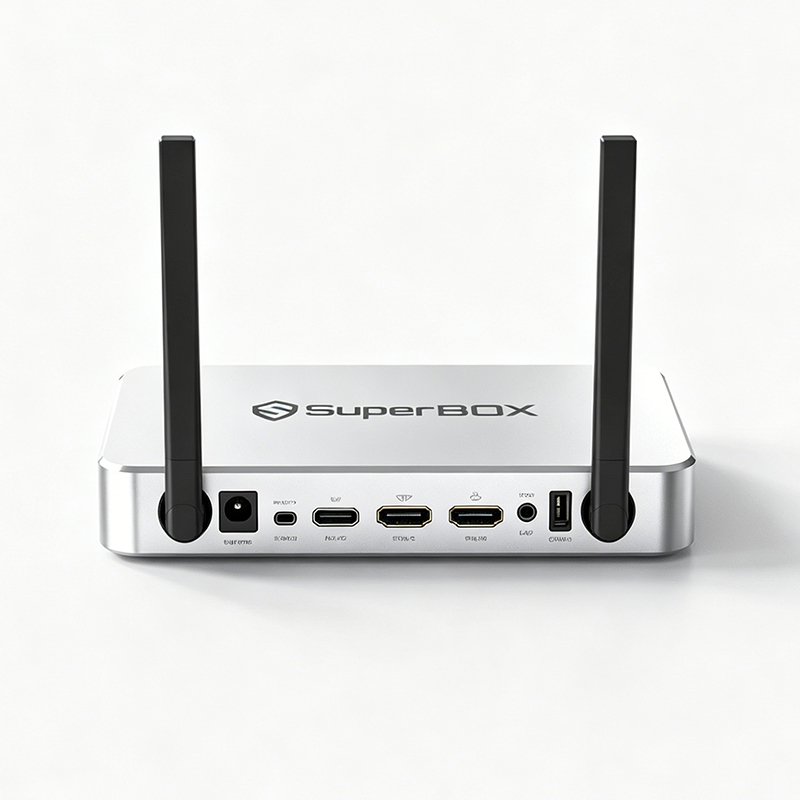
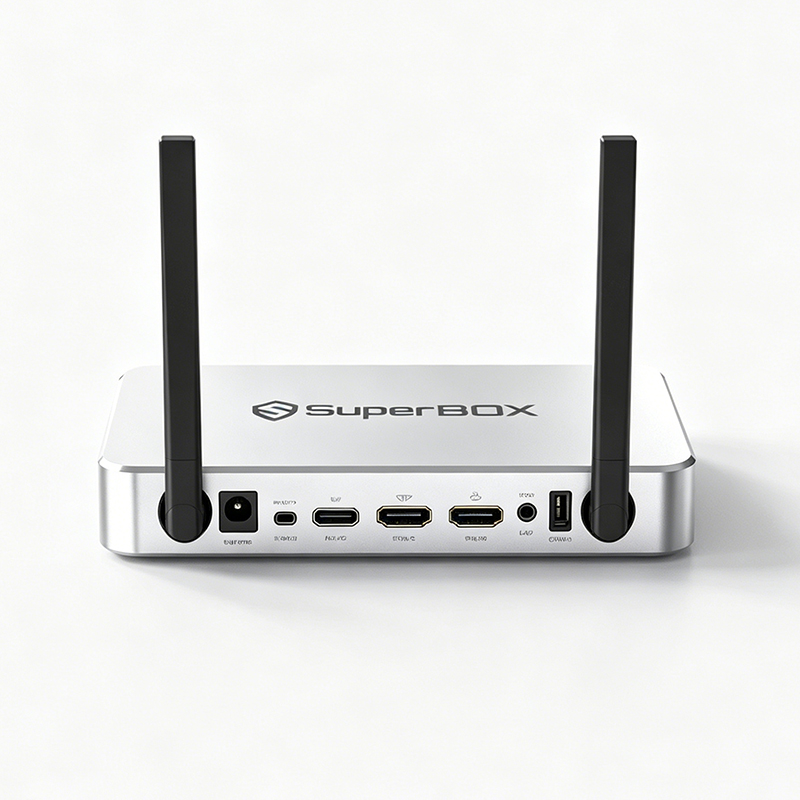
Interface configuration HDMI, USB 3.0, USB-C, Type-C power port, TF card slot
Special features 7-day playback, voice control, parental controls, backlit remote control

🎁 Package Contents

SuperBox Supreme Main Unit ×1

Remote Control ×1

HDMI Cable ×1

Power Adapter ×1

User Manual ×1

SuperBox Supreme—a single device that meets the entire family's entertainment needs, transforming your living room back into the heart of family fun.

How to Set Up a SuperBox in Minutes

Step1: Get Connected
1. Insert the power adapter into both the wall outlet and the box.
2. Attach the HDMI cord to the TV from the box.
1. Insert the power adapter into both the wall outlet and the box.
2. Attach the HDMI cord to the TV from the box.
Step3: Set-Up Guide
Step3: Set-Up Guide
5. Select the scale for your display.
6. Connect your Wi-Fi or Ethernet wire according to the directions on screen.
5. Select the scale for your display.
6. Connect your Wi-Fi or Ethernet wire according to the directions on screen.
Step2: Power On
Step2: Power On
3. Select the HDMI input source after turning on your TV.
4. Press the power button on the box or the remote to turn on your Superbox.
3. Select the HDMI input source after turning on your TV.
4. Press the power button on the box or the remote to turn on your Superbox.
Step4: Premium Apps
Step4: Premium Apps
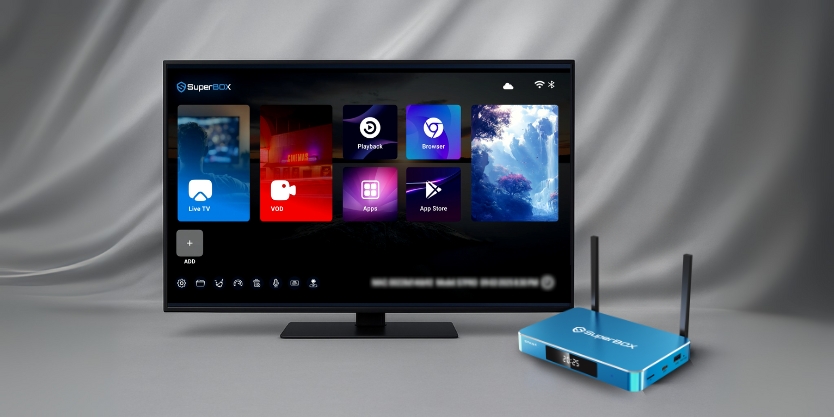
7. Choose Apps and launch the App Store.
8. Install the premium apps.
9. Launch the newly installed apps and download the catalog.
7. Choose Apps and launch the App Store.
8. Install the premium apps.
9. Launch the newly installed apps and download the catalog.