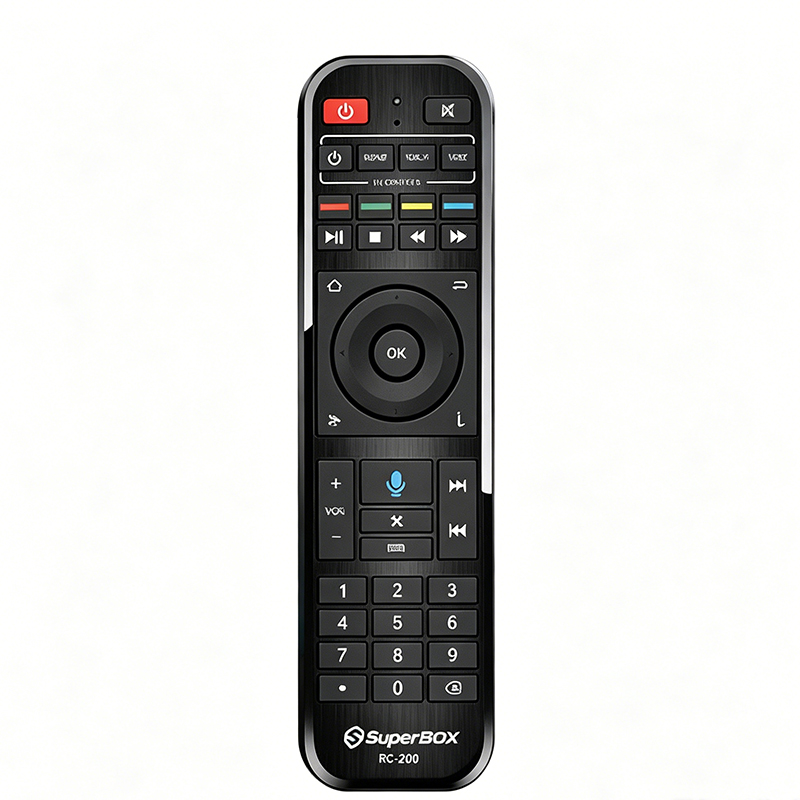
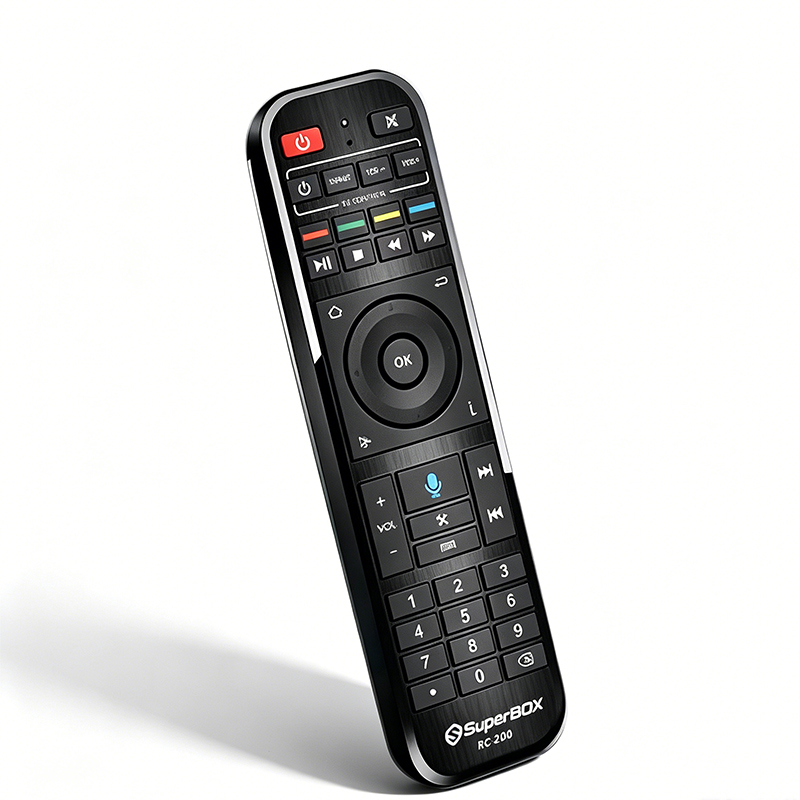
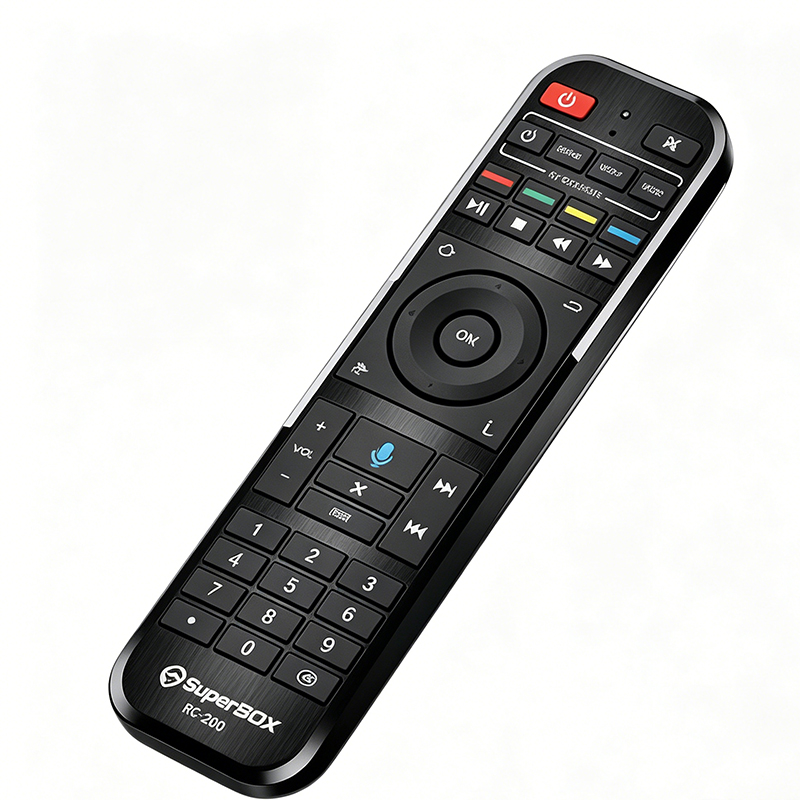
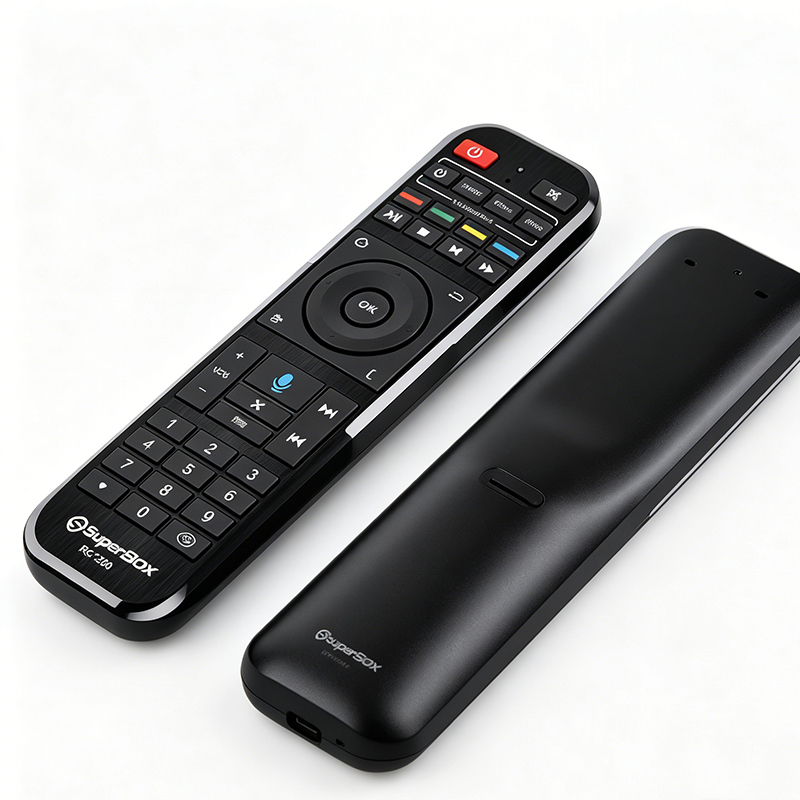
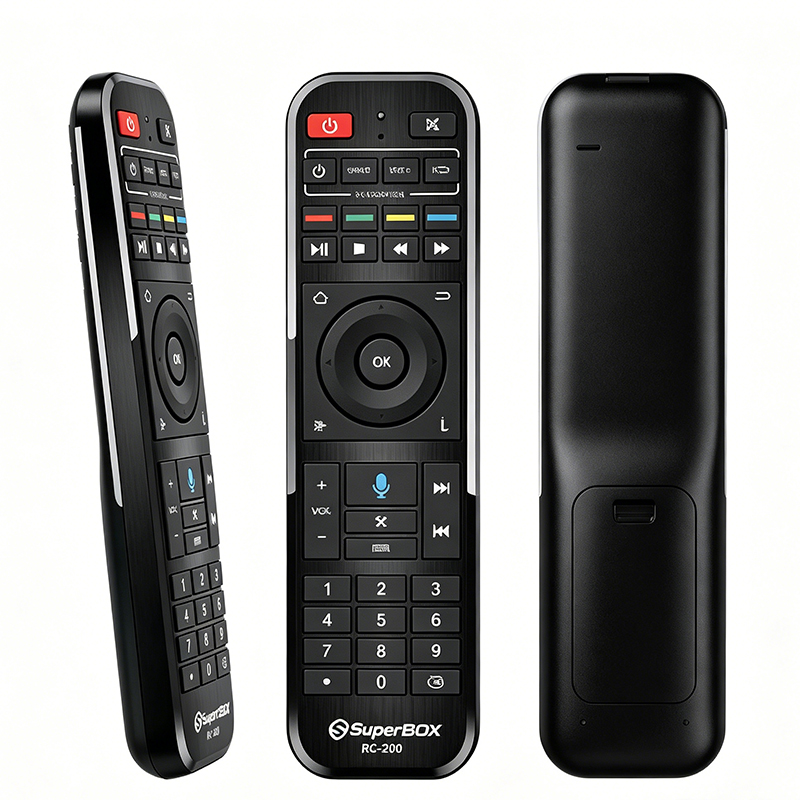
Original and genuine, perfectly compatible with the entire SuperBox series
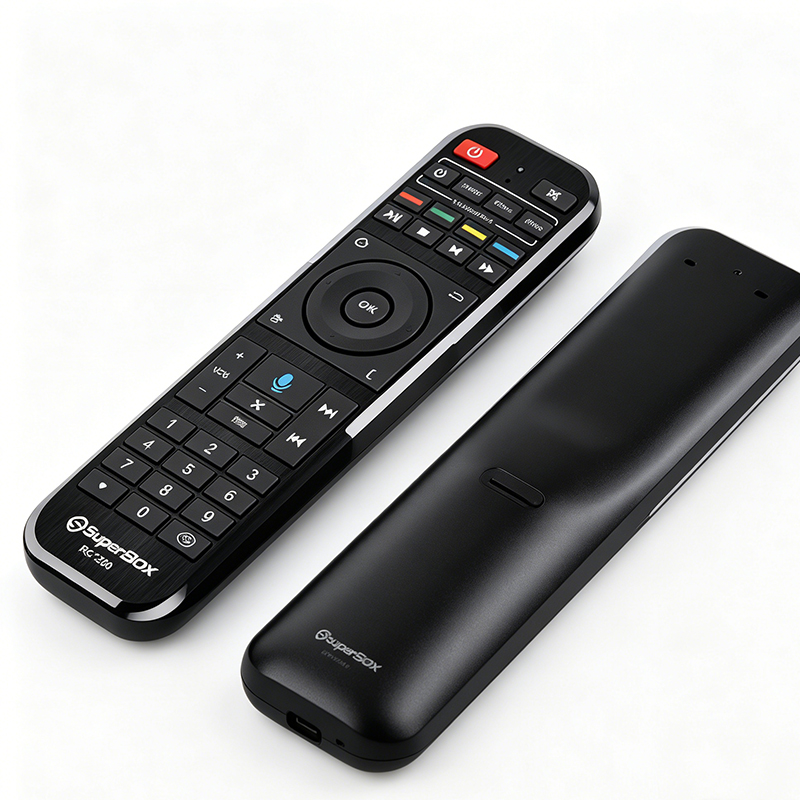
Customized for the entire SuperBox S7, S6, S5, S4 and other TV boxes, plug and play without pairing. Control your set-top box directly upon receipt, no compatibility issues, restoring the native control experience of your device, and replacing old or damaged original remotes.
Built-in voice microphone, hands-free voice search
A high-definition voice pickup microphone is located in the middle of the device. Long press the voice button to voice search for World Cup matches, movies, TV series, and variety shows. No need for cumbersome up and down button input; even the elderly and children can easily and quickly find the content they want to watch, doubling the efficiency of watching sports and dramas.
TV + box 2-in-1 control, one remote manages the whole home entertainment system
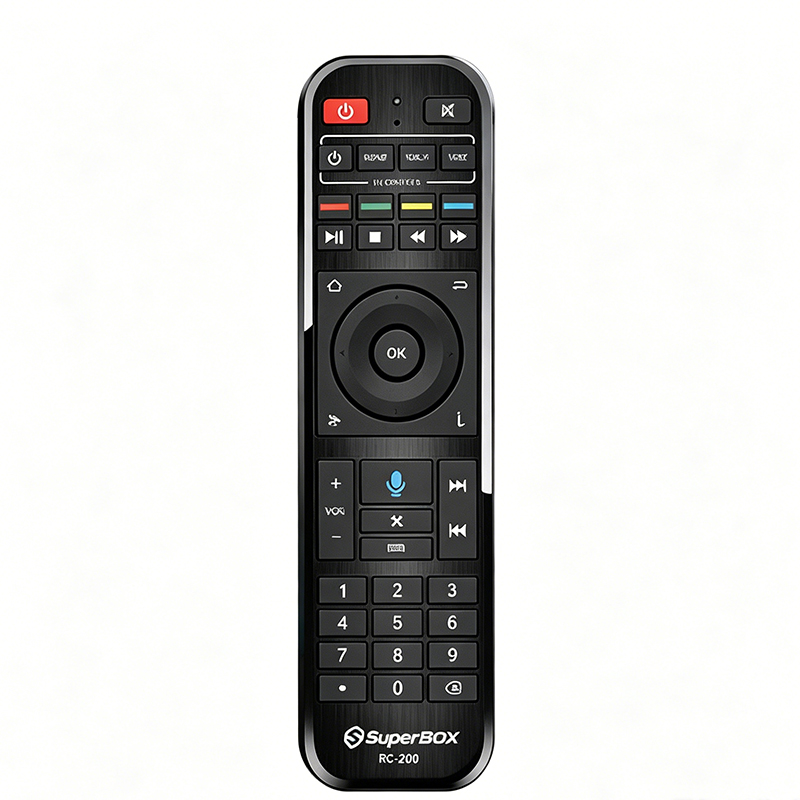
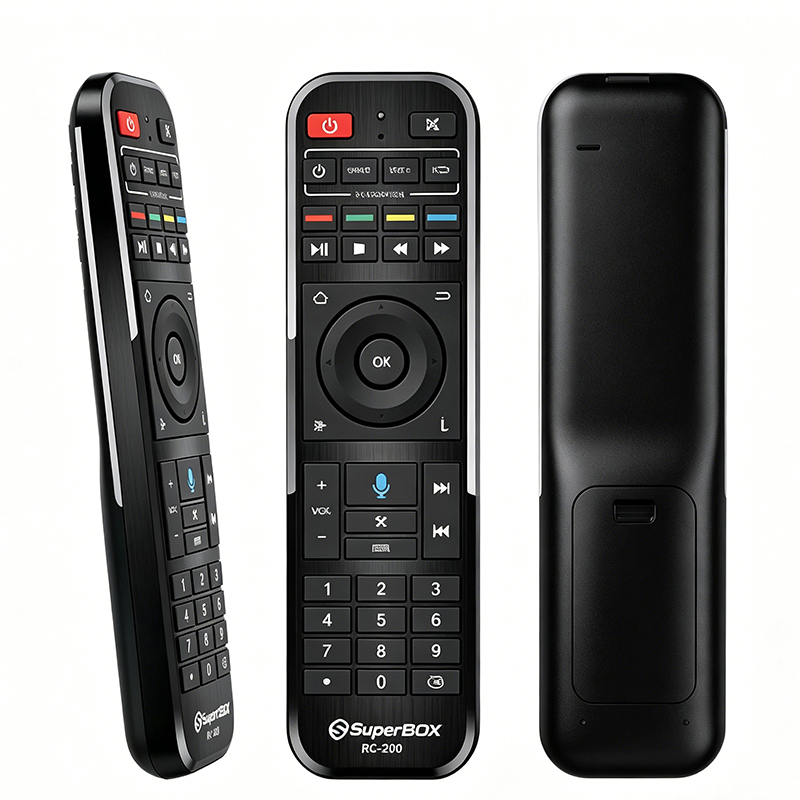
An independent TV CONTROL control area on the top, equipped with power, signal source, and volume up/down buttons, eliminates the need for a separate TV remote:
- Control SuperBox set-top box play/pause, fast forward/rewind
- Simultaneously turn the TV on/off, switch HDMI signals, and adjust TV volume
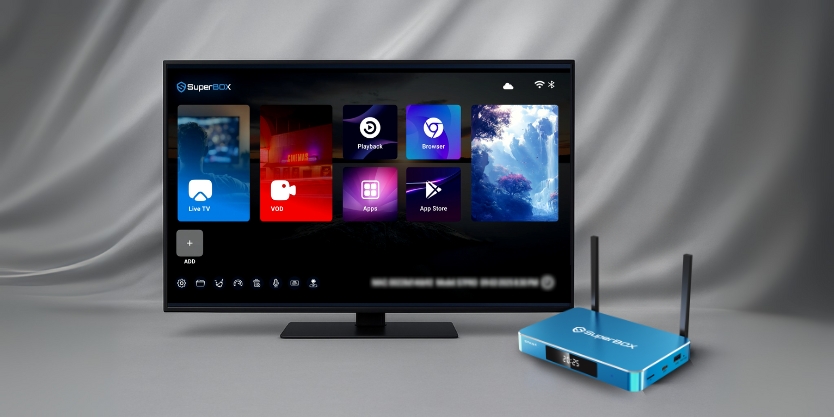
One remote controls the entire audio-visual system, eliminating clutter on your desktop.
Full-featured buttons covering all usage scenarios
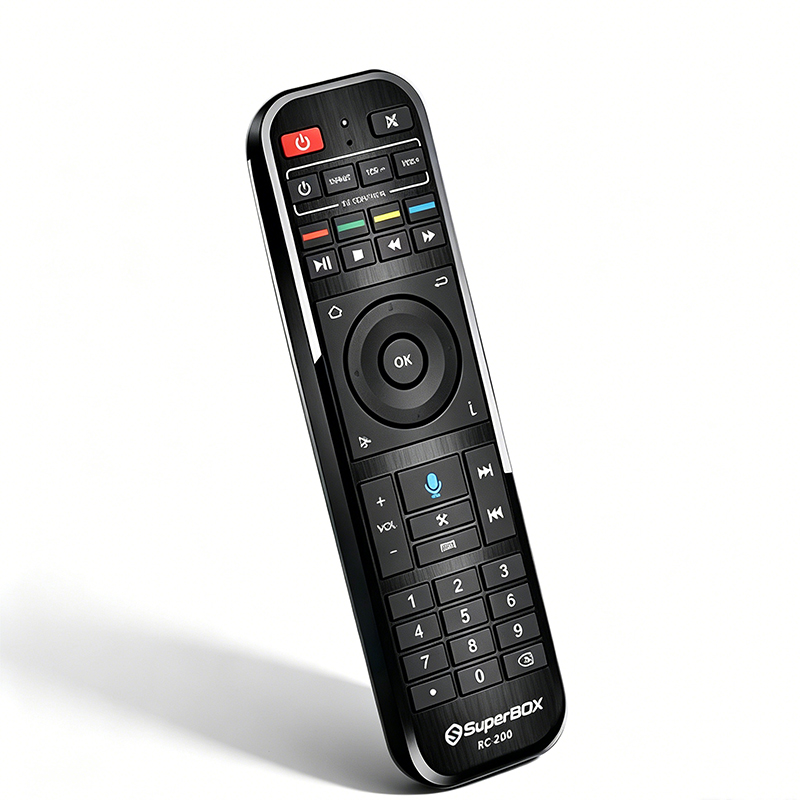
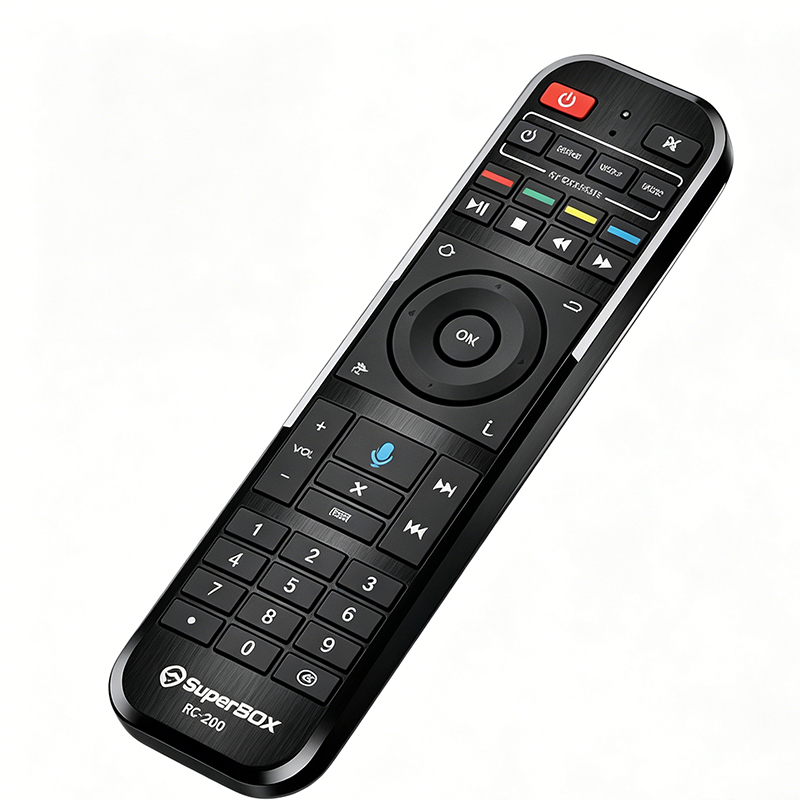
Features a complete layout of color-coded function shortcut keys, playback control keys, directional OK navigation keys, digital channel shortcut keys, and volume control keys. It supports all functions including quick channel switching, screenshot capture, settings pop-ups, and mute. Switching channels while watching sports or accessing on-demand playback is a breeze, with no missing features.
Compatible Device List
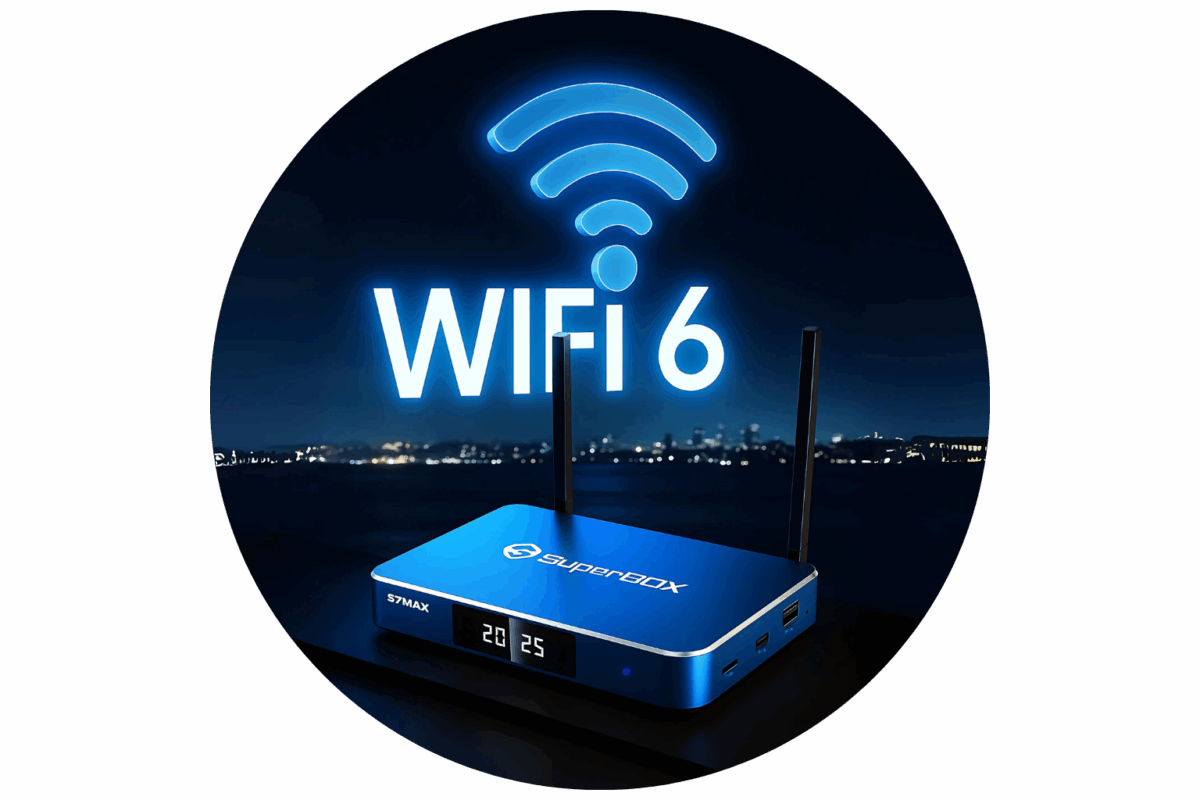
Fully compatible with all SuperBox set-top box models:
SuperBox S7 series
SuperBox S6 series
SuperBox S5 series
SuperBox S4 series
SuperBox S3 and S2 series (older models)
⚠️ Note: Only compatible with SuperBox brand TV boxes; not compatible with other brands of Android boxes.
Use the simple tutorial
Insert two AA batteries and replace the battery cover;
Aim at the SuperBox set-top box's infrared receiver window. It will automatically recognize and pair, requiring no additional setup;
Voice Search: Press and hold the microphone button on the device, then speak the name of the movie/event and release to search;
TV Integration: Use the buttons on the top TV area to directly control the TV's power, volume, and signal source switching.
After-sales guarantee
Brand new original factory parts, rigorously tested button sensitivity before leaving the factory;
Signal testing before shipment, ready to use upon arrival;
For compatibility issues or button malfunctions, contact customer service for one-on-one assistance and guidance;
Standard individual packaging, protected from pressure and scratches during transport, ensuring safe delivery.
.png?w=1877&h=1688)
.png?w=1347&h=3014)
.png?w=1997&h=1901)
.png?w=2048&h=563)