.png?w=2048&h=563)
SuperBox S8 Plus Android TV Box (Promotion)
SuperBox S8 Plus Android TV Box
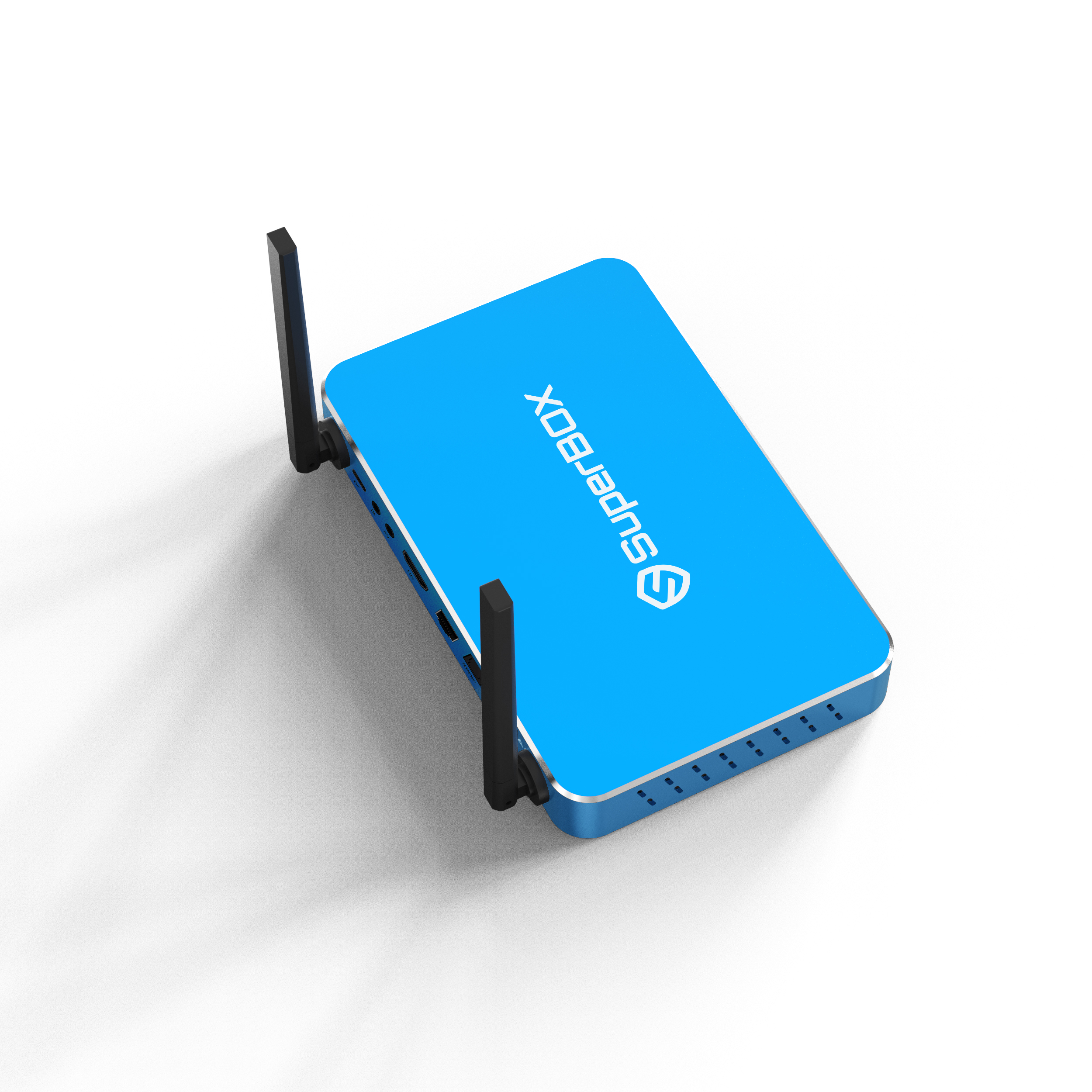
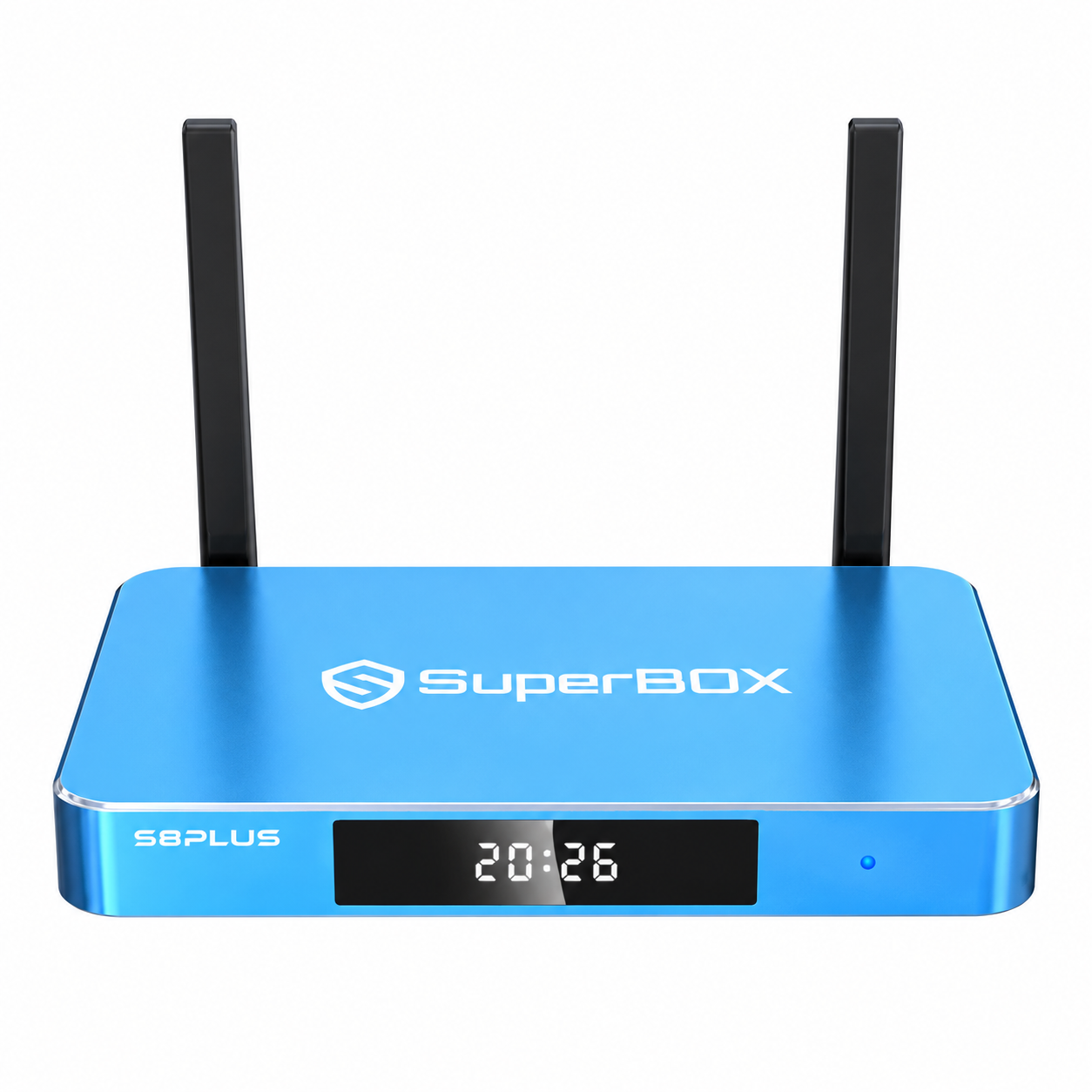
Designed for modern family entertainment in 2026, the SuperBOX S8 Plus combines practical performance with convenient everyday control. Three notable enhancements—a redesigned home screen, versatile multi-window display, and built-in recording—create a more flexible experience. Its distinctive ocean-blue enclosure completes the device with a polished, contemporary appearance.
A Distinctive and Practical Design
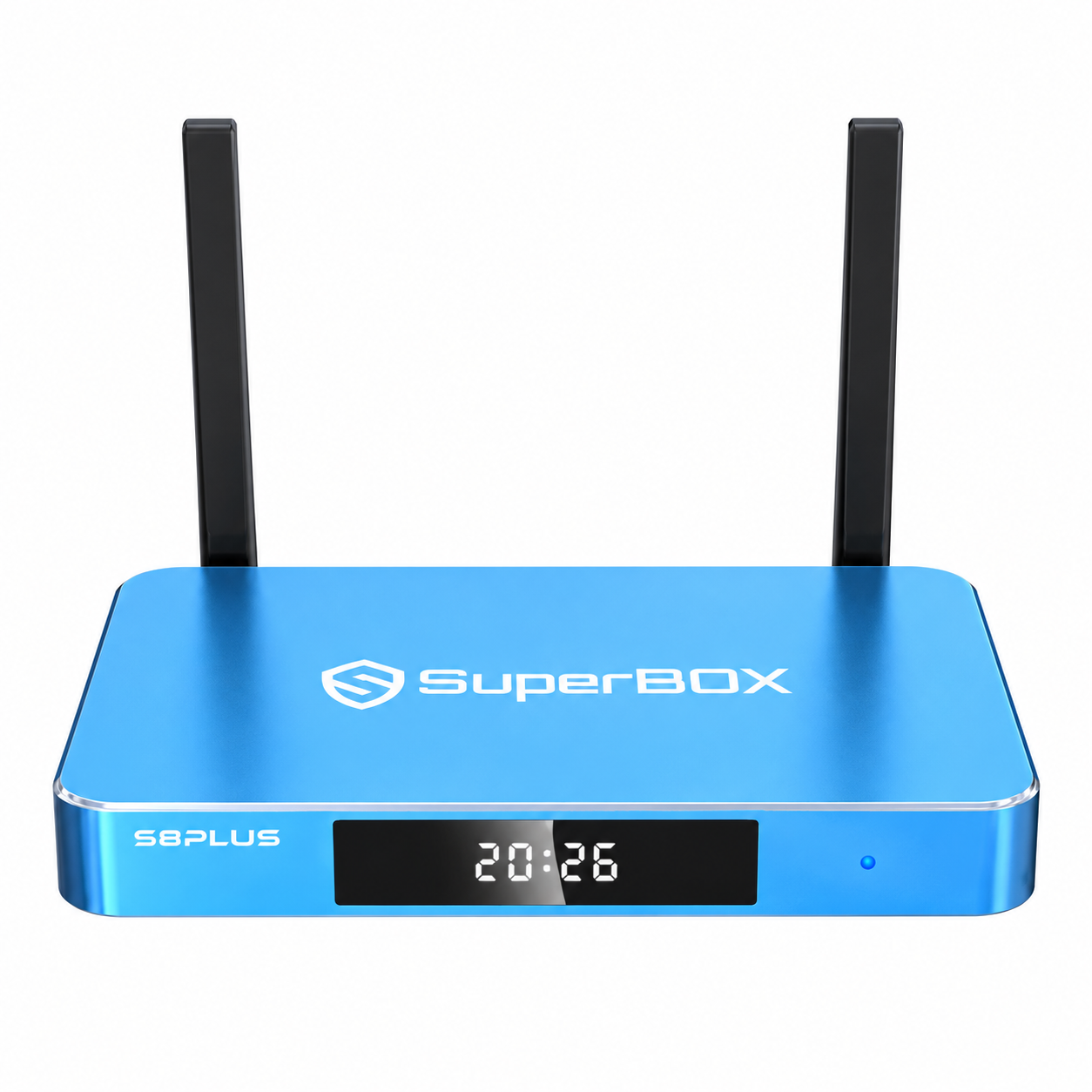
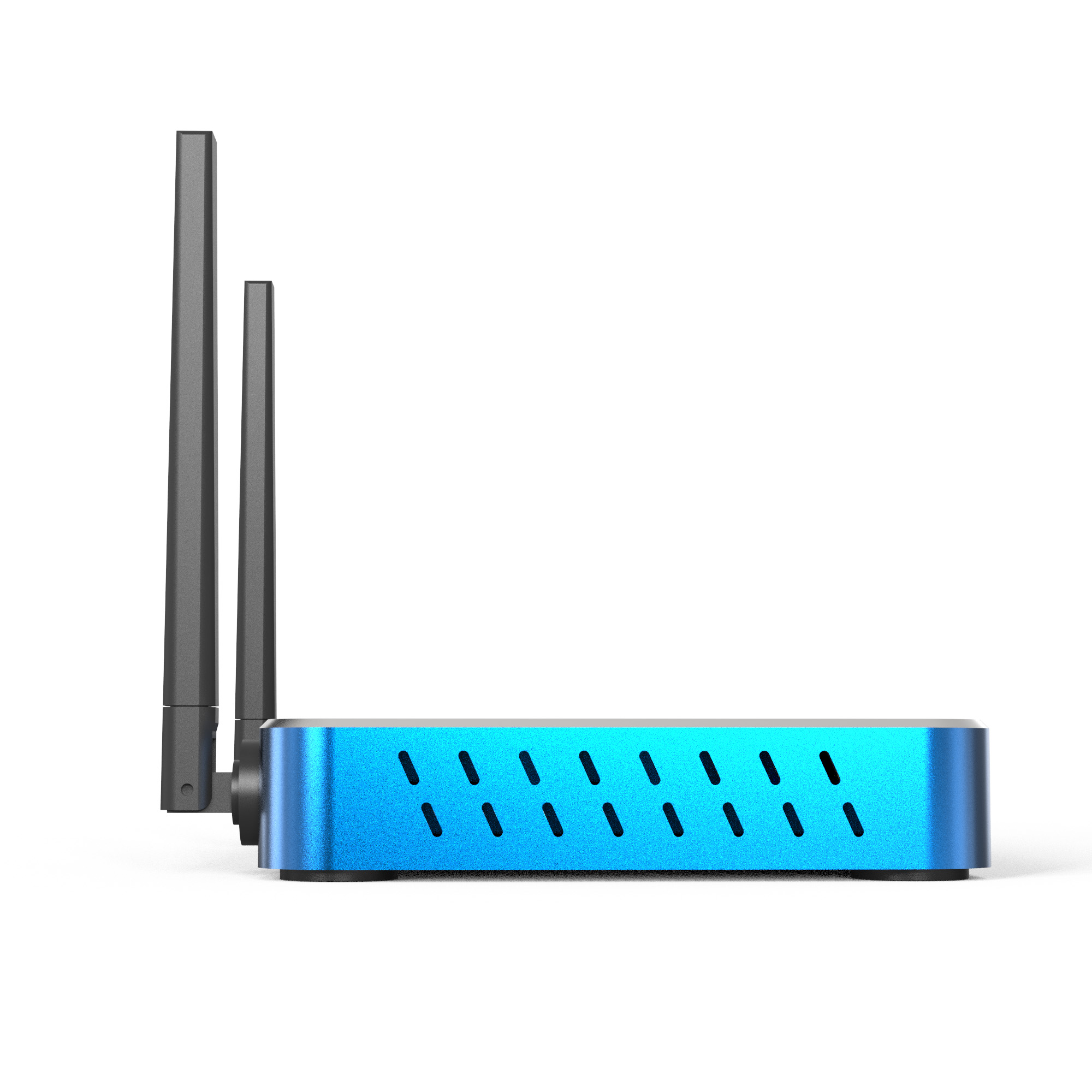
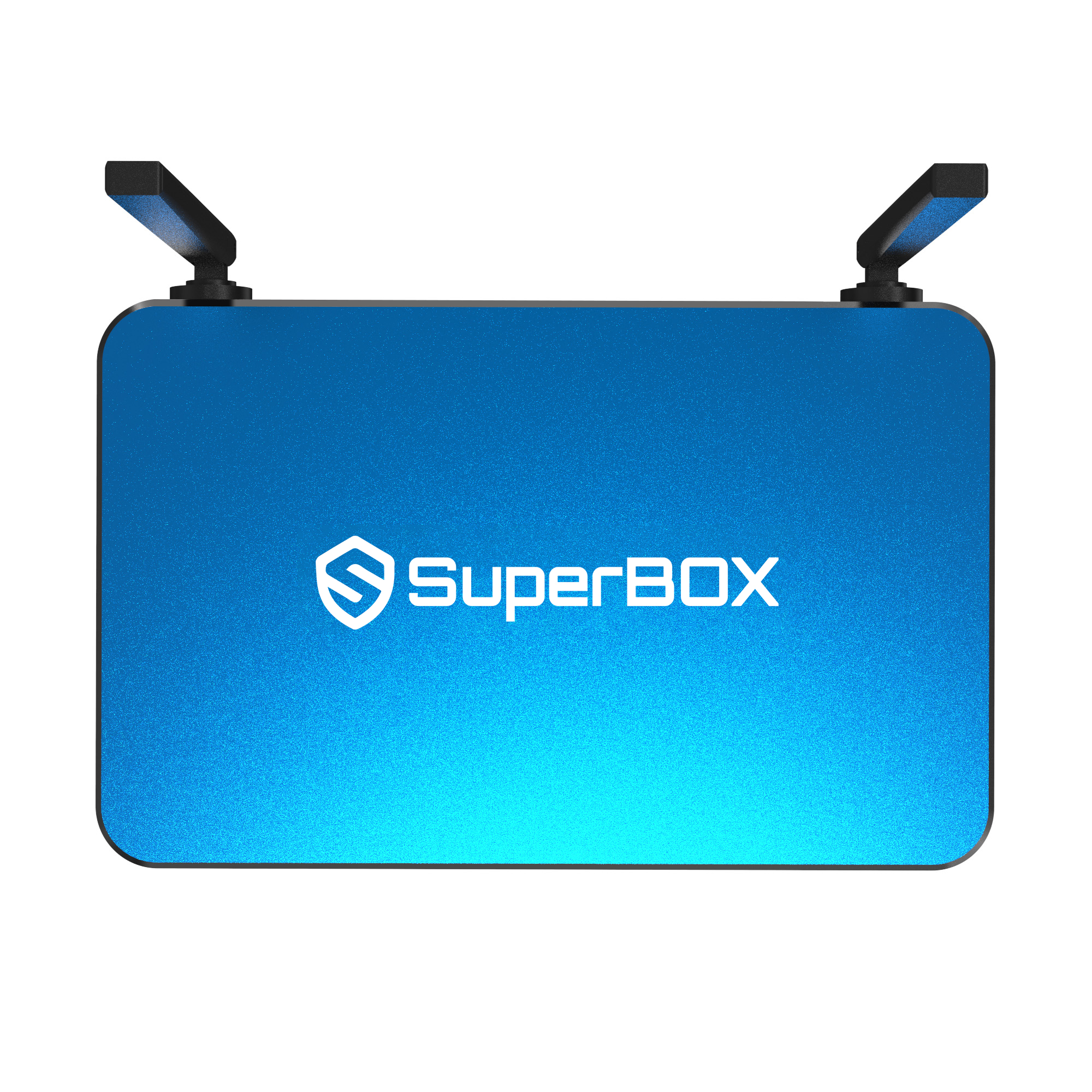
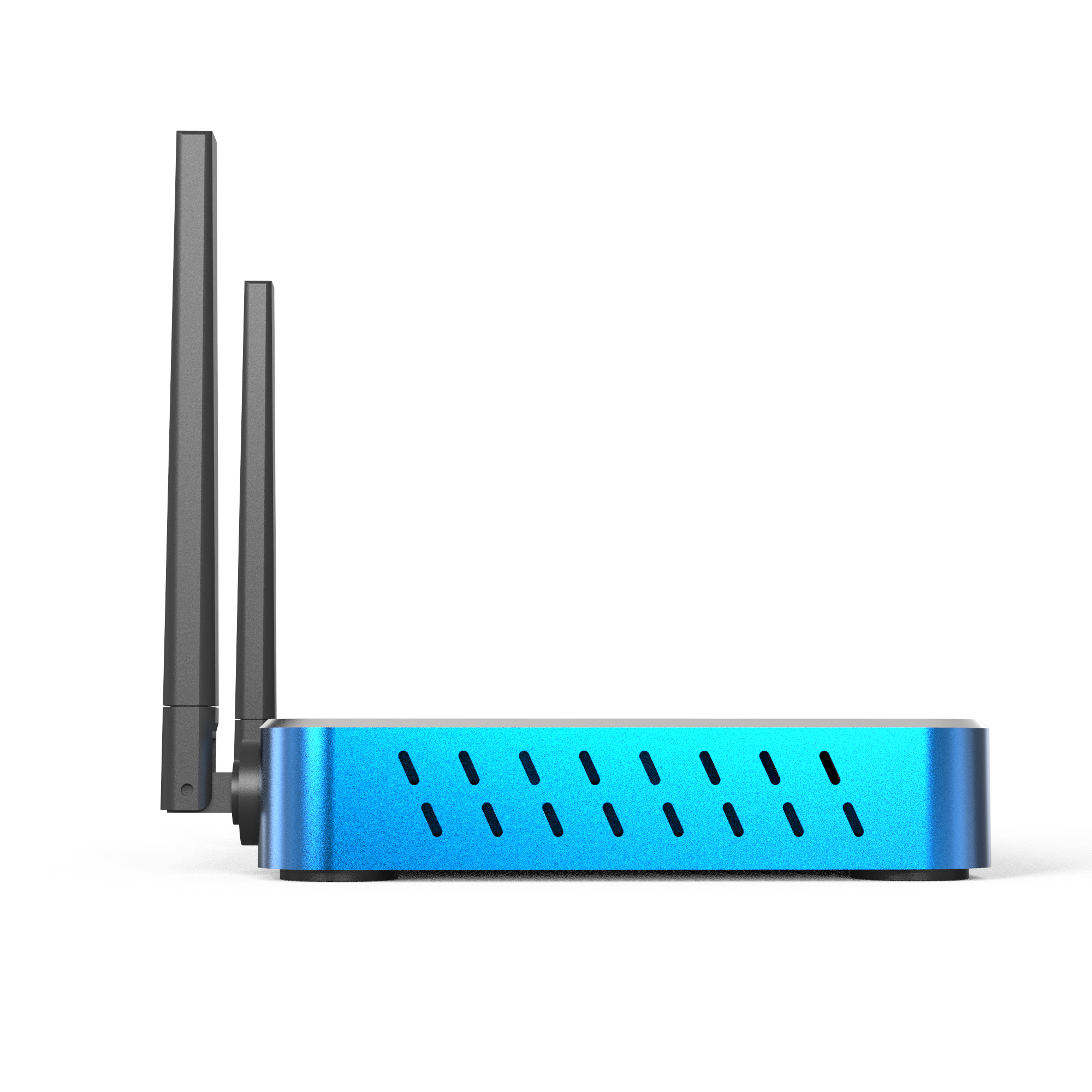
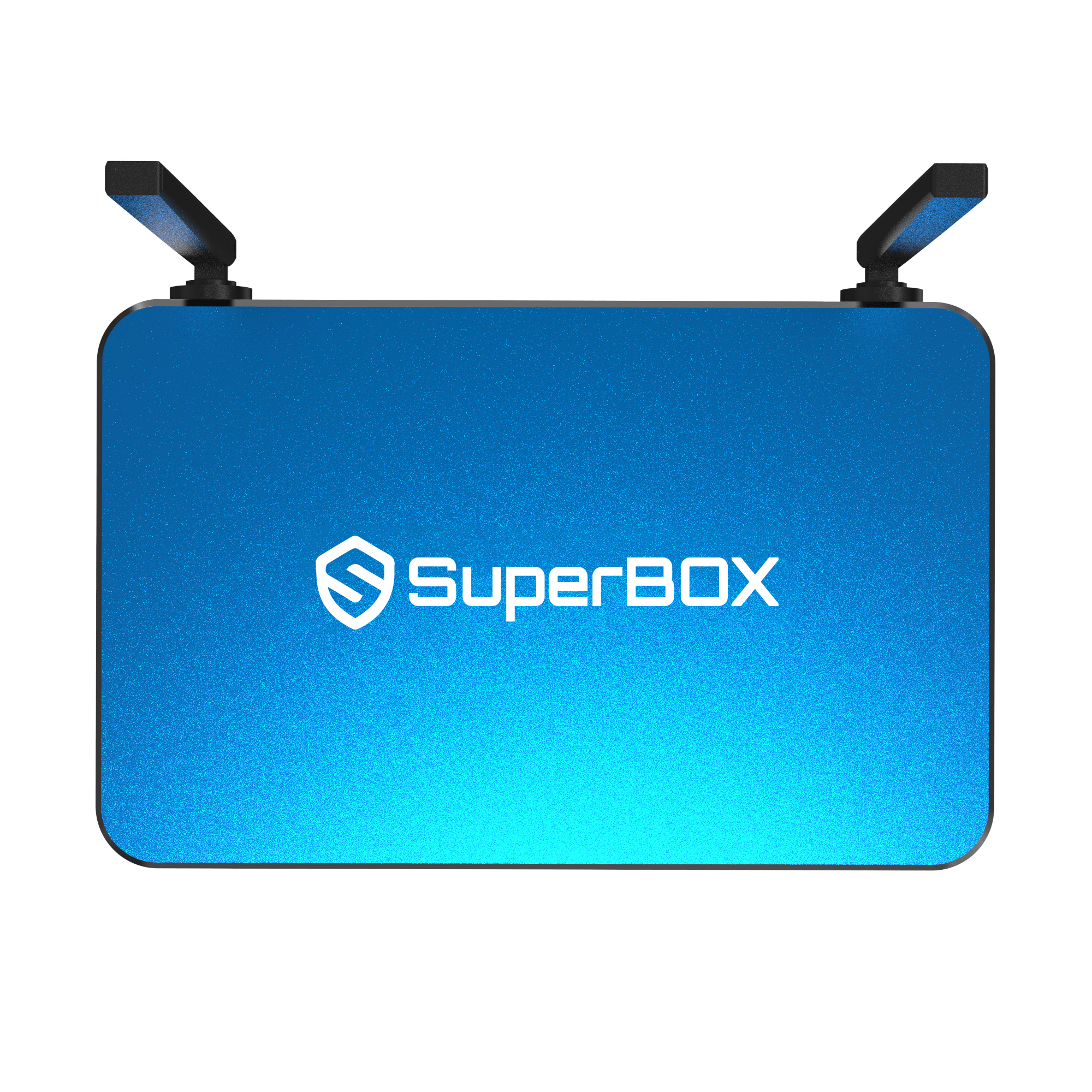
A vibrant ocean-blue finish gives the SuperBOX S8 Plus a clean, recognizable look. The carefully constructed housing combines modern styling with the durability needed for regular household use. Its rich color adds visual character while remaining easy to coordinate with televisions, media consoles, and a variety of contemporary interior styles.
Versatile Features for Daily Use
Once connected, the SuperBOX S8 Plus brings several useful capabilities together in a compact device. Picture-in-Picture, multi-window display, and built-in recording provide additional options for different household preferences. With 64GB of internal storage, responsive performance, and a simplified interface, it delivers a balanced entertainment experience for everyday use.
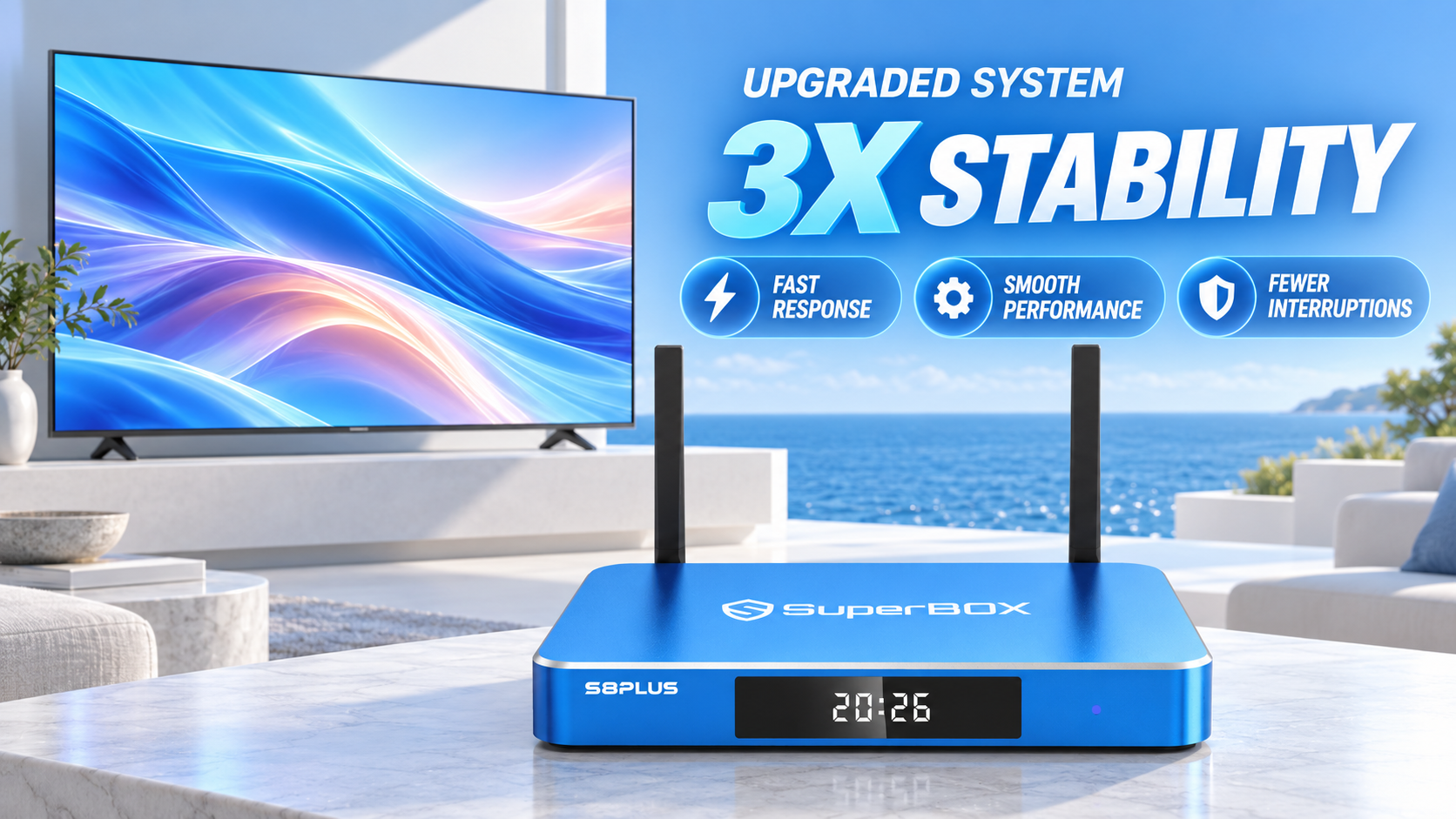
Faster and More Consistent Operation
An optimized operating system helps the SuperBOX S8 Plus respond quickly and maintain dependable performance. Improved processing reduces unnecessary delays, interruptions, and unexpected exits while handling compatible movies, shows, sports, and other home entertainment material.
Picture-in-Picture and Multi-Window Display
View several compatible sources on a single screen with Picture-in-Picture and Multi-Window modes. Keep one source in the main viewing area while checking another in a smaller window, or arrange multiple sections across the display for greater flexibility.
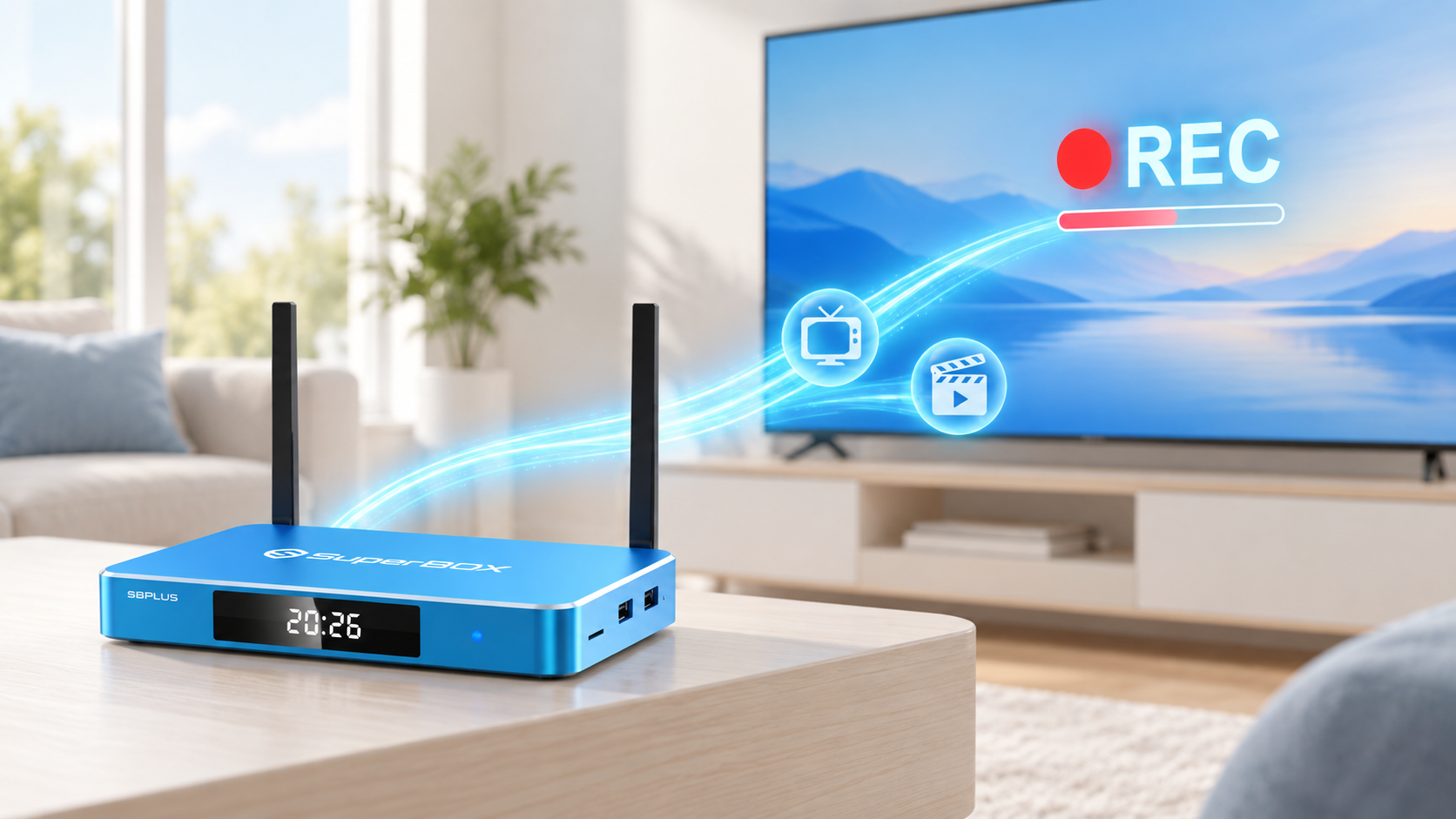
Convenient Built-In Recording
Save compatible on-screen material directly through the device for later use. The integrated recording function offers a convenient way to preserve supported sporting events, favorite programs, or other important moments without requiring complicated operation.
Simplified Home Screen
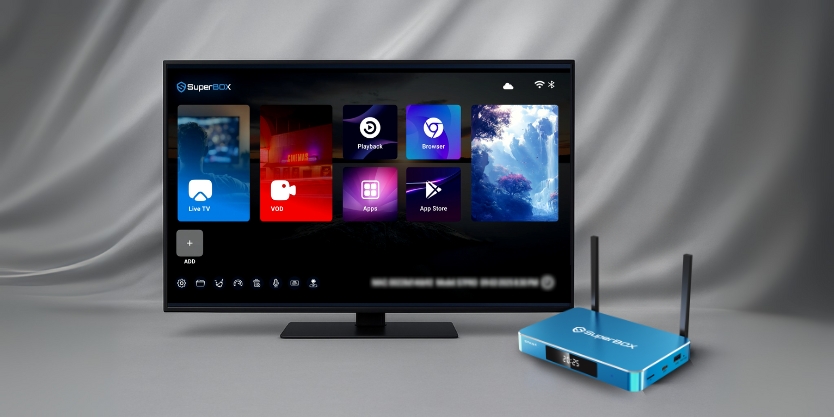
The redesigned interface presents commonly used features in a cleaner and more organized format. Clearer categories and smoother navigation help users find essential controls with fewer steps, making the S8 Plus more comfortable to operate every day.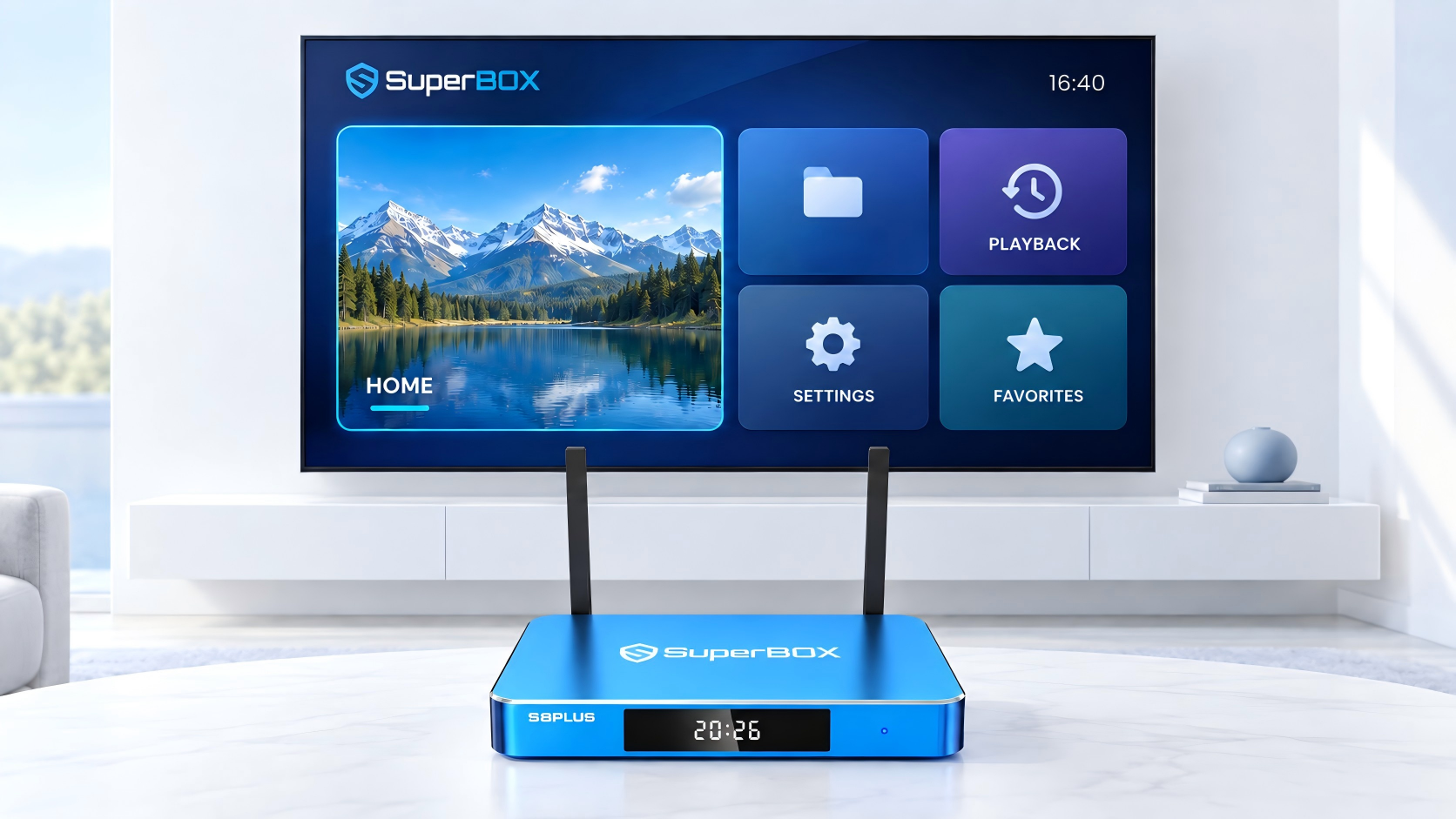
Additional Highlights
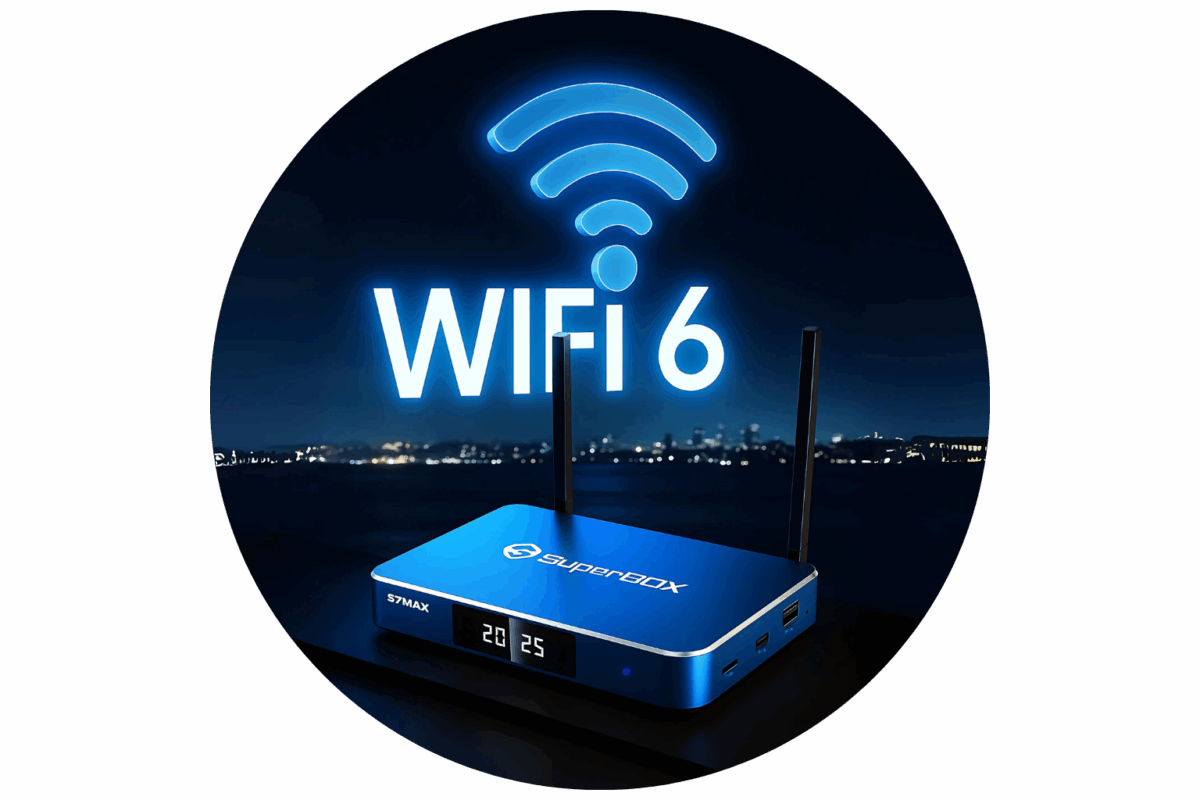
The SuperBOX S8 Plus also includes voice control, parental management, detailed 4K playback, and WiFi 6 connectivity. Together, these features provide convenient navigation, improved household control, dependable picture quality, and stable performance across compatible entertainment equipment.
-
Voice Control
-
Parental Management
-
4K Playback
-
WiFi 6
Time Shift
The SuperBOX S8 Plus features Time Shift, allowing you to pause, rewind, and resume TV up to 7 days so you never miss a moment.
Voice Control
Use simple spoken commands to search, navigate, and access compatible device functions. Voice control reduces repeated button input and provides a faster, more convenient way to manage everyday operation.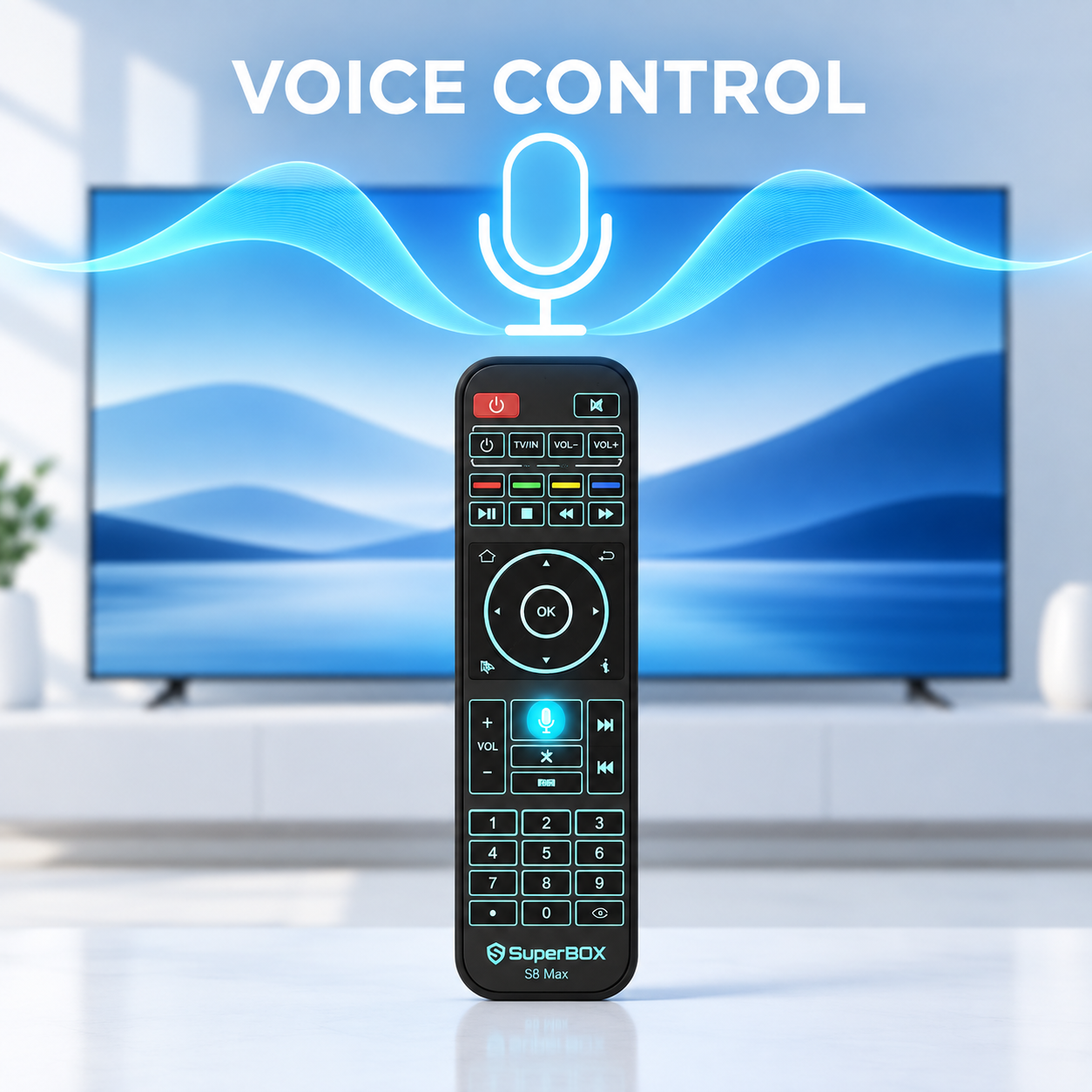
Parental Management
Parental management tools allow families to restrict selected material and control what younger users can access. These settings offer a straightforward way to create a more appropriate and manageable household viewing environment.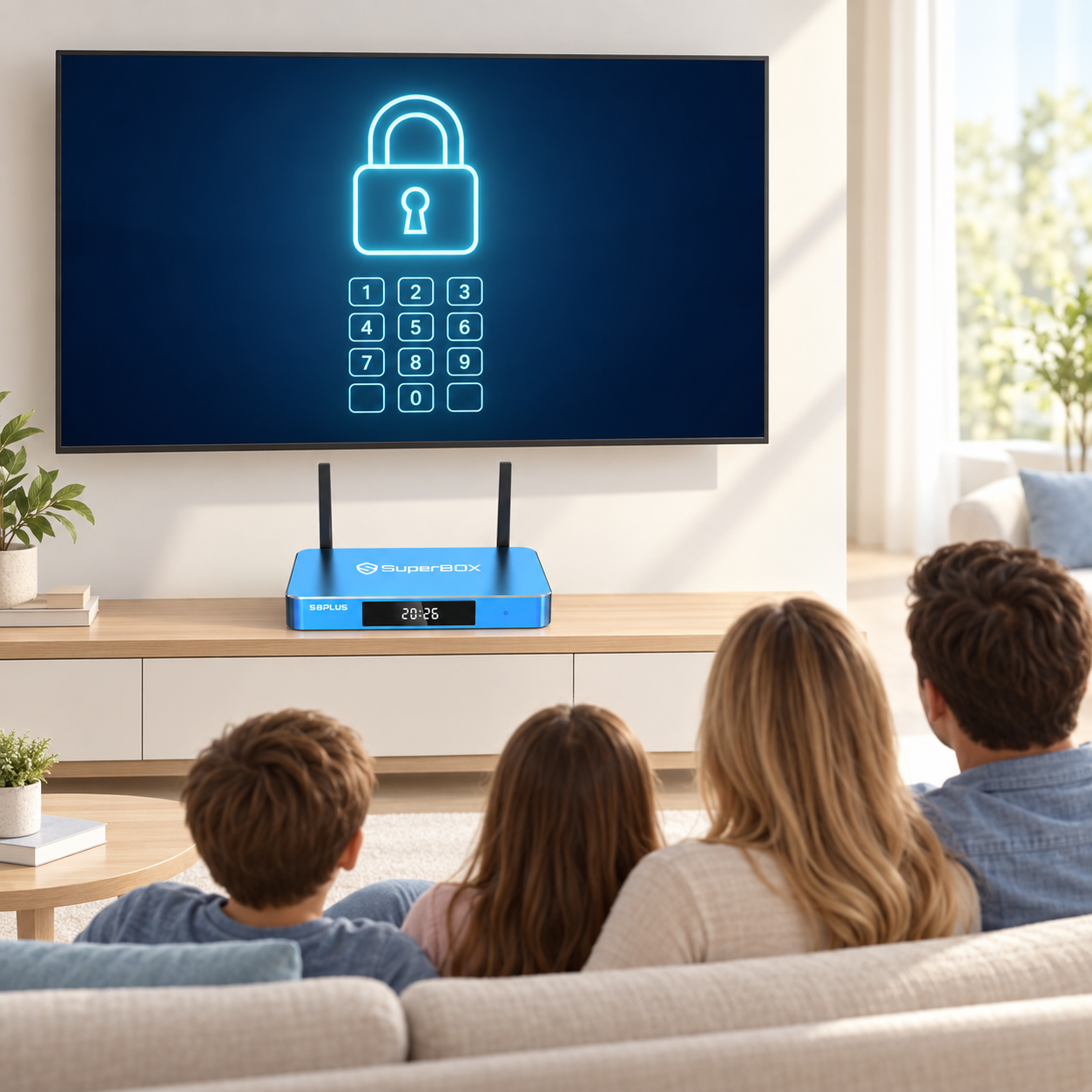
Detailed 4K Playback
Support for 4K playback provides sharper details, clearer images, and greater visual depth. When paired with compatible display equipment, the SuperBOX S8 Plus creates a more engaging big-screen experience.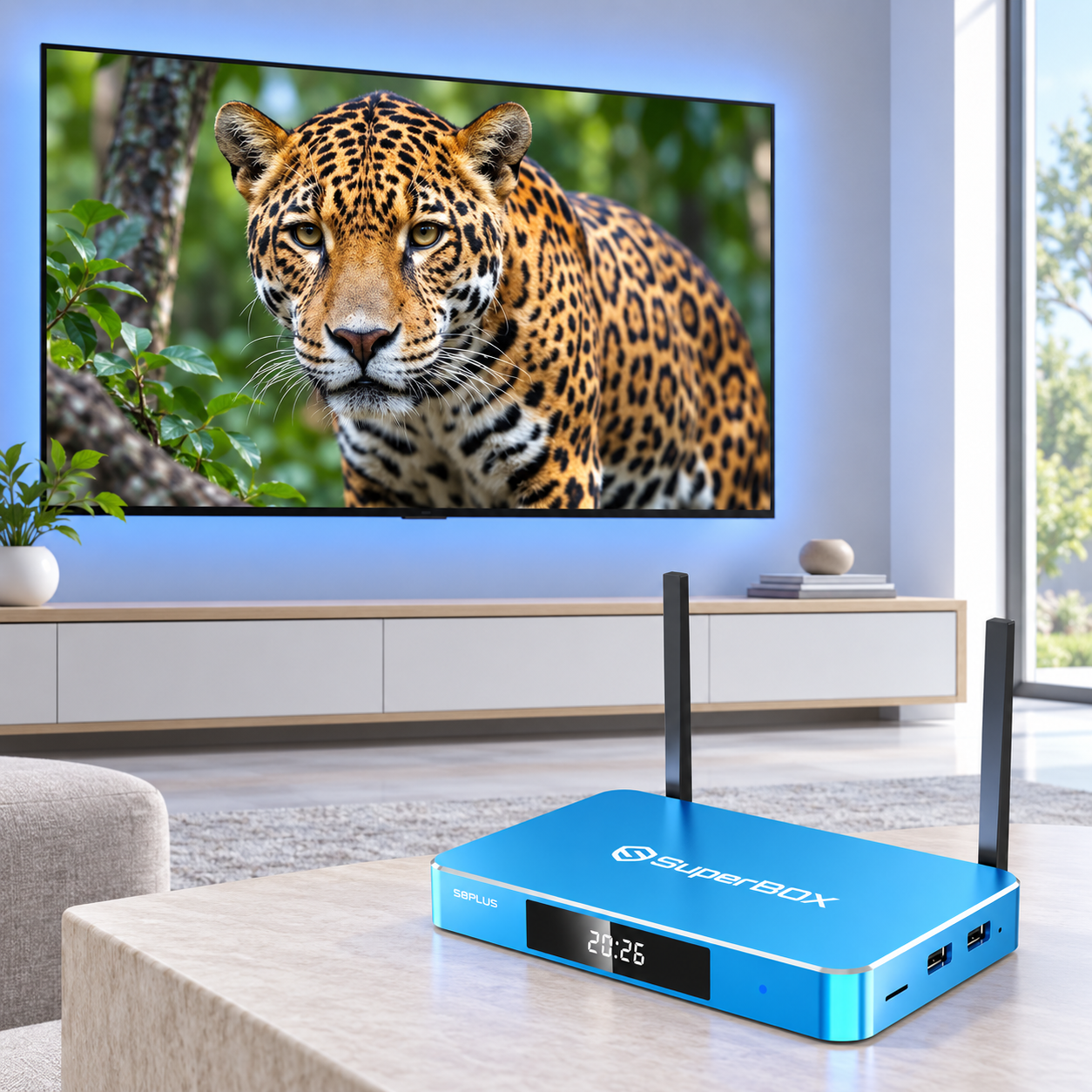
Reliable WiFi 6 Connection
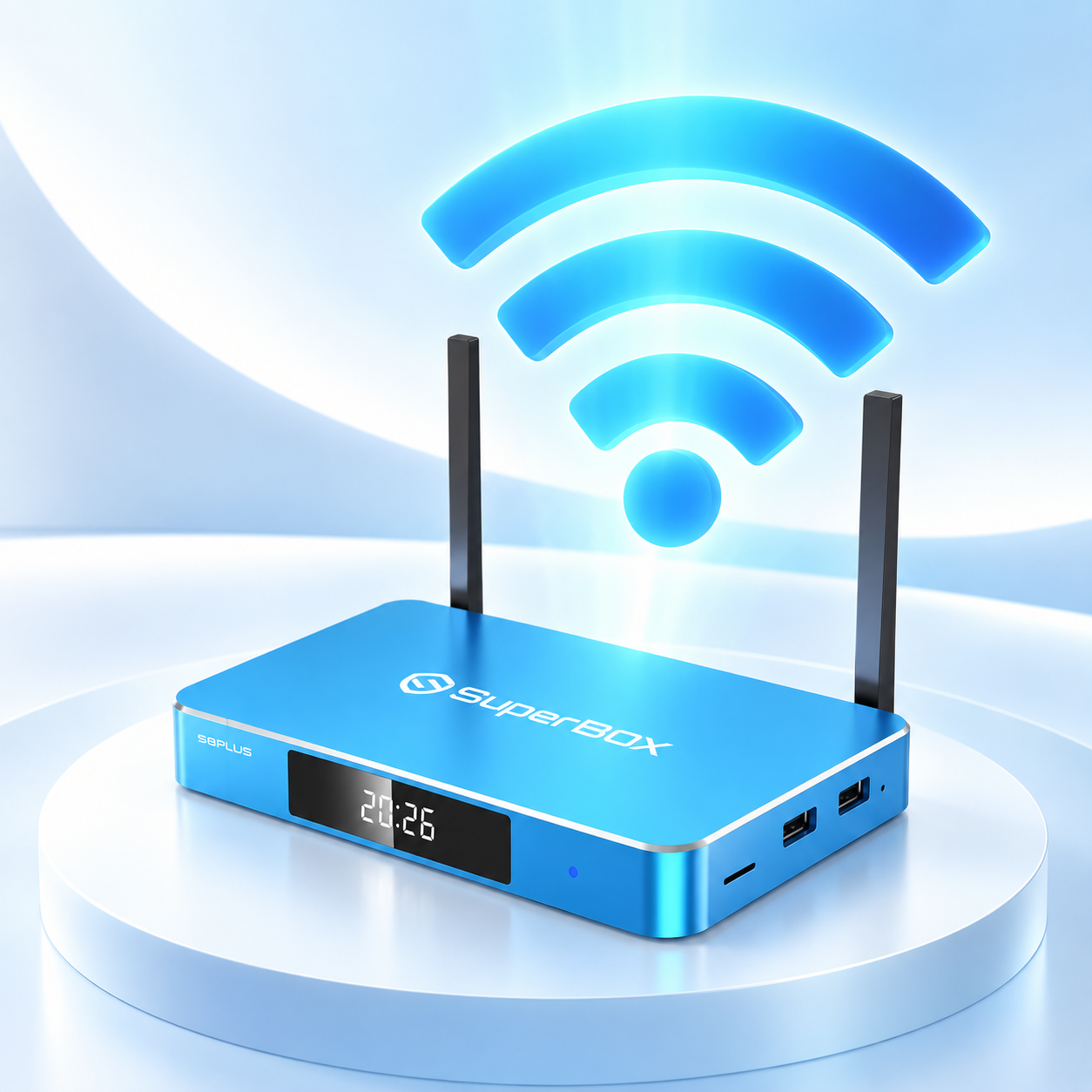
Built-in WiFi 6 support provides faster and more dependable wireless performance when connected to a compatible router and internet service. It helps reduce connection delays and supports steadier operation throughout regular household use.
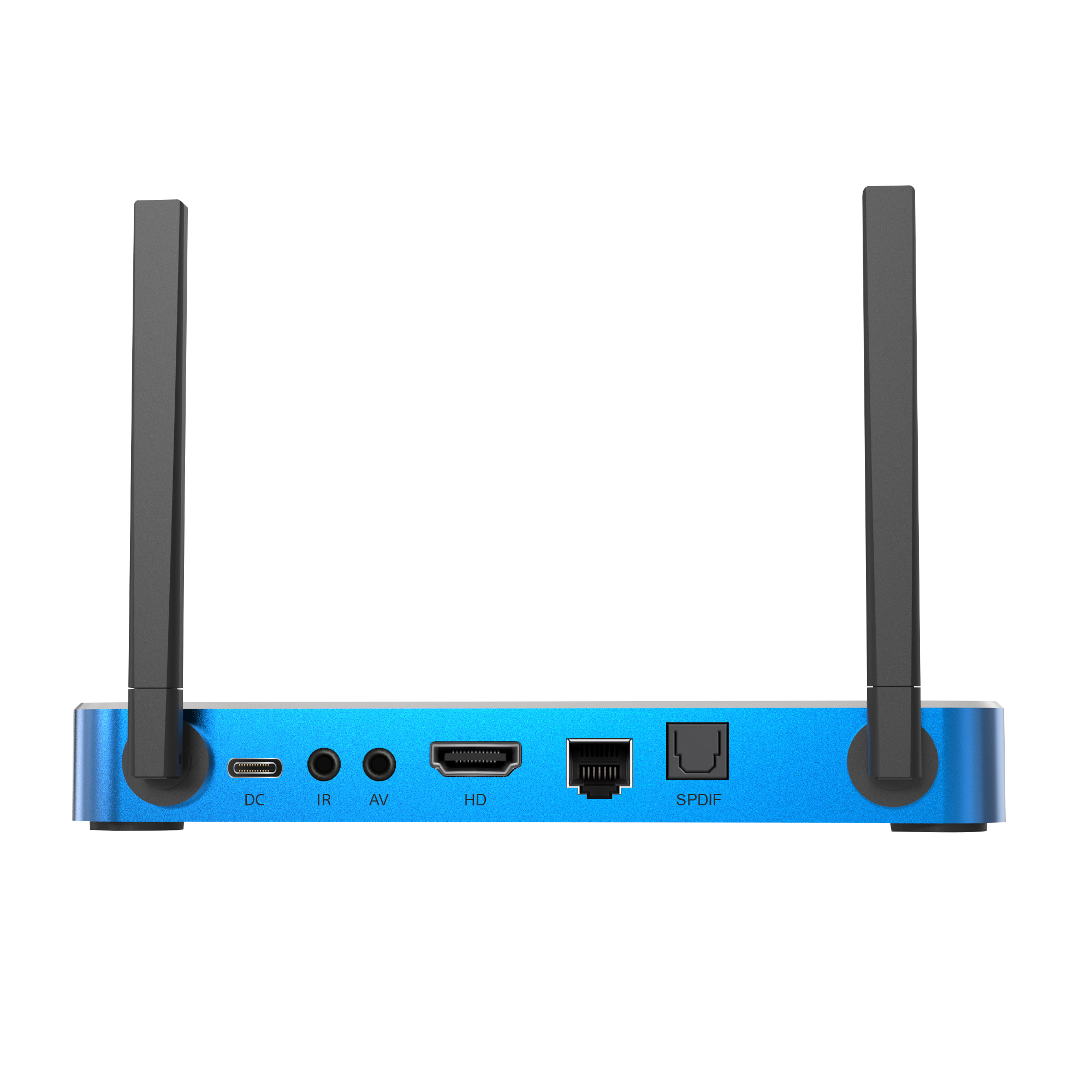
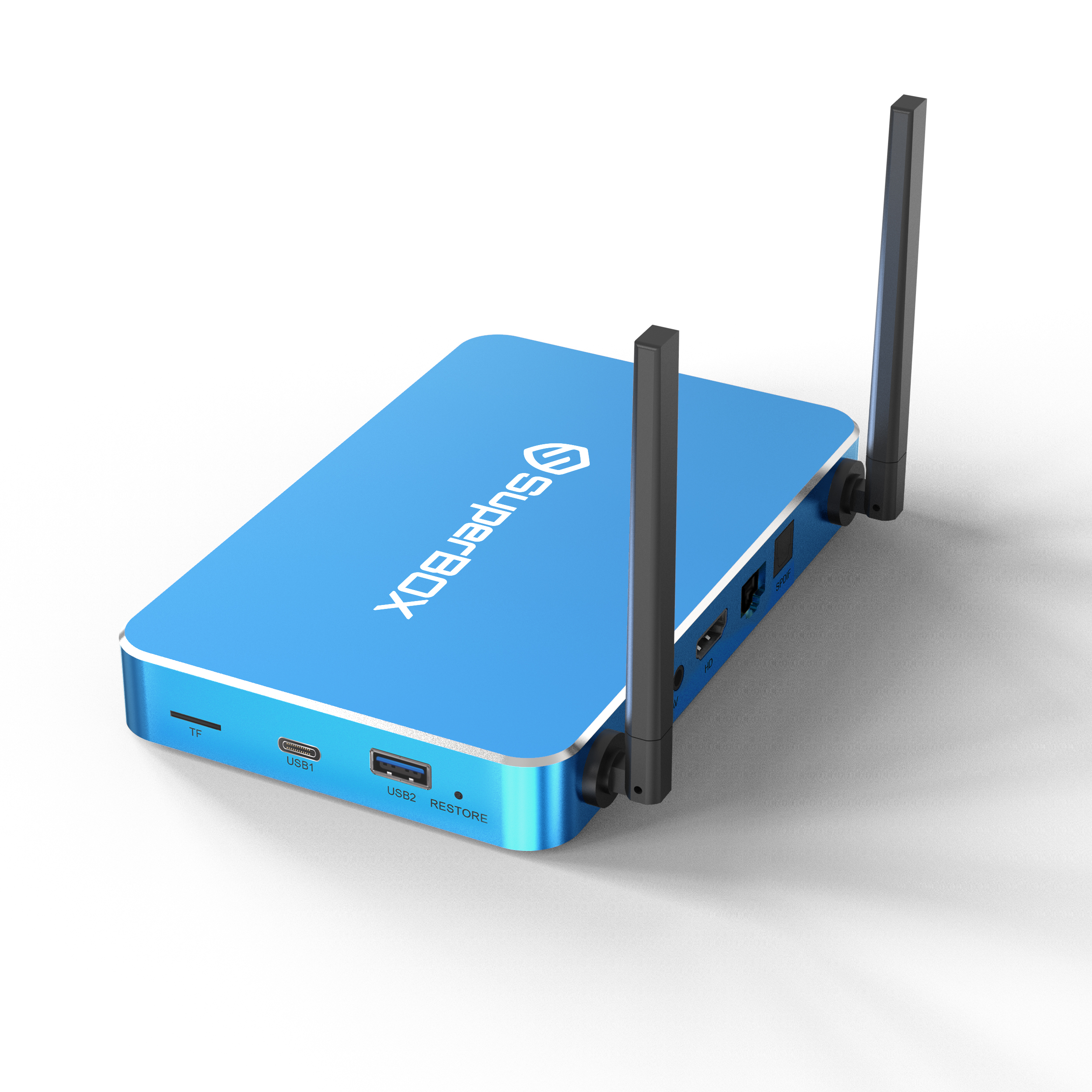
Available Connection Ports
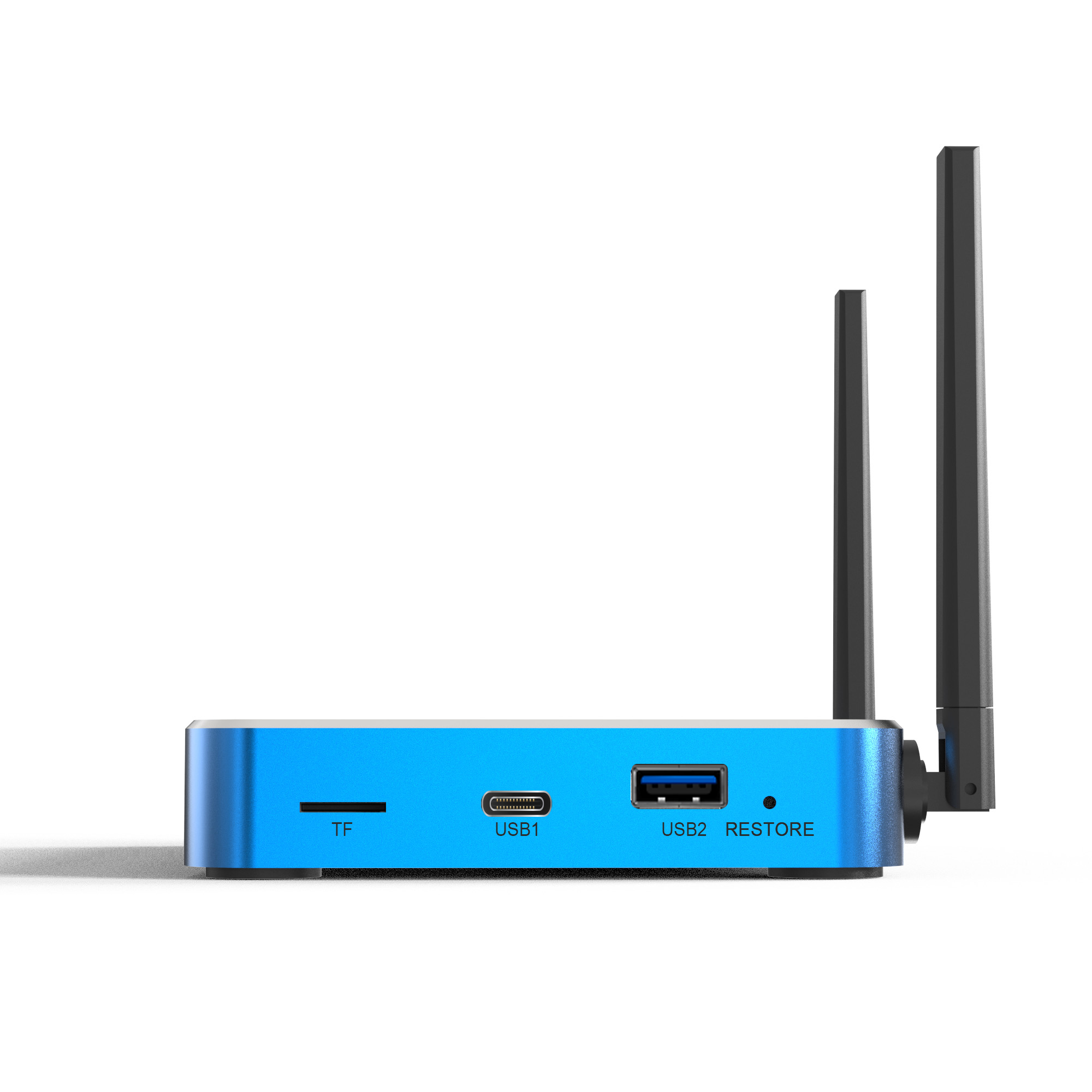
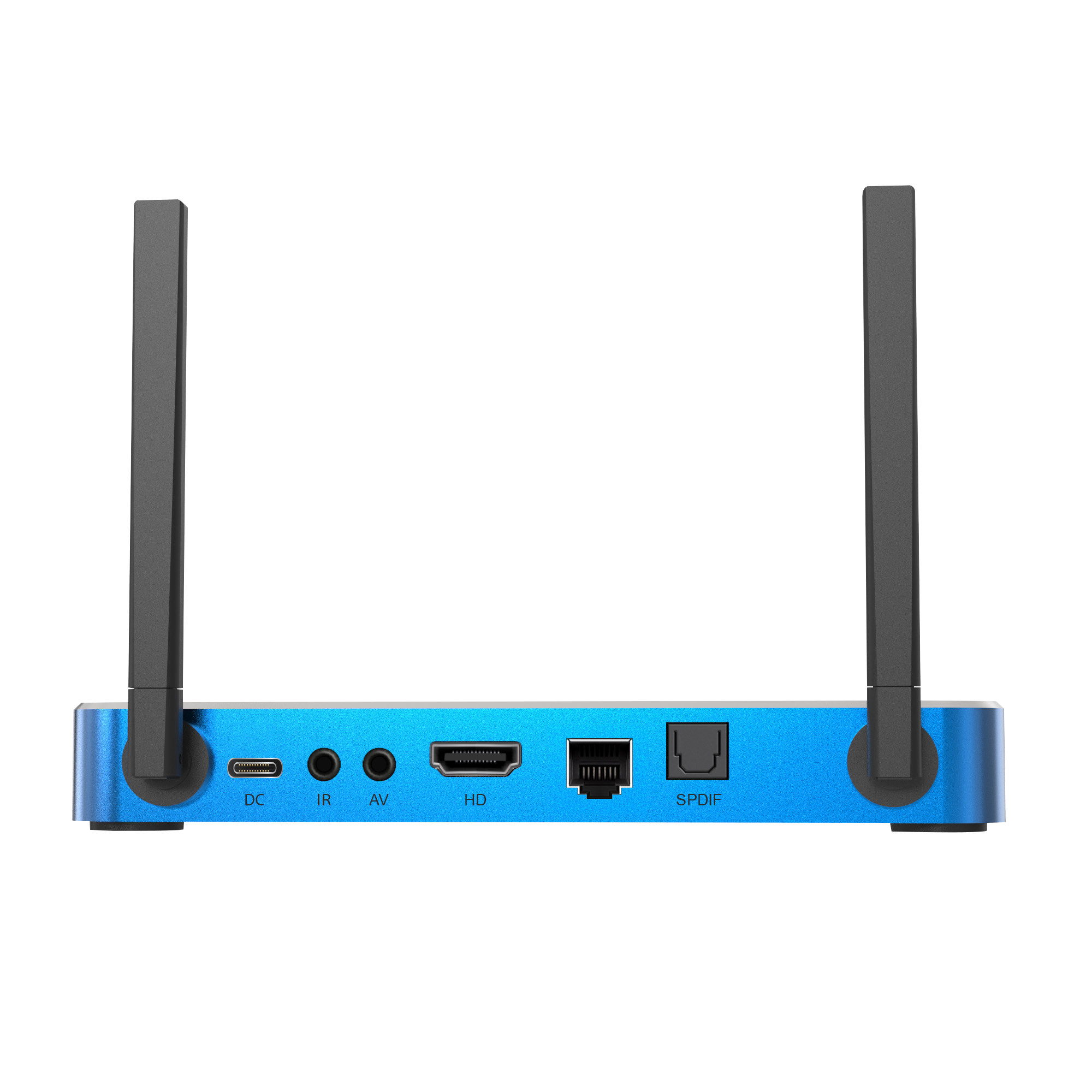
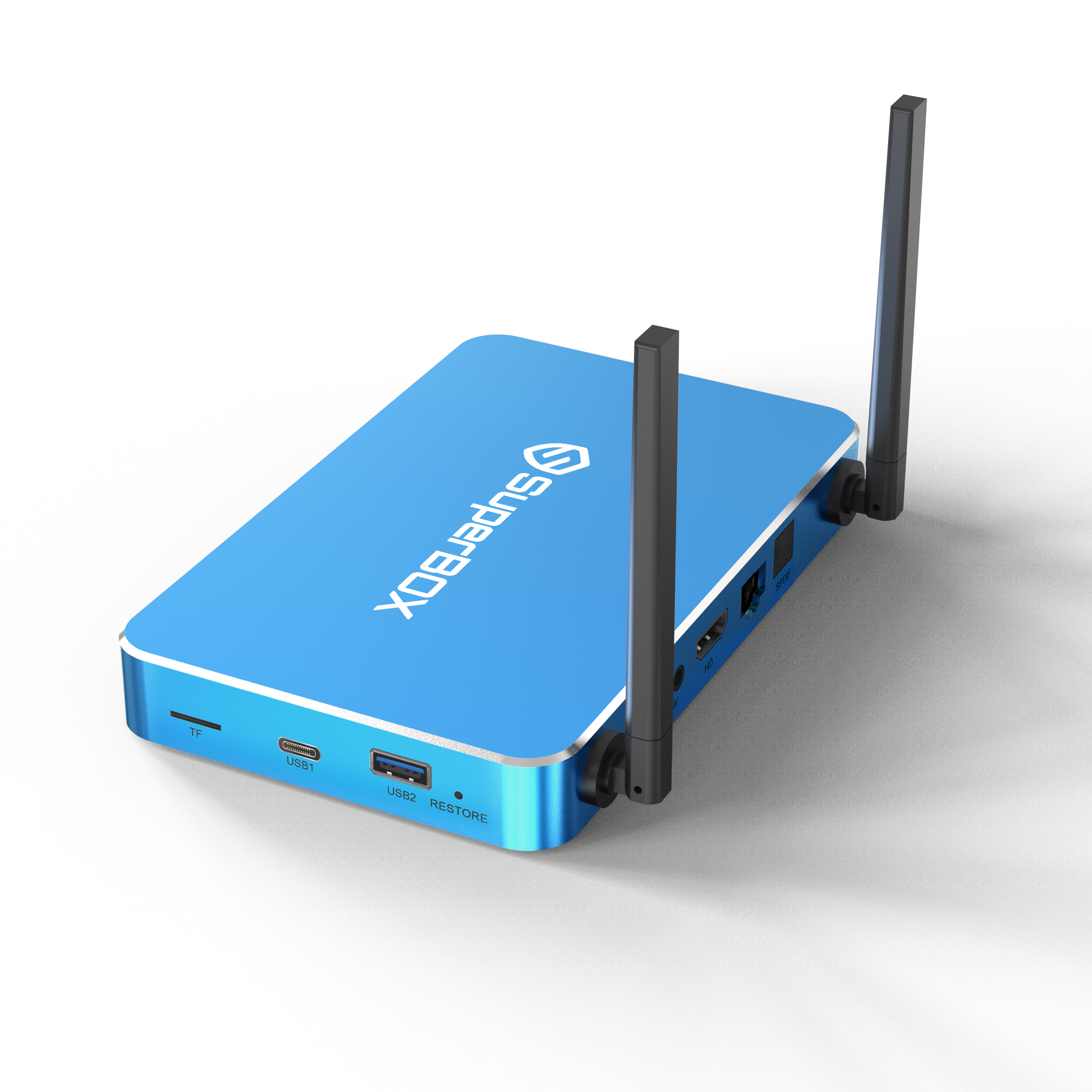
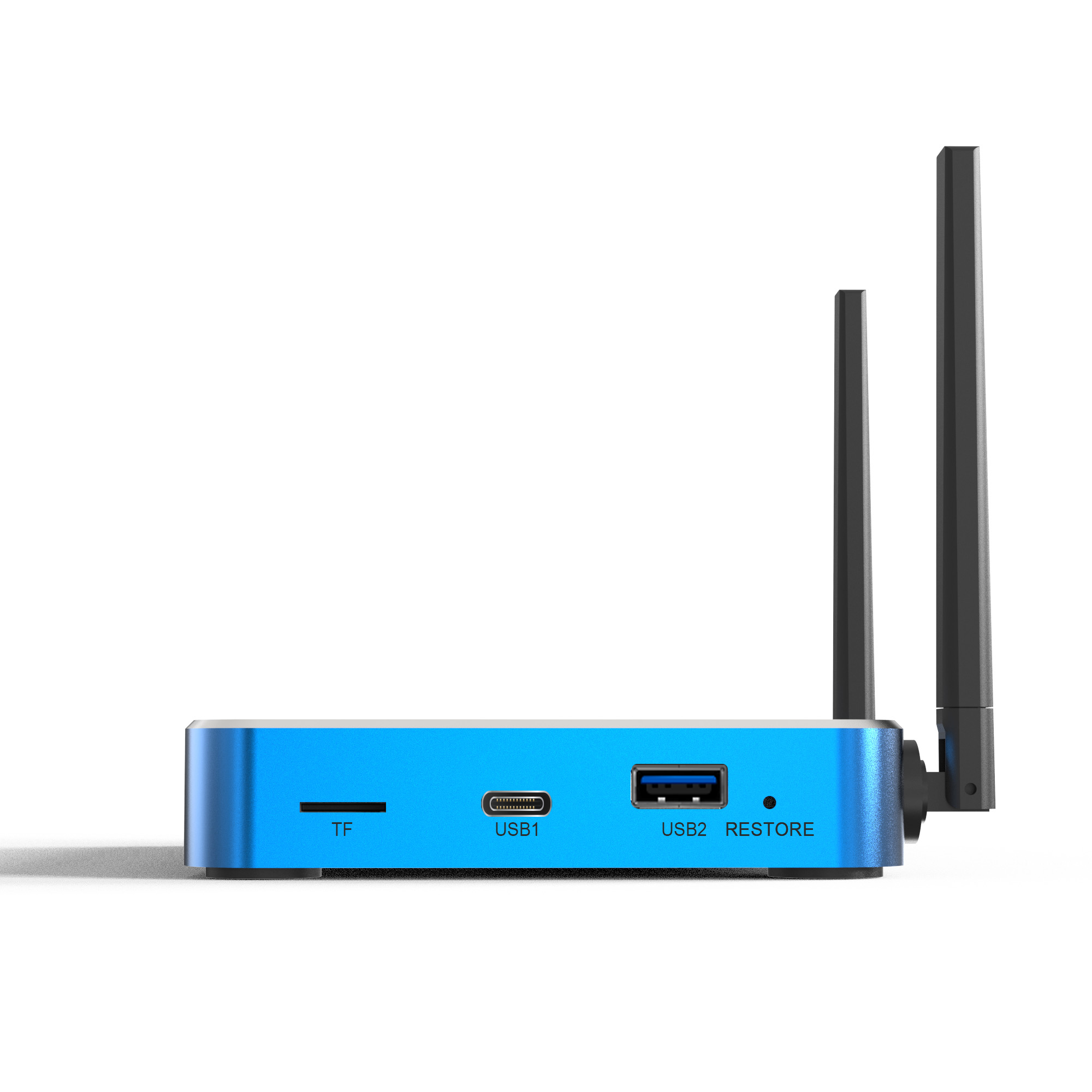
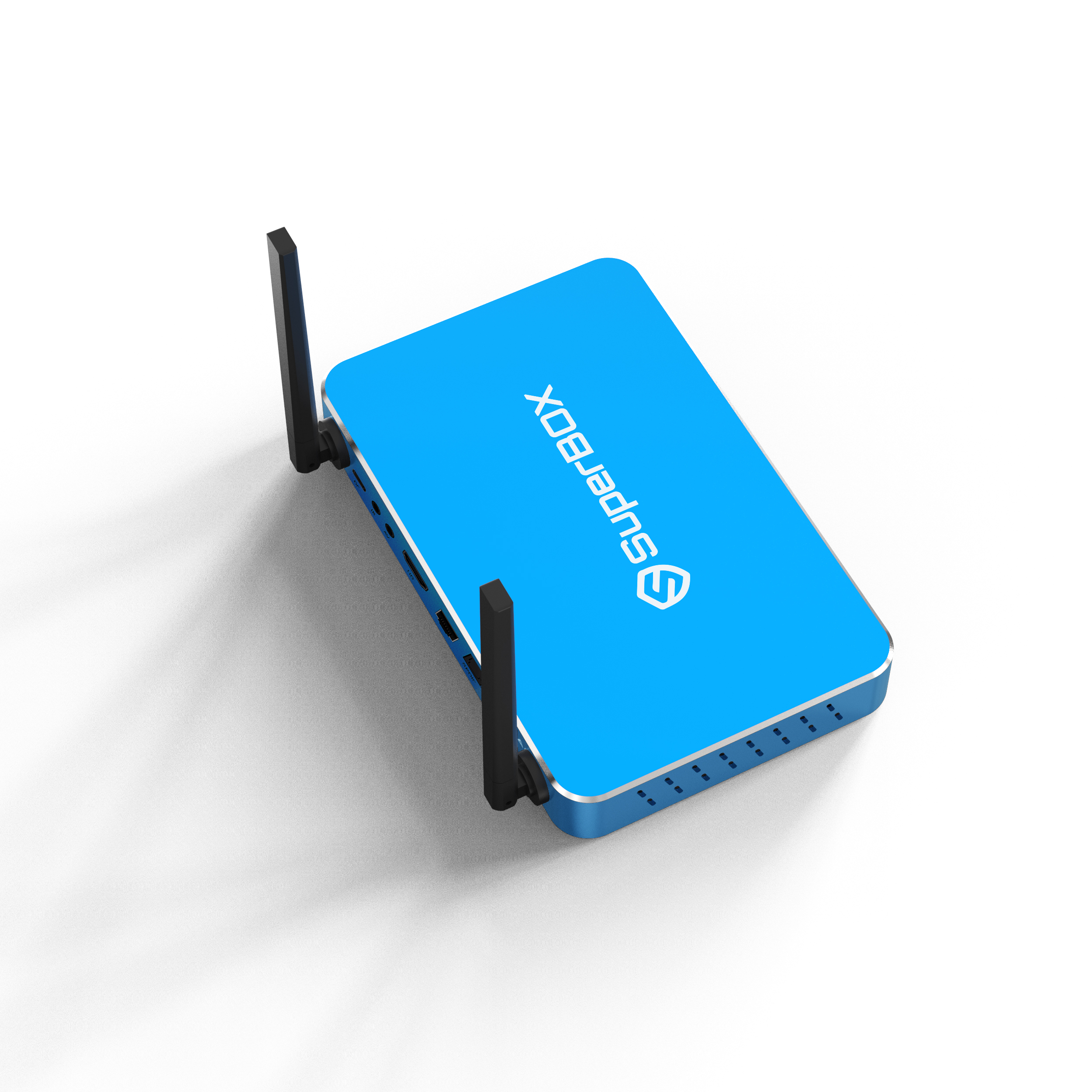
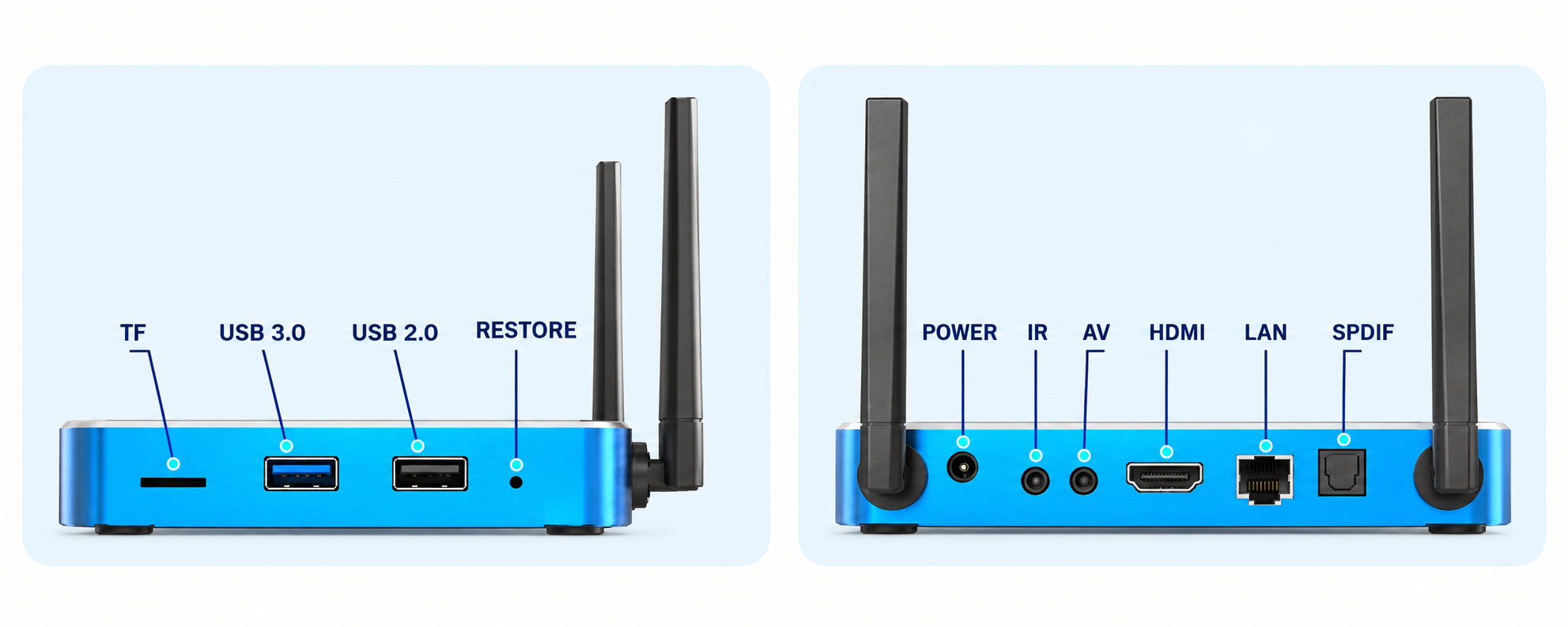
A wide selection of ports gives the SuperBOX S8 Plus greater flexibility when connecting compatible equipment. Users can attach external storage, wired networking, display hardware, and supported audio equipment according to their individual setup. The practical port arrangement also helps keep installation and cable management straightforward.
- TF
- USB 3.0
- USB 2.0
- RESTORE
- POWER
- IR
- AV
- HDMI
- LAN
- SPDIF
SuperBOX S8 Plus Technical Specifications
Specification Details Model SuperBOX S8 Plus Operating System Android 12.0 Processor Quad-Core ARM Cortex-A53 GPU Mali-G31 MP2 RAM 4GB DDR Storage 64GB eMMC WiFi Dual-Band with WiFi 6 Support Ethernet 1000Mbps Ethernet Video Decoder H.265, up to 6K@60fps Power Supply DC 5V/2A Bluetooth Bluetooth 5.2 USB USB 3.0 / USB-C Package Contents
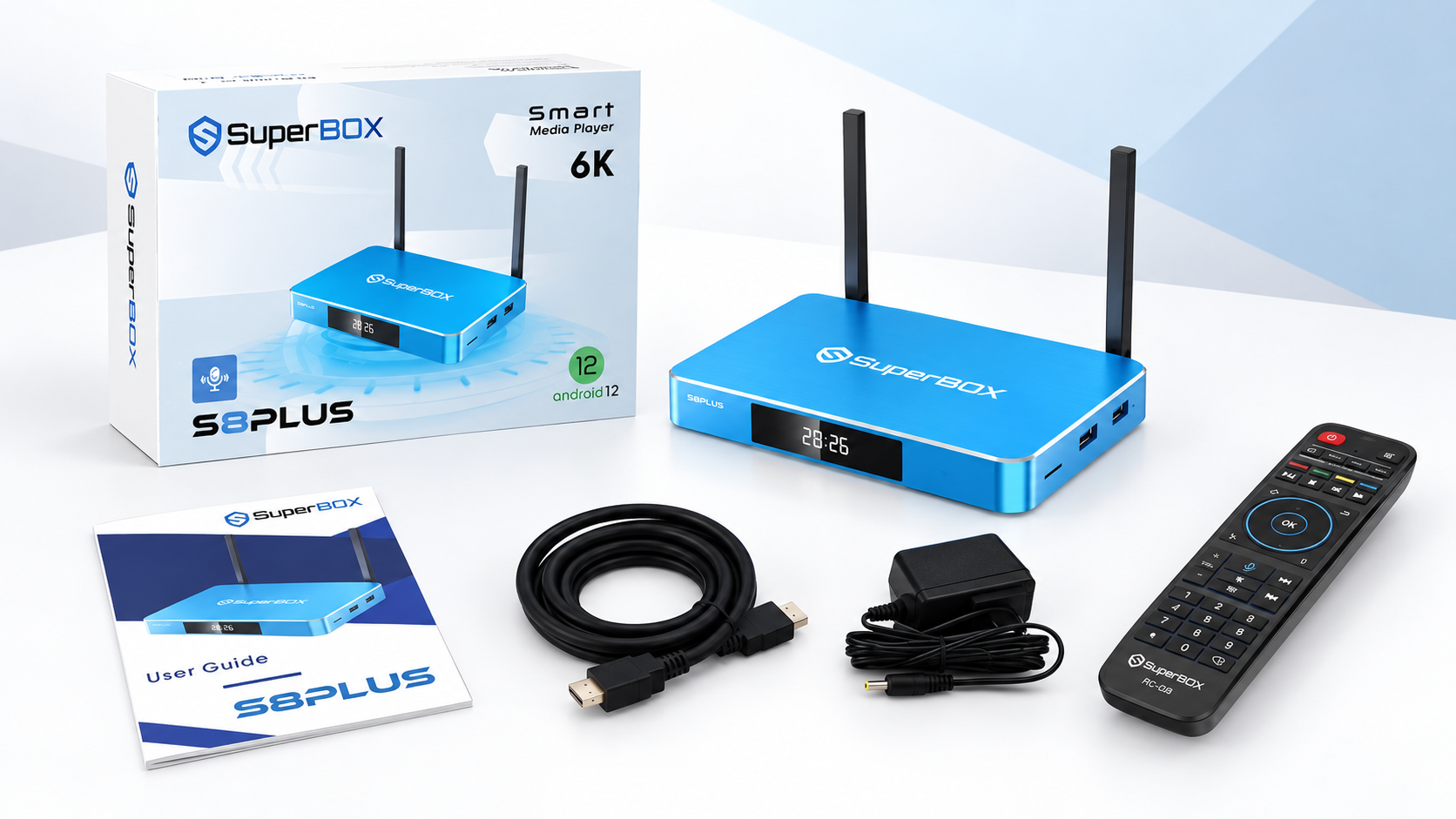
The SuperBOX S8 Plus package contains the essential equipment required for connection and everyday operation:
-
SuperBOX S8 Plus
-
Backlit remote control
-
User guide
-
Power cable
-
HDMI cable
-
How to Set Up a SuperBox in Minutes
.png?w=1877&h=1688)
.png?w=1347&h=3014)
.png?w=1997&h=1901)